



How to use extract feature in Dreamweaver CC 2017
I am new to Dreamweaver, but I do have a basic knowledge of HTML. I am trying to make a simple one page website for my YouTube channel using the designs I have made in Photoshop, but since this is a thread its obvious I am failing miserably  . I have uploaded the PSD using extract but I don't know much about how to get everything on to the HTML document where it is on the PSD because when I try to click and drag everything from the contents of the extracted PSD it become one PNG, and when I try and do all the layers separate, they are misplaced because I would guess they have not been told by the code where to be positioned. I believe that would be CSS, which I know NOTHING about.
How do I get everything positioned correctly while still having all the layers separate like I need them to be?
Thank to anyone who offers help or suggestions
Here is what I currently have: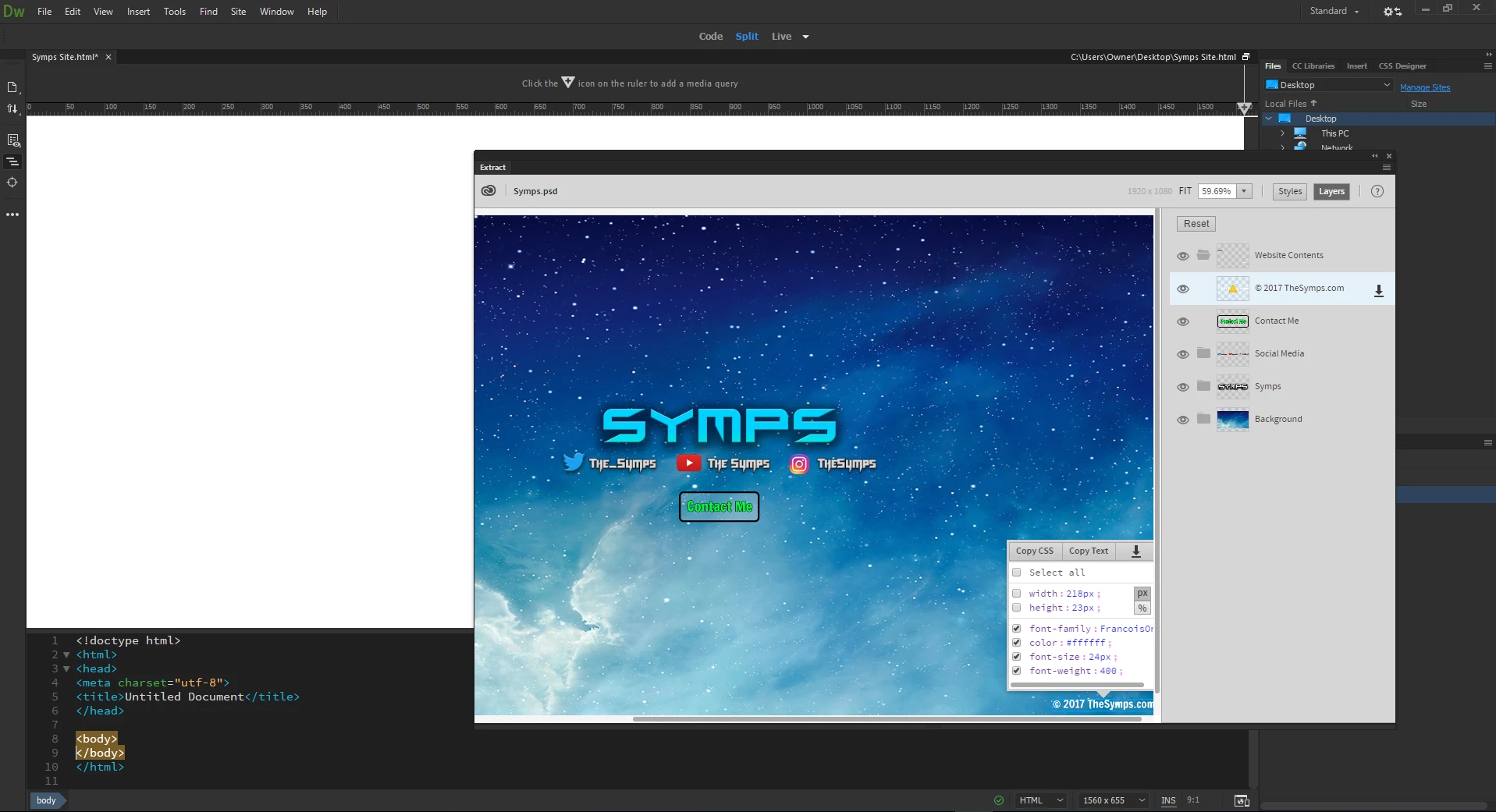

 AdChoices