

Dr_Atomic
Inspiring
April 20, 2019
Question

HT relink mass of broken image links?

  • April 20, 2019
  • 2 replies
  • 623 views

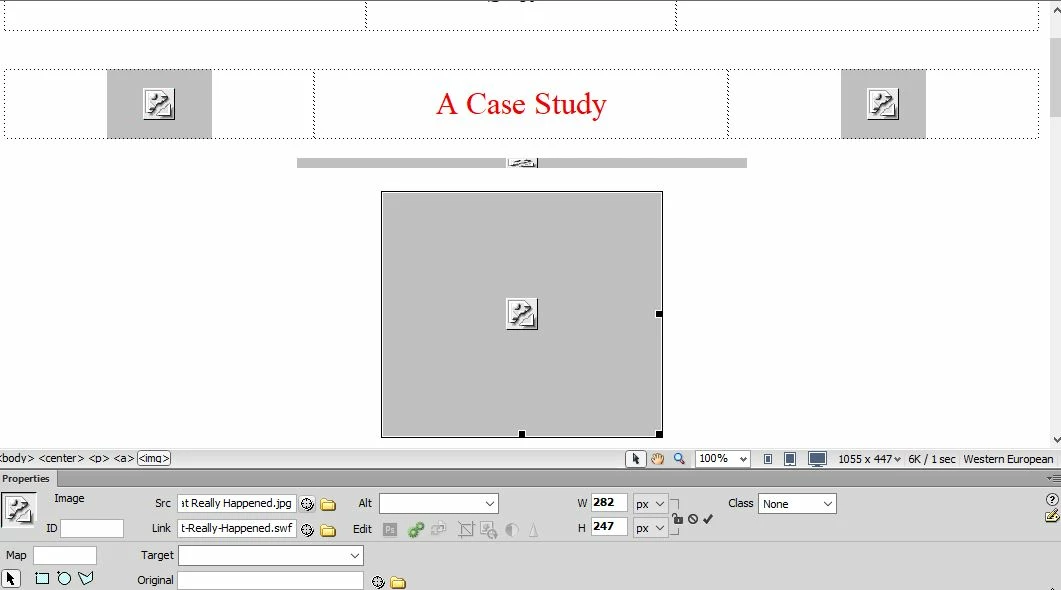
I haven't worked on my website for at least two years due to other obligations, and now I've discovered that numerous pages all have broken image links and missing background images. I have a lot of images inserted, and what a pain it's going to be to relink every single one. The image files are all there - they're just aren't linked. Is there a better/quicker way to relink them all other than doing it all one-by-one, which could take days/weeks? I have CS6, btw. I have a screenshot if it helps.
This topic has been closed for replies.

2 replies

Jon Fritz
Community Expert
Community Expert
April 22, 2019

The Find & Replace tool can find the old folder paths for your images in your current code and change them to the new paths across the entire current local site.

Hit Ctrl + F to bring up the tool: How to Use Search and Replace in Dreamweaver

Nancy OShea
Community Expert
Community Expert
April 20, 2019

It looks to me like you've got spaces in your file names which is a big no no on the web.   You will need to rename all your files without spaces from the DW Files Panel.  And when prompted by DW to update links, hit YES.

On another related matter, you realize that SWF / Flash is dead  right?   Adobe announced they are killing Flash Player in 2020.  Meanwhile, all  the major browsers have  stopped supporting the plugins by default

Nancy O'Shea— Product User & Community Expert