Inspiring
Jan 6, 2022 9:17 PM UTC
Answered

HTM file not displaying contents - only <h even though all coding is viewable in browser

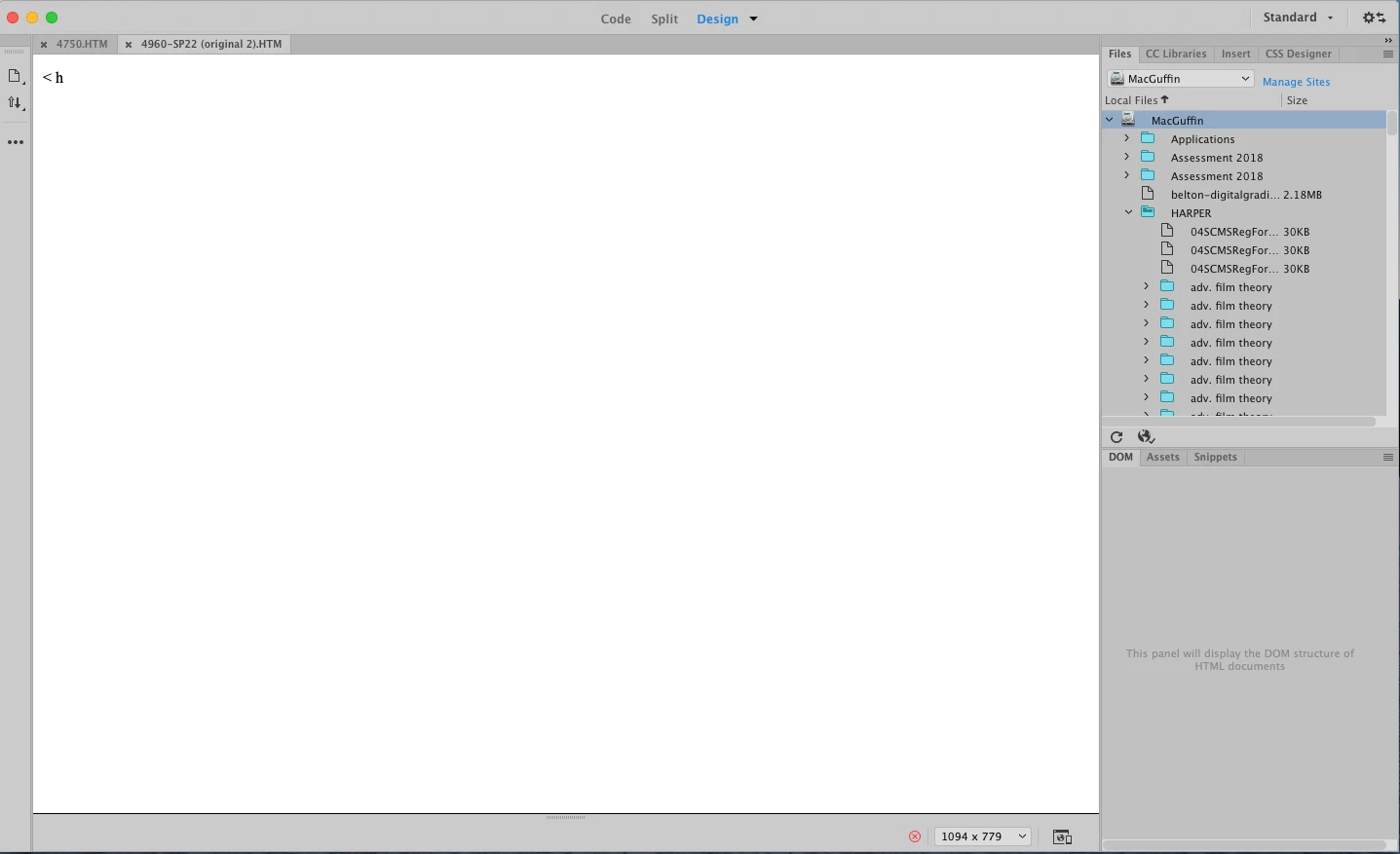
Help! An HTM file opened fine and showed all my coding/text. Then somehow it only shows <h in the Display view—nothing else (screen shot #1).


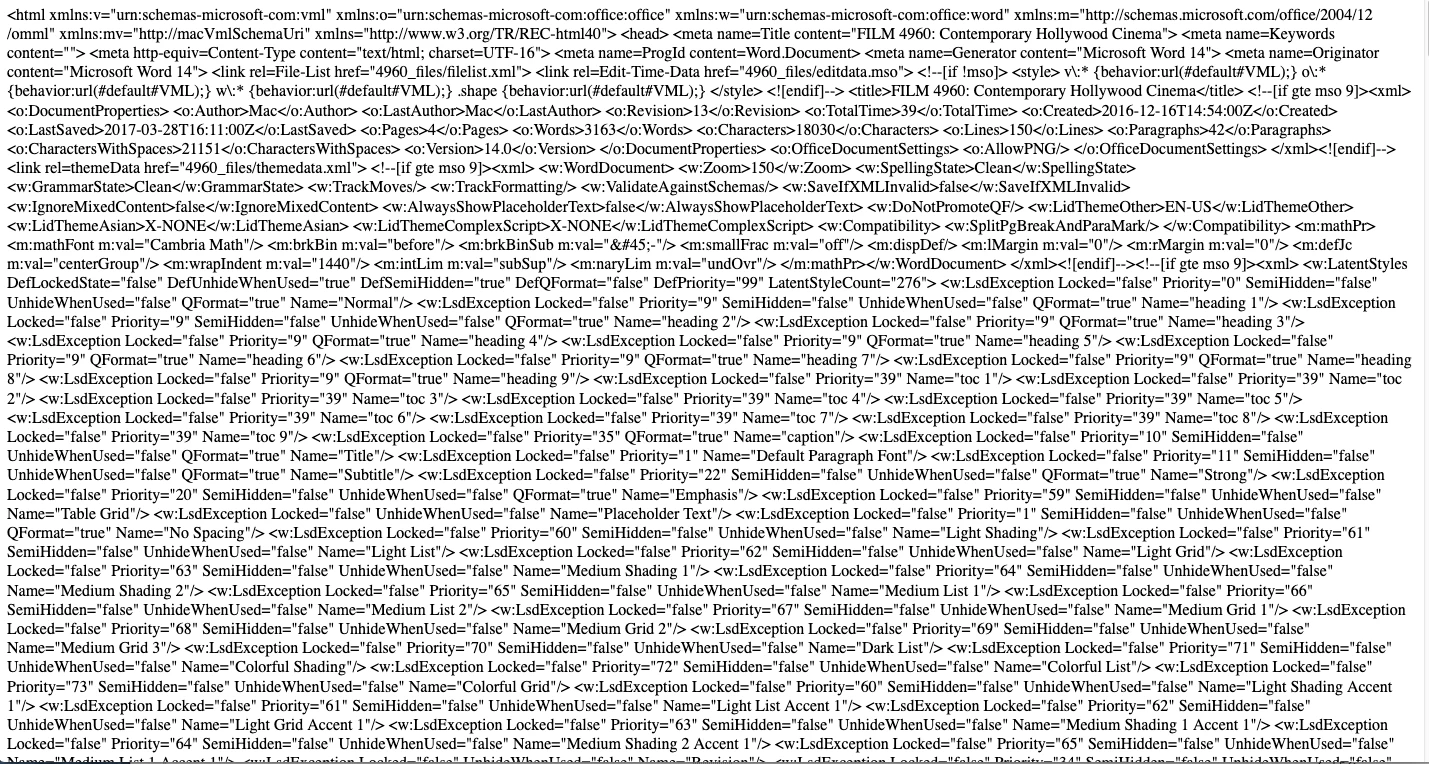
If I open the file in a browser, you can see that the formatting is running all together but the content is all there (screen shot 2#). I was attempting to try to fix the formatting when all the text disappeared in the Display view.


Since all the content is still there (screen shot #2), it makes me think that this is just a display/view problem in Dreamweaver and that I have not lost all the content, but I don't know.


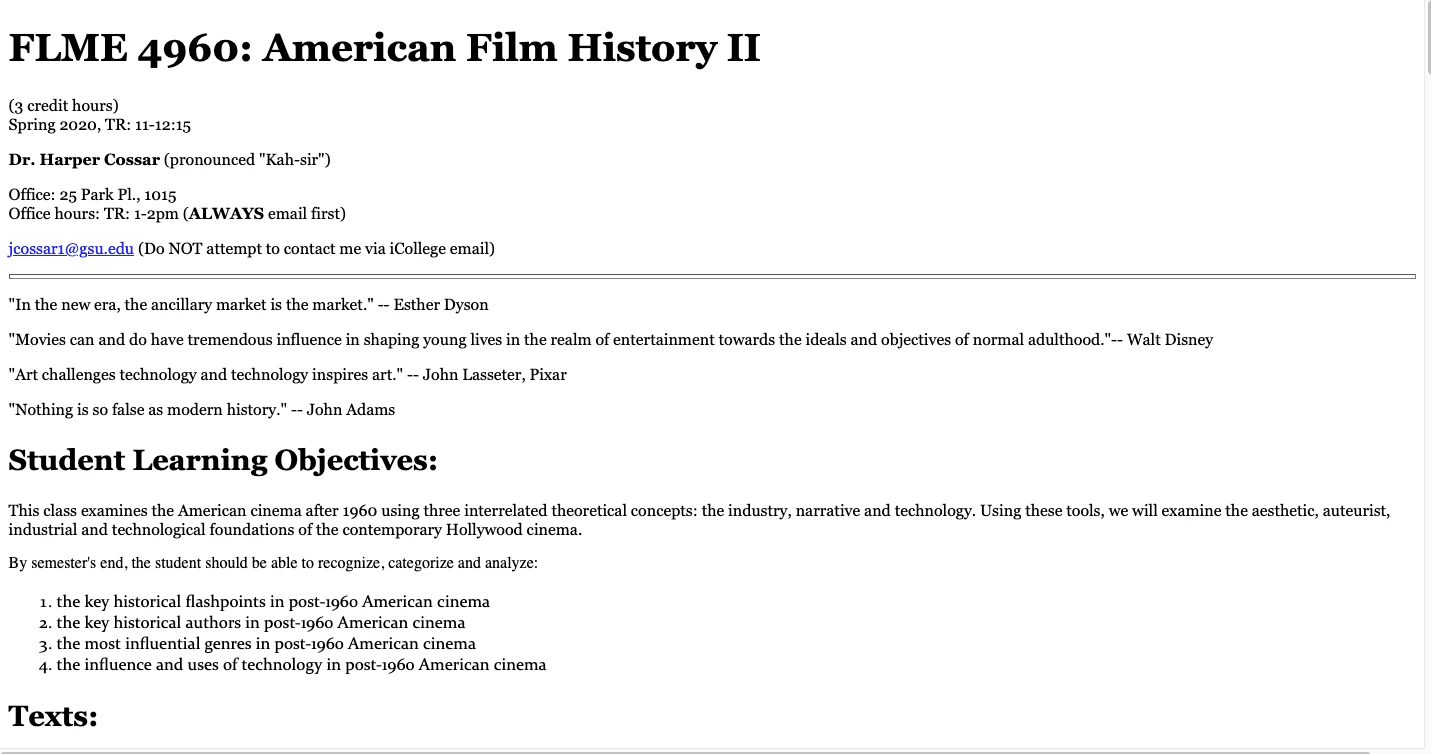
I also need help fixing the file since it is supposed to look like screen shot #3. That was my original goal before I couldn't find where all the text went. Thank you for any help!
This topic is closed to new replies. Start a new post to keep the conversation going.
heatherc34716025Correct answer
Inspiring
Jan 14, 2022 2:19 PM UTC

Thanks, everyone! The best option was to just redo. 

6 replies

Nancy OShea
Community Expert
Community Expert
Jan 6, 2022 10:58 PM UTC

This appears to be junk code generated by MS Word which is not exactly ideal code to work with.  As @Jon Fritz said, your code contains errors denoted by the red X in a circle.  


Go to File > New > HTML and click the Create Button.

Type some text.

Save (Ctrl + S).

Does it work OK?


Going forward, when copying from MS Office, always use Edit > Paste Special with Text Only.  This strips out the junk code before it reaches your HTML document.  Use CSS to style your content.


Translate
Nancy O'Shea— Product User & Community Expert
heatherc34716025AuthorCorrect answer
Inspiring
Jan 14, 2022 2:19 PM UTC

Thanks, everyone! The best option was to just redo. 

Translate
Community Expert
Jan 6, 2022 10:57 PM UTC

Definitely a coding error as Jon eluded to. Somewhere there is a bad tag. However, I suspect you could end up with a lot of errors because I can see this code was generated from Microsoft Word.  Personally speaking for a quick fix, I would re-export from Word. But longer term look to make a cleaner page in DW with more modern code.

Translate
Inspiring
Jan 6, 2022 11:10 PM UTC

Good call. Thanks. This is old and I have thought I need to redo. 

Translate
Jon Fritz
Community Expert
Community Expert
Jan 6, 2022 9:30 PM UTC

See the red "X in Circle" icon at the bottom of your document window?

That means you have errors in your html. Things like unclosed tags can cause what you're seeing in DW. Browsers are better equipped to guess what the developer was thinking when they run into code problems, DW... not so much.

Run your code through the validator here and fix the reported errors: http://validator.w3.org/nu
If it doesn't come back after fixing the problems, post back with the entire code of the page and someone here will be able to point to where things went awry.


Translate
Inspiring
Jan 6, 2022 11:10 PM UTC

Thank you! I submitted the file to this tool but it said it timed out. 

Translate