
Participant
December 29, 2020
Question

HTML email loses format when pasted into email

  • December 29, 2020
  • 2 replies
  • 205 views

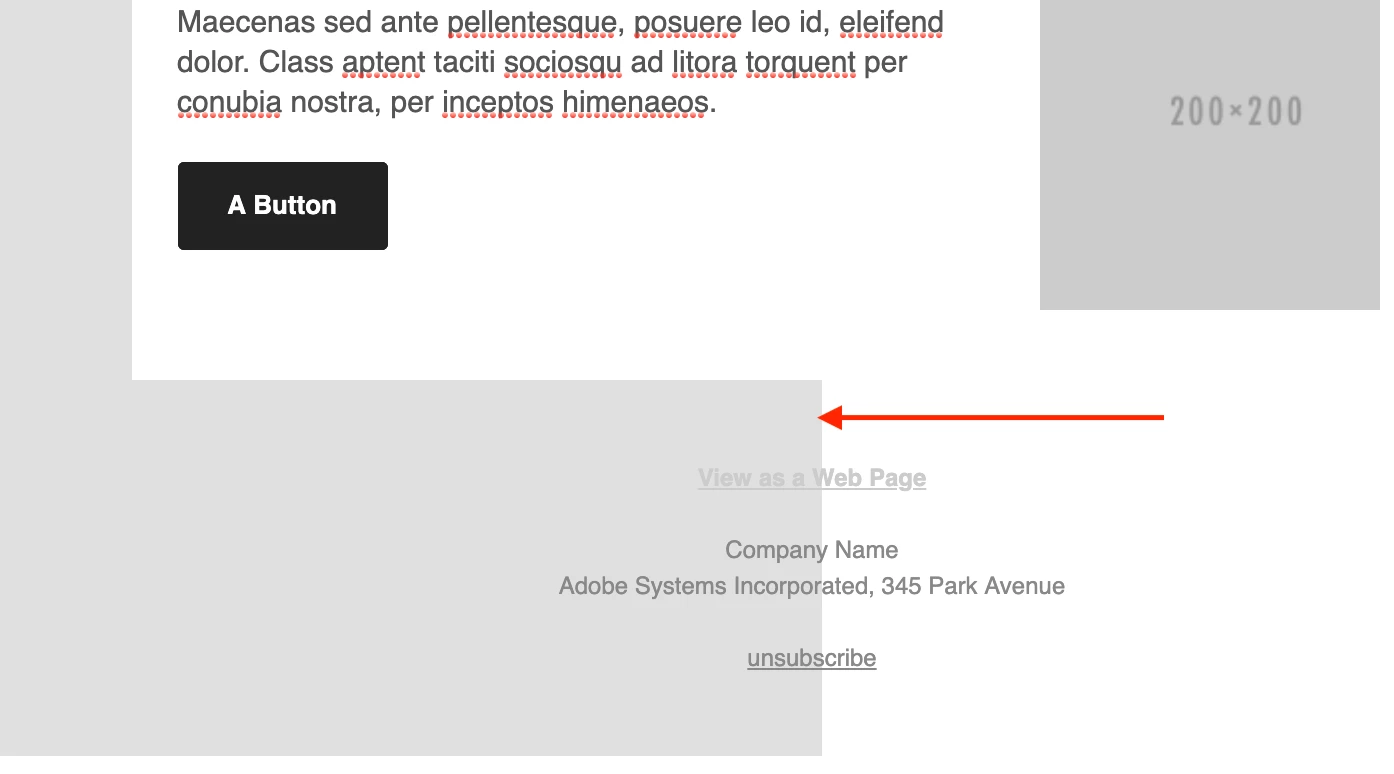
When I create an HTML email I can't figure out why the light grey box area surrounding the center table doesn't adjsut to the email panel. After several attempts, the issue persisted, so I loaded a template in preview, copied and pasted into the email and the same thing happens. The preview looks great, and when I zoom out of the email the grey body extends, but who is looking at their webpages at 30%. Anybody have a fix or thoughts?
    This topic has been closed for replies.

    2 replies

    Nancy OShea
    Community Expert
    Community Expert
    December 29, 2020

    Mailchimp & Litmus have 100+ industry-tested, responsive email templates you could use.


    Outlook is a well-known "e-mail problem child."  It doesn't behave like real browsers.  That said, answers to questions about layout & styles -- whether for emails or web pages -- are contained in your code.  Screenshots aren't helpful.


    Nancy O'Shea— Product User & Community Expert
    Community Expert
    December 29, 2020

    Don't copy and paste into an email (ie: Outlook or Apple Mail).  If you want to send out HTML emails to a list of recipients you should use an ESP and there are many to choose from (ie: Mailchimp, Constant Contact, Marketo, Hubspot, etc., etc.).  There you can take your HTML email and load it into the system.  Also, some styles online websites will not translate into email so you may want to bookmark the following resource as well for styles that work in the different email clients ( https://www.campaignmonitor.com/css/ ).