
augustot26893154
Inspiring
August 11, 2020
Answered

Hyperlink

  • August 11, 2020
  • 2 replies
  • 576 views

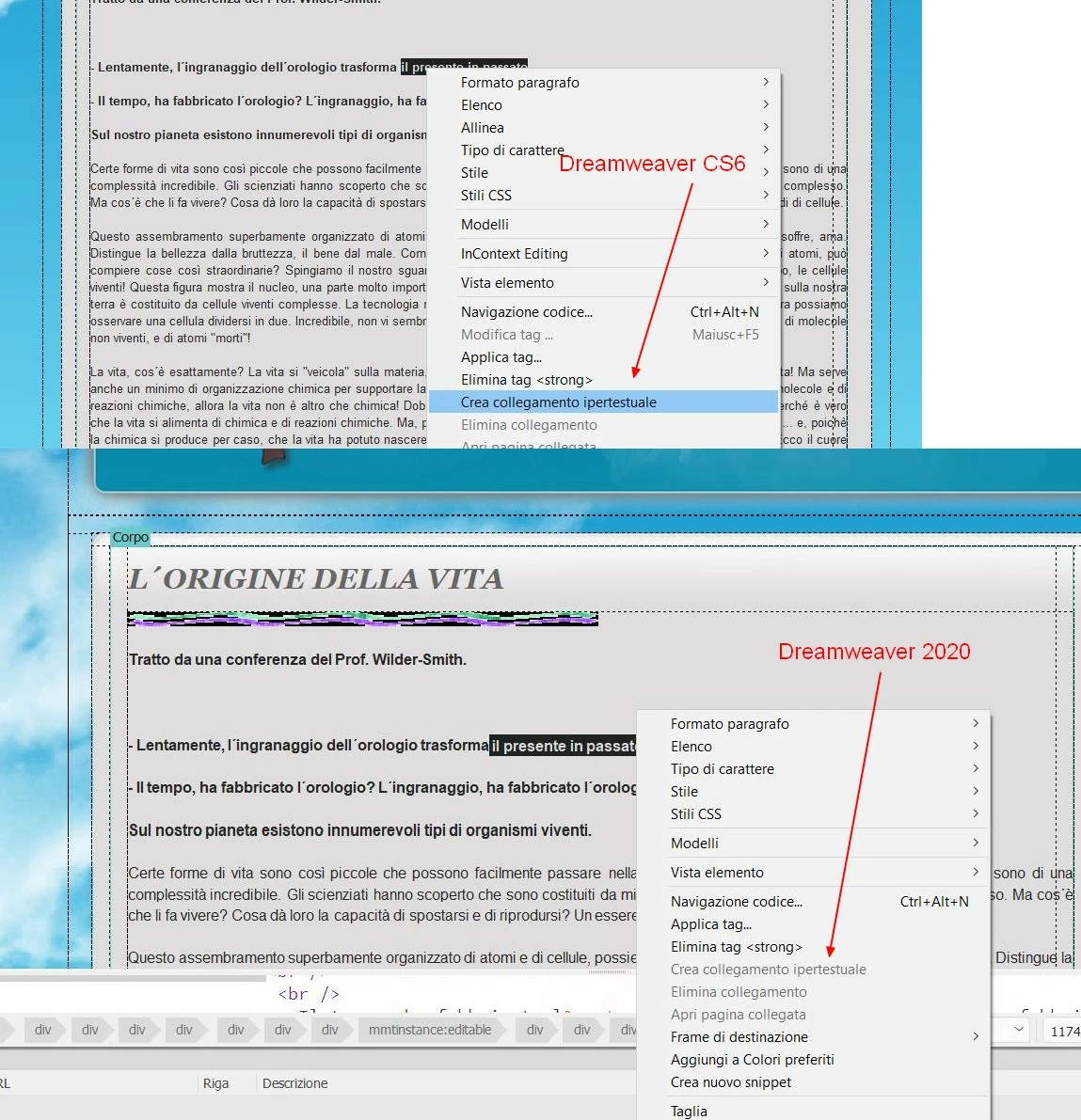
Hello, I am attaching an image from which it appears that in Dreamweaver 2020 the creation of hyperlinks is not active unlike Dreamweaver cs6. Is it possible to activate the option?

Thanks Augusto


[Moved from Using the Community (which is about the forums) to a better forum... Mod]
[To find a forum for your program please start at https://community.adobe.com/]
This topic has been closed for replies.
Correct answer Nancy OShea

Are you in Live or Design view?


2 replies

Nancy OShea
Community Expert
Nancy OSheaCommunity ExpertCorrect answer
Community Expert
August 11, 2020

Are you in Live or Design view?


Nancy O'Shea— Product User & Community Expert
augustot26893154
Inspiring
August 11, 2020

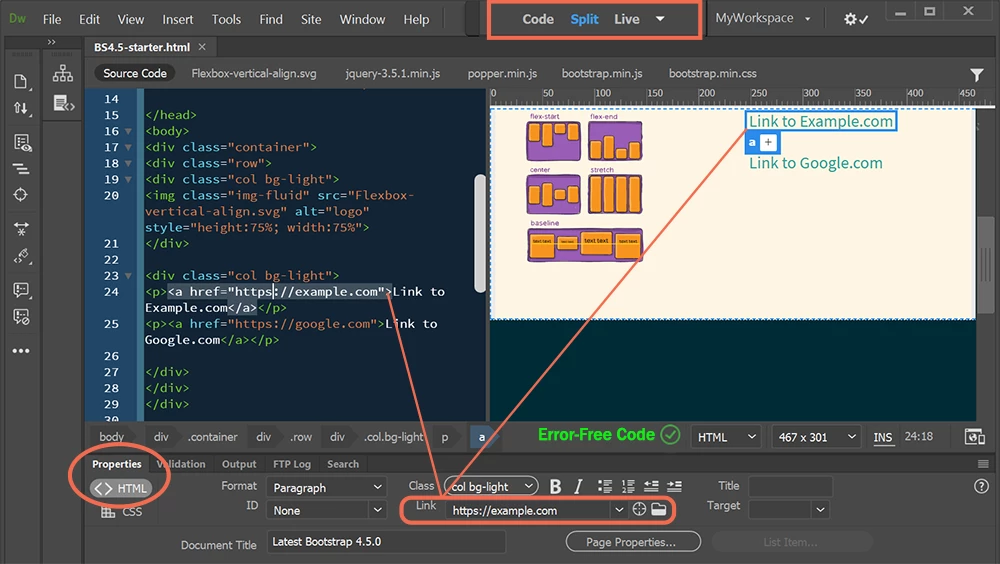
I normally work in design mode (not live) but also in live mode the panel that I indicate in the attached image does not appear.
Thank you

Augusto

Nancy OShea
Community Expert
Community Expert
August 11, 2020

To display the Properties Panel, go to Window > Properties (Ctrl+F3).


Workspace Overview

https://helpx.adobe.com/dreamweaver/using/dreamweaver-workflow-workspace.html


Customize your Workspace

https://helpx.adobe.com/in/dreamweaver/using/customizing-dreamweaver-workspace.html


Nancy O'Shea— Product User & Community Expert
Jon Fritz
Community Expert
Community Expert
August 11, 2020

The option is active for me in DW CC 2020 (US English version).

It's possible a code error is causing your issue. DW CS6 and CC2020 are fairly different. Errors that used to be ignored aren't anymore and can cause some strange issues with the program. Run your page through the validator at http://validator.w3.org/nu and clean out any errors it finds. If you're working with clean code and the error still occurs, you might need to take additional steps like Restoring Preferences or Reinstalling.

If nothing helps, you may want to contact Adobe Customer Support directly as there could be a bug in your specific language version of the program.

augustot26893154
Inspiring
August 11, 2020

Thanks, if I don't solve it otherwise I will follow the advice.

August