Try the below:
<!DOCTYPE html>
<html lang="en">
<head>
<meta charset="UTF-8">
<title>Masonry</title>
</head>
<body>
<style>
body {
}
img {
max-width: 100%;
display: block;
}
* {
box-sizing: border-box;
}
.masonry {
width: 80%;
margin: 0 auto;
column-count: 4;
column-gap: .5em;
}
@media screen and (max-width: 768px) {
.masonry {
width: 90%;
}
}
@media screen and (max-width: 480px) {
.masonry {
width: 100%;
}
}
.masonry_item {
margin: 0;
width: 100%;
}
.masonry_item img {
margin: 0 0 .5em 0;
}
@media screen and (max-width: 768px) {
.masonry {
column-count: 3;
}
}
@media screen and (max-width: 480px) {
.masonry {
column-count: 2;
}
}
@media screen and (max-width: 320px) {
.masonry {
column-count: 1;
}
}
}
</style>
<div class="masonry">
<div class="masonry_item">
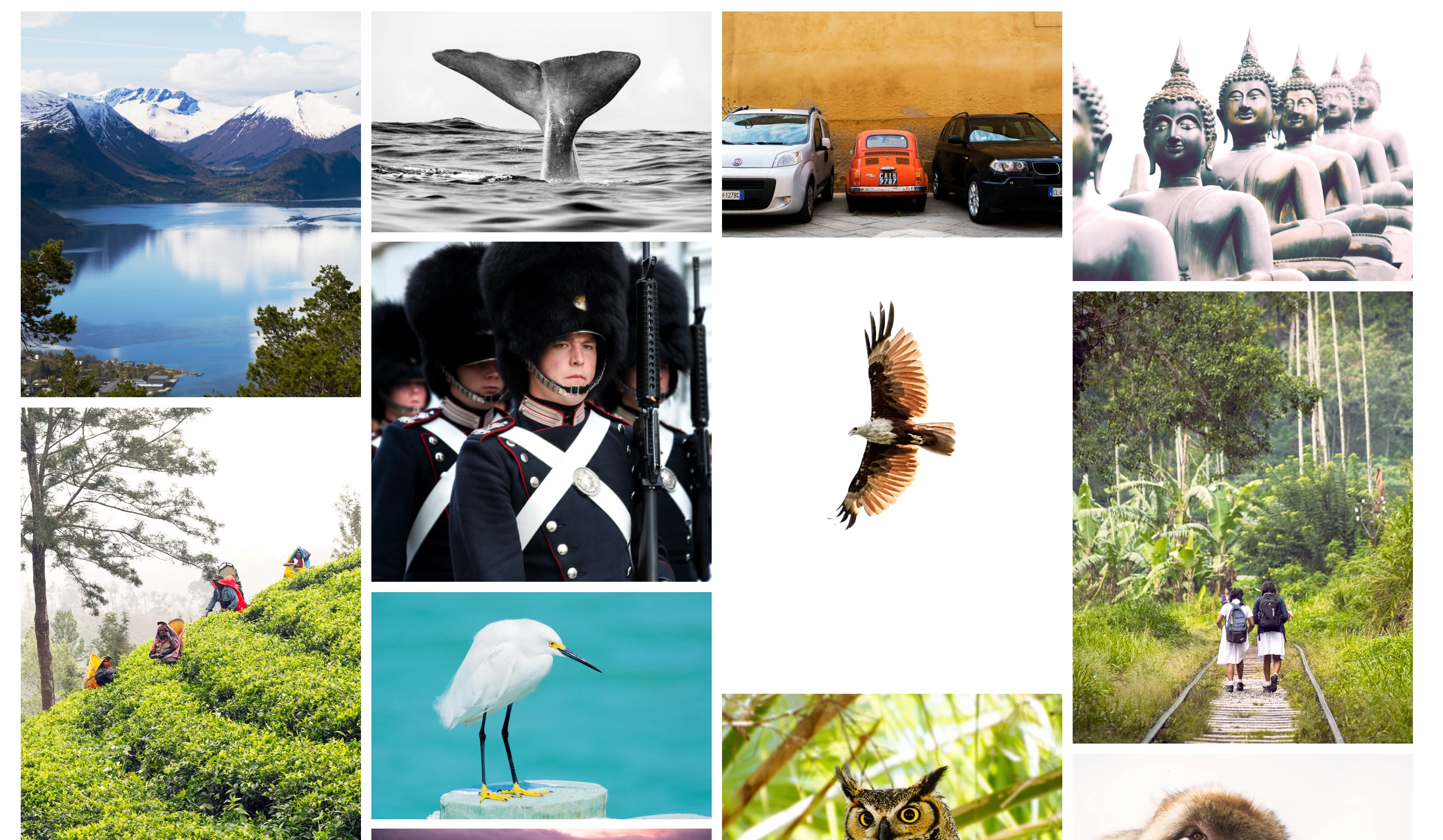
<img src="https://source.unsplash.com/random/?nature" alt="Nature">
<img src="https://source.unsplash.com/random/?food" alt="Food">
<img src="https://source.unsplash.com/random/?business" alt="Business">
<img src="https://source.unsplash.com/random/?fashion" alt="Fashion">
<img src="https://source.unsplash.com/random/?animal" alt="Animal">
<img src="https://source.unsplash.com/random/?nature" alt="Nature">
<img src="https://source.unsplash.com/random/?people" alt="Food">
<img src="https://source.unsplash.com/random/?lion" alt="Business">
<img src="https://source.unsplash.com/random/?fruit" alt="Fashion">
<img src="https://source.unsplash.com/random/?architecture" alt="Animal">
<img src="https://source.unsplash.com/random/?water" alt="Nature">
<img src="https://source.unsplash.com/random/?transport" alt="Food">
<img src="https://source.unsplash.com/random/?shopping" alt="Business">
<img src="https://source.unsplash.com/random/?leaves" alt="Fashion">
<img src="https://source.unsplash.com/random/?elephant" alt="Animal">
</div>
</div>
</body>
</html>




 AdChoices