nilleg57851248
Inspiring
January 1, 2020
Answered

Image size and position changes when adde div. Why?

  • January 1, 2020
  • 2 replies
  • 862 views

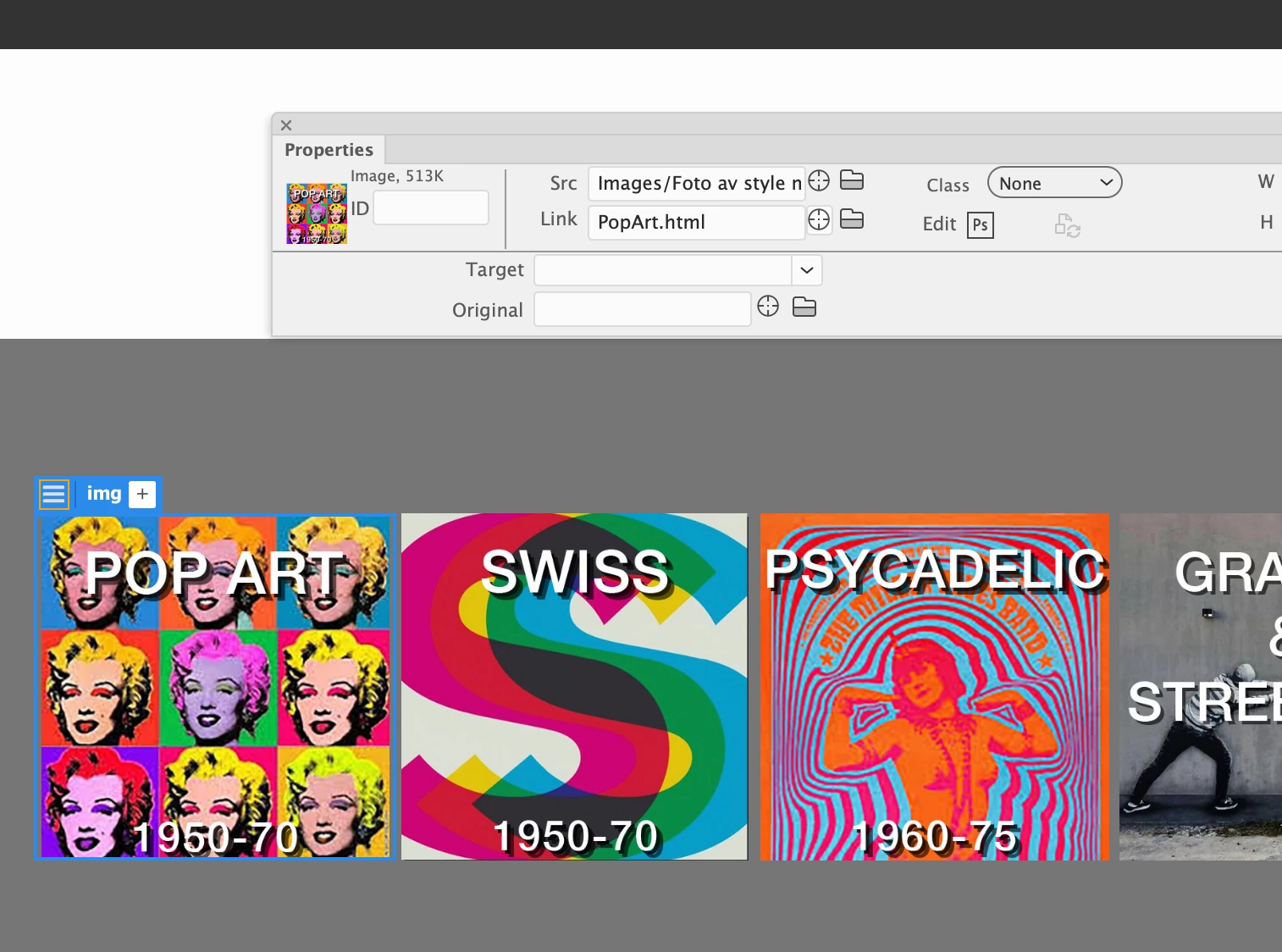
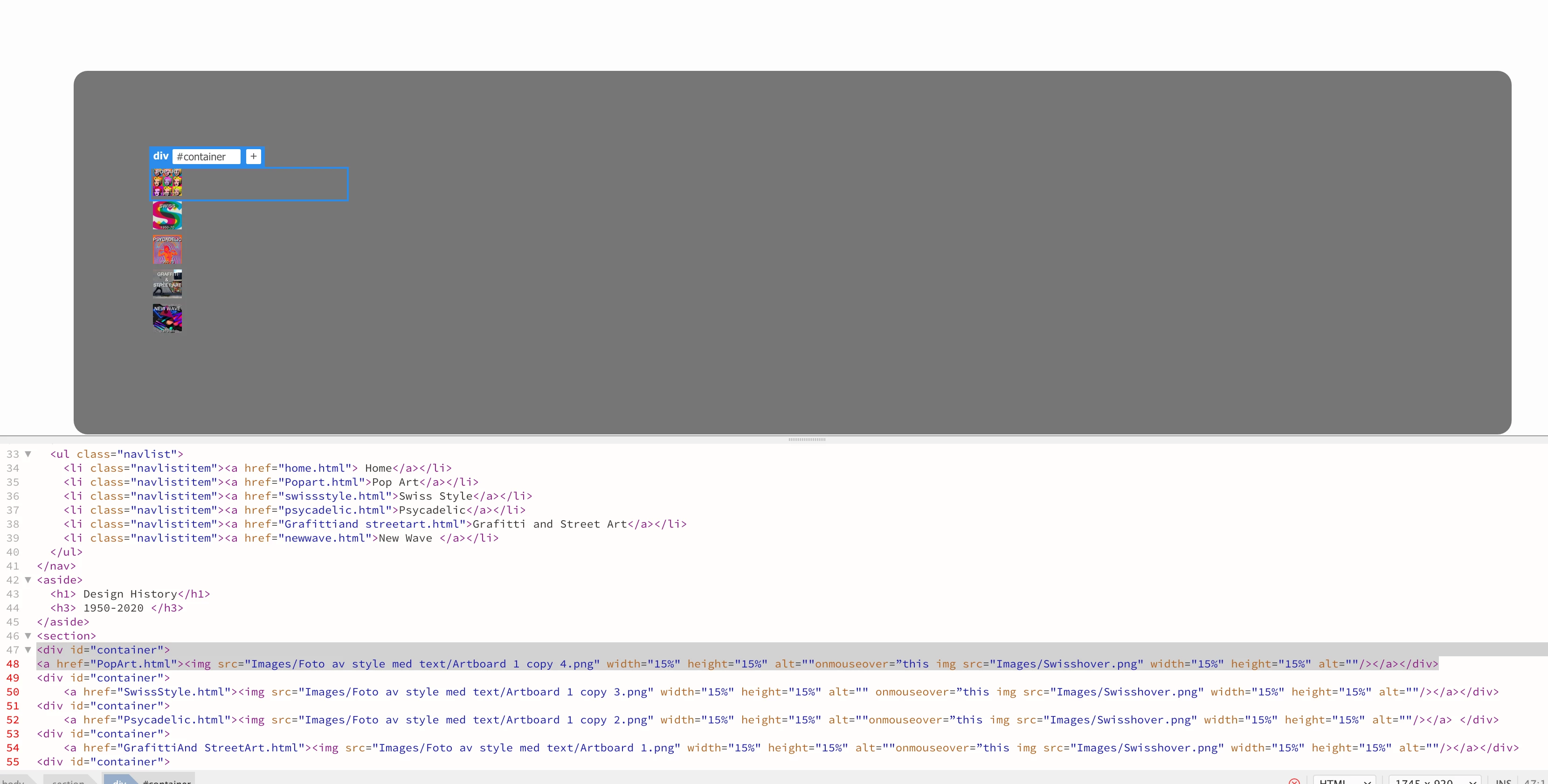
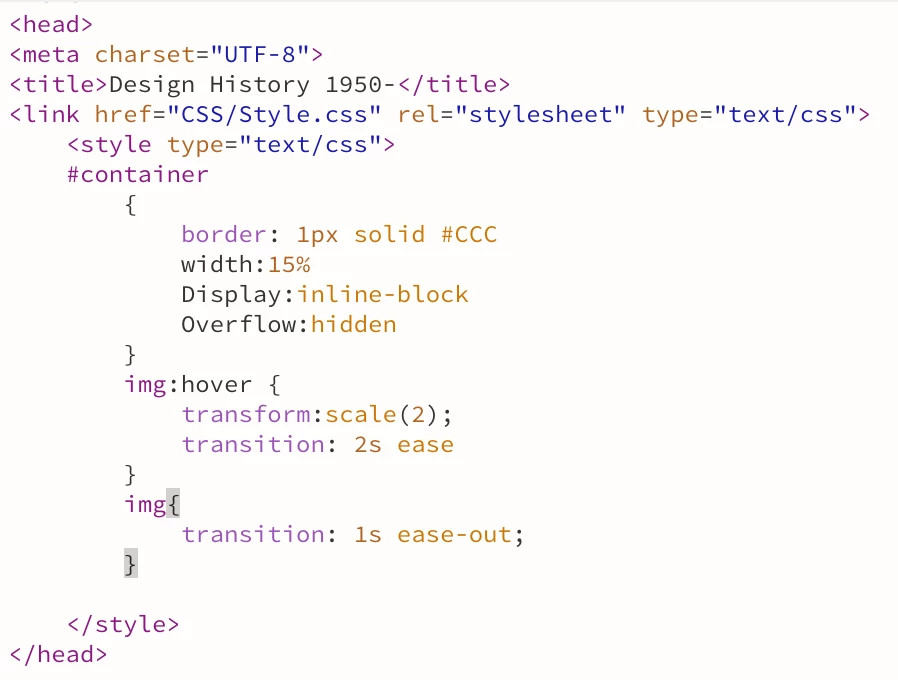
I have in style made a div ID container with autosize. But wwhen I add that to the images they change size and position. I have sat the images to 15% in size, but they get much smaller !
How do I avoid that?

This topic has been closed for replies.
Correct answer BenPleysier

Try:

<!doctype html>
<html>

<head>
	<meta charset="UTF-8">
	<title>Untitled Document</title>
	<meta name="viewport" content="width=device-width, initial-scale=1, shrink-to-fit=no">
	<style>
		.container {
			border: 1px so;
			id #CCC;
			width: 15%;
			display: inline-block;
			overflow: hidden;
		}

		img:hover {
			transform: scale(2);
			transition: 2s ease;
		}

		img {
			transition: 1s ease-out;
			width: 100%;
		}
	</style>
</head>

<body>
	<div class="container">
		<img src="https://picsum.photos/200"></img>
	</div>
	<div class="container">
		<img src="https://picsum.photos/200">
	</div>
	<div class="container">
		<img src="https://picsum.photos/200">
	</div>
	<div class="container">
		<img src="https://picsum.photos/200">
	</div>
</body>

</html>




2 replies

Legend
January 1, 2020

I guess what you want is to set the images to be 100% width, otherwise currently they are 15% of the container width.

BenPleysier
Community Expert
BenPleysierCommunity ExpertCorrect answer
Community Expert
January 1, 2020

Try:

<!doctype html>
<html>

<head>
	<meta charset="UTF-8">
	<title>Untitled Document</title>
	<meta name="viewport" content="width=device-width, initial-scale=1, shrink-to-fit=no">
	<style>
		.container {
			border: 1px so;
			id #CCC;
			width: 15%;
			display: inline-block;
			overflow: hidden;
		}

		img:hover {
			transform: scale(2);
			transition: 2s ease;
		}

		img {
			transition: 1s ease-out;
			width: 100%;
		}
	</style>
</head>

<body>
	<div class="container">
		<img src="https://picsum.photos/200"></img>
	</div>
	<div class="container">
		<img src="https://picsum.photos/200">
	</div>
	<div class="container">
		<img src="https://picsum.photos/200">
	</div>
	<div class="container">
		<img src="https://picsum.photos/200">
	</div>
</body>

</html>


Wappler is the DMXzone-made Dreamweaver replacement and includes the best of their powerful extensions, as well as much more!
nilleg57851248
Inspiring
January 1, 2020

Thank you, but still the same. What does so; mean?

BenPleysier
Community Expert
Community Expert
January 1, 2020

Sorry, that was a typo, it should read

border: 1px solid #CCC;
Wappler is the DMXzone-made Dreamweaver replacement and includes the best of their powerful extensions, as well as much more!