


Issue With Dreamweaver Not Connecting via SFTP
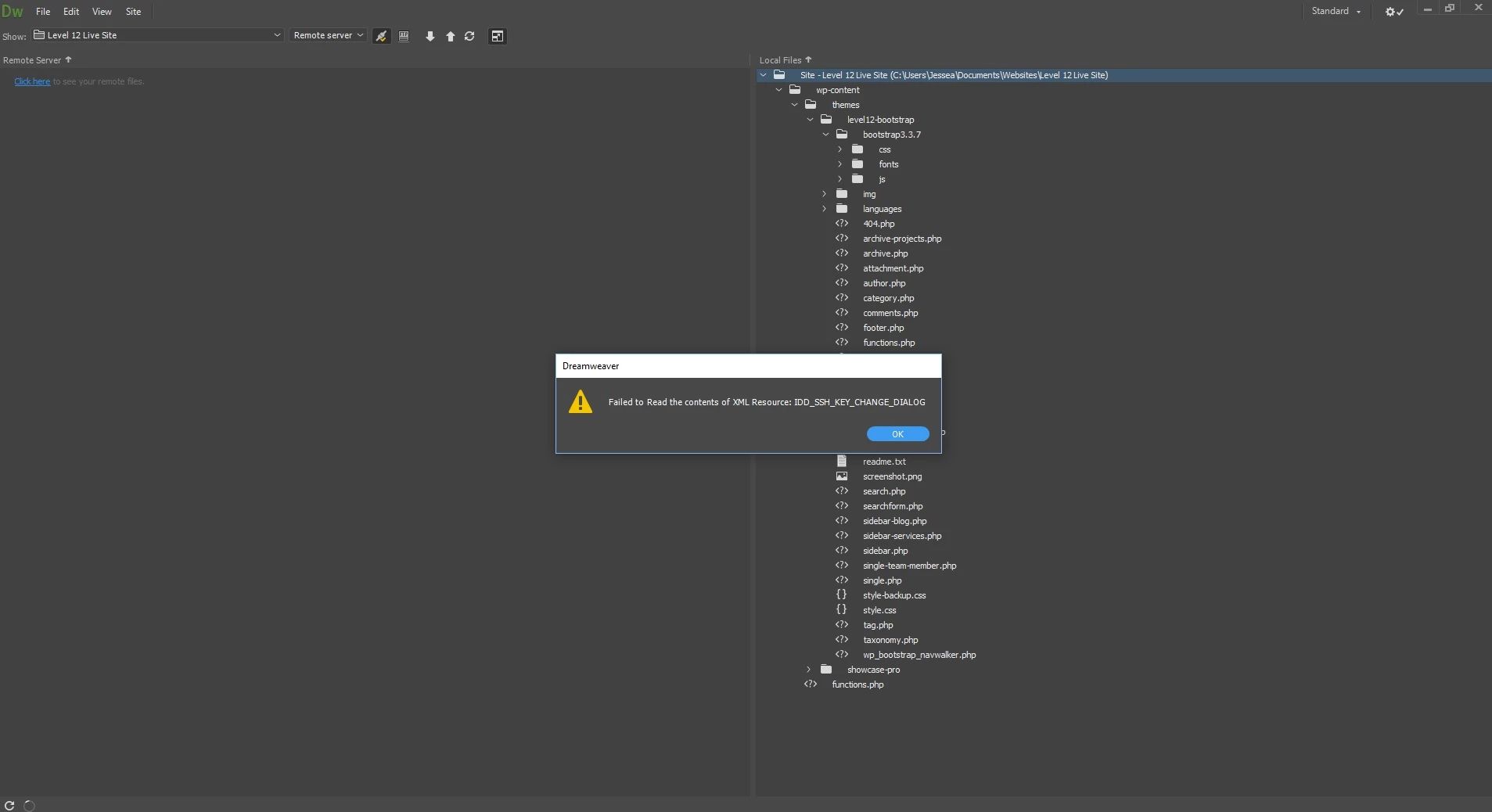
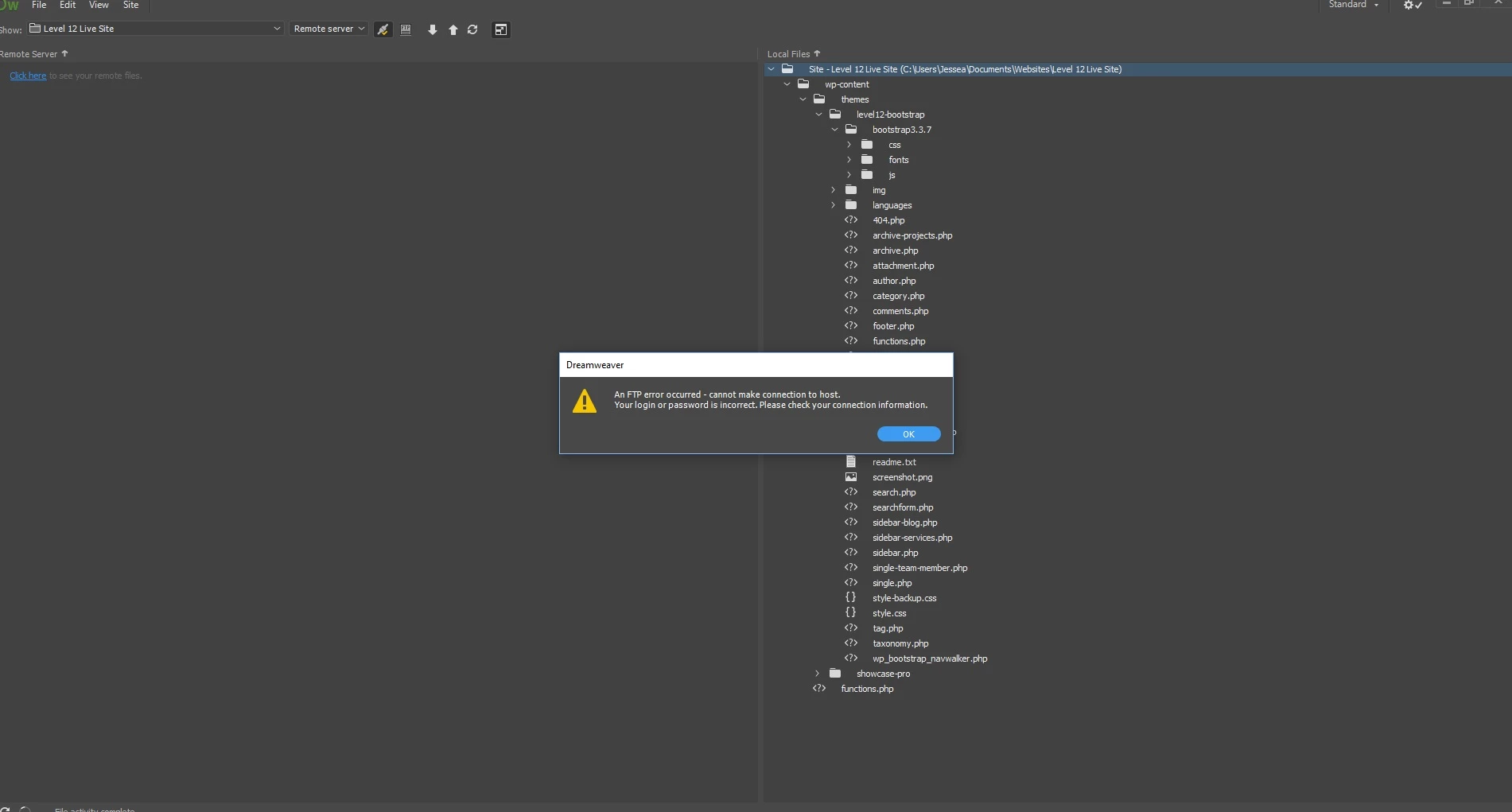
I am getting these two errors in succession when trying to connect to my host WP Engine. Up until today I was able to connect. After a while with WP Engine support they were unable to help... something about they can't get the path correct to delete some keys in my files to get the connection working again.
WP Engine support said to relay this:
"the main goal we are looking to accomplish is delete or rename that specified filepath we have been working on.
Essentially that will make a new connection available and you can then connect through SFTP. But first we need to delete or rename that specific filepath because that is what dreamweaver is looking for."
This is one of the paths we tried in cmd prompt, but it couldn't find the path.
~\Users\~\AppData\Roaming\_ssh\known_hosts ~\Users\~\AppData\Roaming\_ssh\known_hosts.bak
My Errors:
 AdChoices