
Inspiring
October 2, 2018
Answered

Issue with redirect script

  • October 2, 2018
  • 1 reply
  • 751 views

So this is a bit of an odd one. I have a site which has been http. We recently switched to an https for it. Our hosting service has said there's no way that they can redirect it for us (even though the domains and SSL are also through them). They directed us to insert this code into our site in order to redirect it.

<script language="javascript">
if (document.location.protocol != "https:")
{
document.location.href = "
https://subdomain.yourdomain.com" + document.location.pathname;
};
</script>

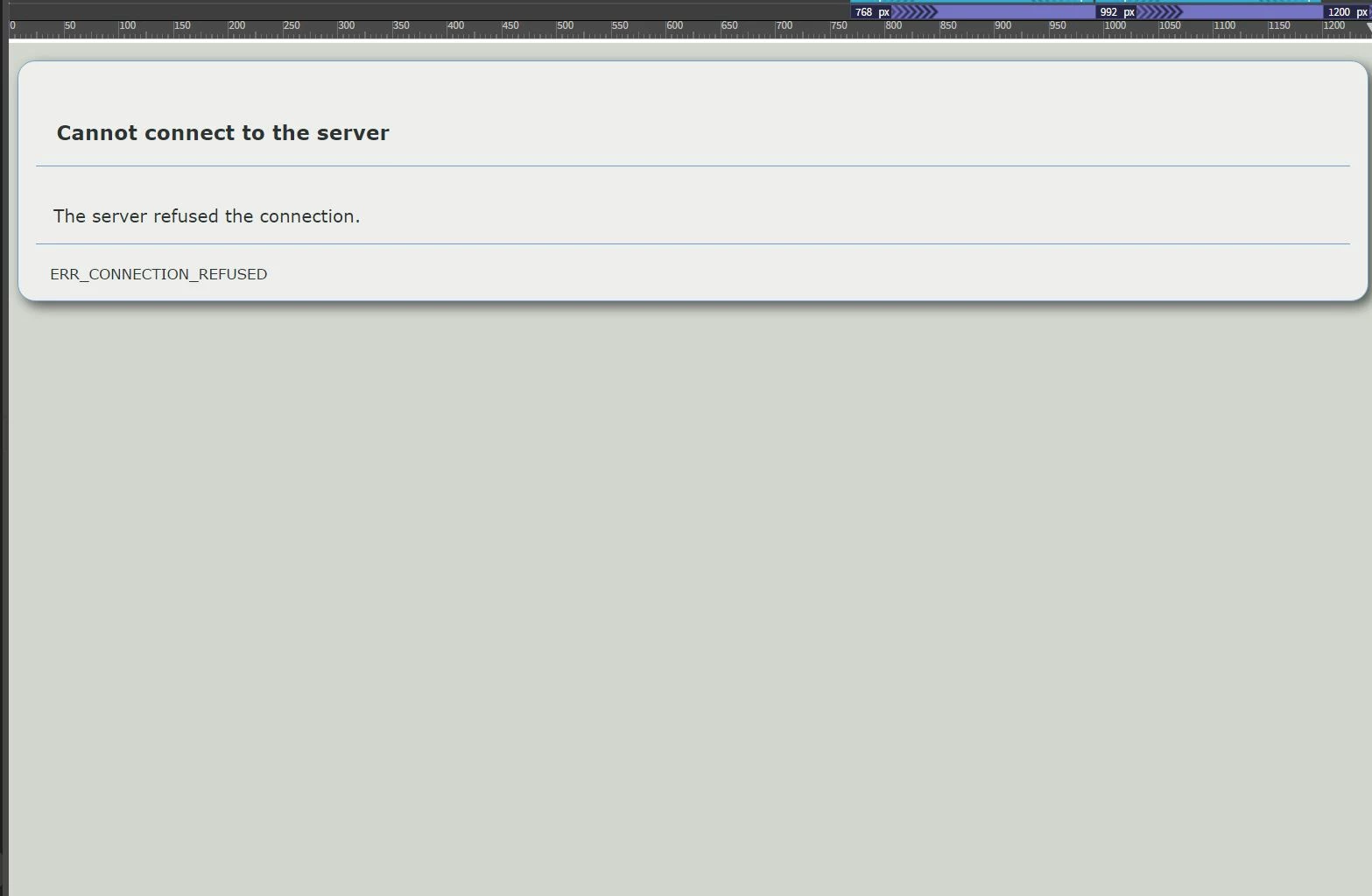
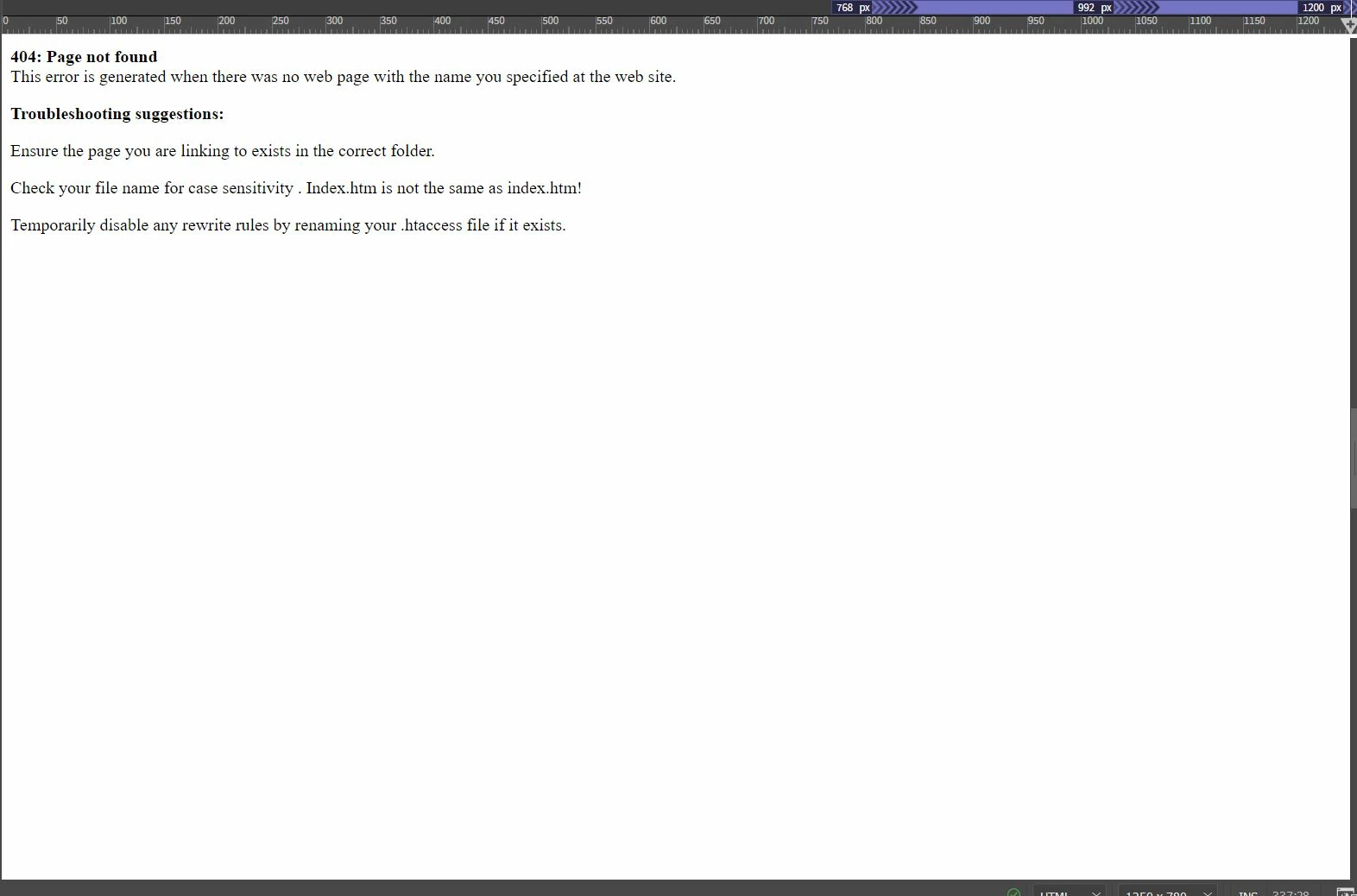
The code works and the site redirects. However, when I enter the code...the page goes a bit wonky in Live View and I get one of two errors (see screen grab). The only way I can go in and make any visual changes is to switch to design mode or remove the script entirely. Any thoughts?

This topic has been closed for replies.
Correct answer Nancy OShea

I would use a permanent rewrite rule at the server level.

On Linux hosting, you can usually do this manually in your .htaccess  file.  Or via your server's C-panel. 

Redirecting HTTP to HTTPS Using .htaccess File: Step by Step Guide

On Windows hosting, look at your Plesk Panel.

1 reply

Nancy OShea
Community Expert
Nancy OSheaCommunity ExpertCorrect answer
Community Expert
October 2, 2018

I would use a permanent rewrite rule at the server level.

On Linux hosting, you can usually do this manually in your .htaccess  file.  Or via your server's C-panel. 

Redirecting HTTP to HTTPS Using .htaccess File: Step by Step Guide

On Windows hosting, look at your Plesk Panel.

Nancy O'Shea— Product User & Community Expert
Inspiring
October 2, 2018

So...I have since learned that the instructions my hosting site gave me was...incomplete. There's still no clear explanation as to if this code was supposed to be actually entered into the page code (though that's what they said).

They have now, as you mentioned, suggested the .htaccess file. Except that this particular hosting service has hidden or made it impossible to find said cPanel. Yeah, I've gone and talked to my IT person about switching hosting servers as he's been fighting them for other reasons.

Until then I'm stuck trying to make this mess work.

Nancy OShea
Community Expert
Community Expert
October 2, 2018

Are you on Mac or Windows?  .htaccess files are typically hidden from view on Macs (I don't know why).

But you can see them on your remote server if you're on Windows PC.

GET  the server's  .htaccess file, open and add the  rewrite rule.

Save and upload to your server's root folder.

Nancy O'Shea— Product User & Community Expert