



martinv44029552
Inspiring
June 30, 2017
Answered

Keeping text within a rigid format.

  • June 30, 2017
  • 2 replies
  • 871 views

Well I've given you all a couple of weeks rest from my pleading of help but now I'm back again:(

Not sure if my topic heading is worded correctly but basically, see screen shots attached. I don't want my text to shift when the browser window is stretched or minimised, top image.
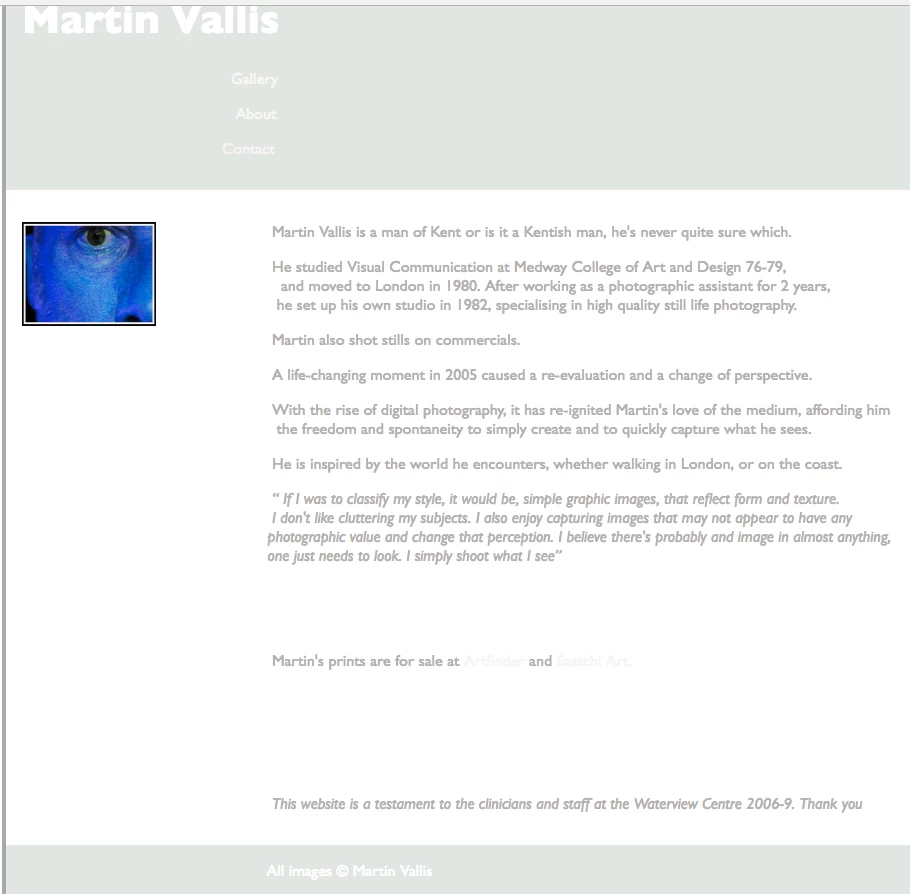
This image, browser window stretched
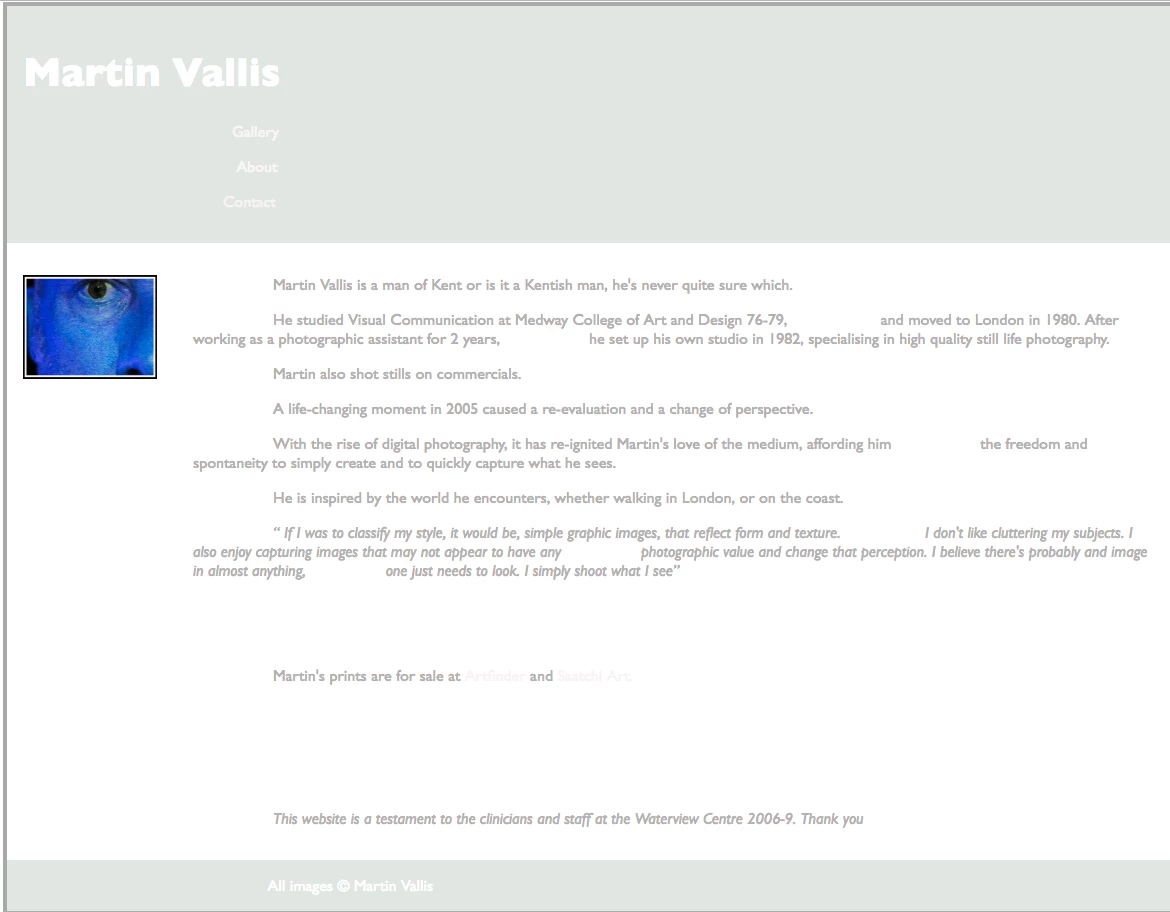
Any suggestions on how I keep it rigid?

Thanks in anticipation.

This topic has been closed for replies.
Correct answer pziecina

Give the element(s) used for the text a set width, -

eg

p {width: 50em;}

2 replies

Nancy OShea
Community Expert
Community Expert
June 30, 2017

Designing for the web is nothing like designing for print. Print is static and fixed width.  The web is a flexible medium.   It must remain flexible & scalable to work in various devices.

Never use spacebar and <br> tags (aka Shift+Enter) as a layout device.  It doesn't work because you cannot predict where those spaces will appear on any device other than your own.  

Use semantic HTML structure for your content:  Headings inside <h1>, <h2>, <h3> tags.  Paragraphs inside  <p> tags.  Lists and menus inside <ul> & <li> tags, etc....

Let the chips fall where they may.

Nancy

Nancy O'Shea— Product User & Community Expert
martinv44029552
Inspiring
June 30, 2017

Hello Nancy

ok, so are you saying that what pziecina suggests won't work?

Interestingly my existing website, some parts are fluid but on my "About" page the text, doesn't shift when the browser window is stretched but does require a scroll bar, when minimised?

That site I believe was built through, W3schools.

Thanks for your reply.

pziecina
pziecinaCorrect answer
Legend
June 30, 2017

Give the element(s) used for the text a set width, -

eg

p {width: 50em;}