Known Participant
October 5, 2020
Answered

Latest Dw version Image dont show

  • October 5, 2020
  • 2 replies
  • 245 views

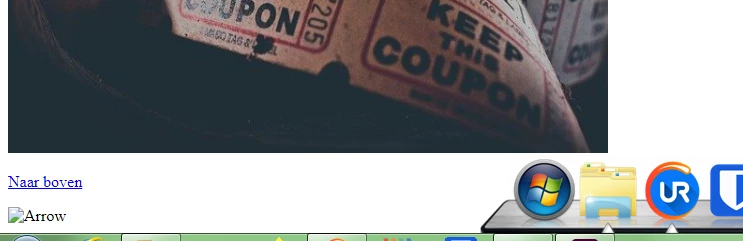
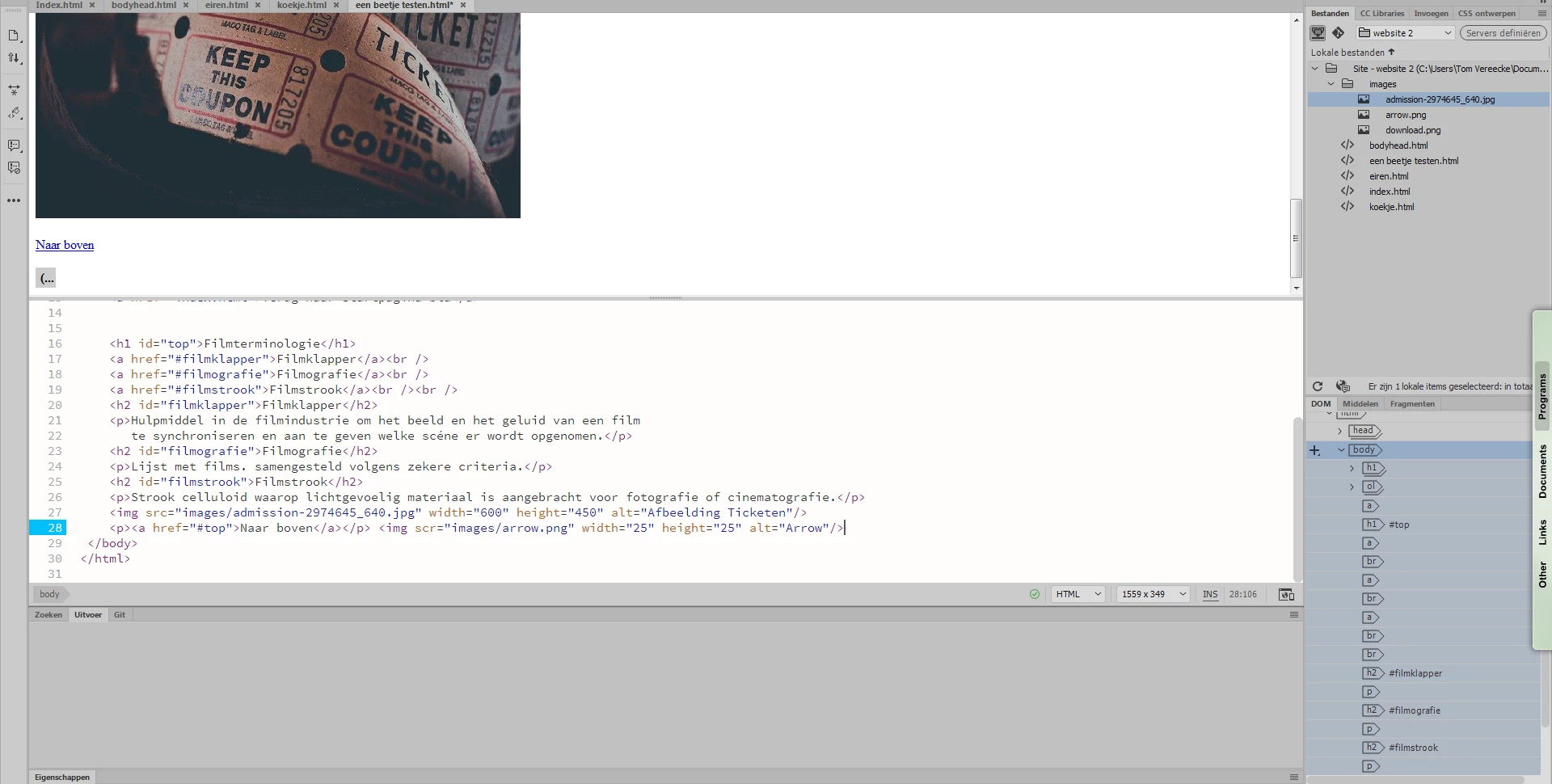
Dw does not seems to fix the problem if i do the image code (<img exemple blabla/>) i have everything setup but if if i type the code at my own the program doesn't seem to know what is hapening and everthing is correct even the browser cant seem to see the image the only fix is that you need to import he image and copy the code and set it on the place you want it to show the image pretty anoying i have some exemples in photo's here the photo you see above i imported it with dw self but arrow .png i wrote my self even tough the images folder / path is correct 
    This topic has been closed for replies.
    Correct answer Ben M

    For your arrow.png you have "scr" instead of "src".  That is why your image is not showing.  

    2 replies

    Ben MCommunity ExpertCorrect answer
    Community Expert
    October 5, 2020

    For your arrow.png you have "scr" instead of "src".  That is why your image is not showing.  

    jhon5FBBAuthor
    Known Participant
    October 5, 2020

    yeah thats what my friend told me to i feel so dumb

    BenPleysier
    Community Expert
    Community Expert
    October 5, 2020

    Does the problem also exist when you apply the image to the other pages? My guess at this stage is that your URL - een beetje testen,html - may be causing the problem. Je mage rustig testen; but the URL should not contain spaces.


    Other than that, it could be that you have not defined the site as per https://helpx.adobe.com/au/dreamweaver/how-to/make-website-pt1-site-setup.html


    Wappler is the DMXzone-made Dreamweaver replacement and includes the best of their powerful extensions, as well as much more!
    jhon5FBBAuthor
    Known Participant
    October 5, 2020

    <img src="images/Hydrangeas.jpg" thankyou but i typed src wrong