brianriback
Inspiring
August 25, 2017
Answered

Linked font won't render on site...

  • August 25, 2017
  • 2 replies
  • 859 views

Hey everyone...

I am working on a new site: Labrador Connect

I added a Google Font but it is showing up as Times New Roman. I can't find the conflict and it's driving me crazy. 🙂

Does anyone see the problem? I appreciate any help you may offer!

-Brian

This topic has been closed for replies.
Correct answer Jon Fritz

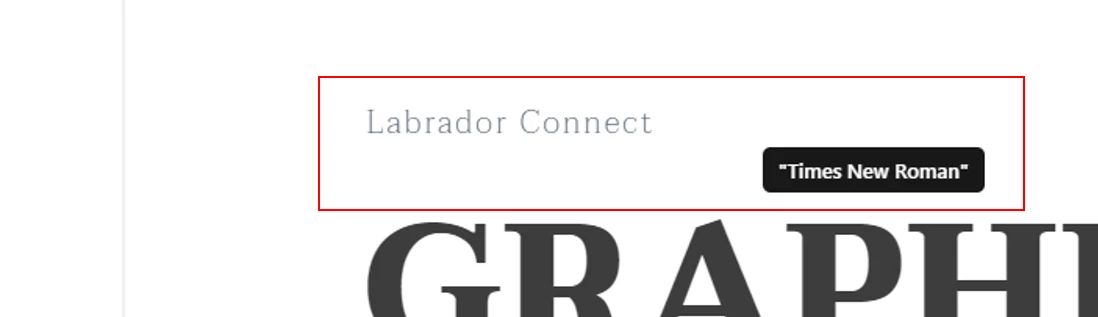
Please see the screenshot below...this time, in Chrome. It is this text, "Labrador Connect."


That's neither the default serif, nor Times New Roman, which doesn't occur in your stylesheet ever. I'm guessing it's just a type-o in your screen grab and you meant to say "serif".

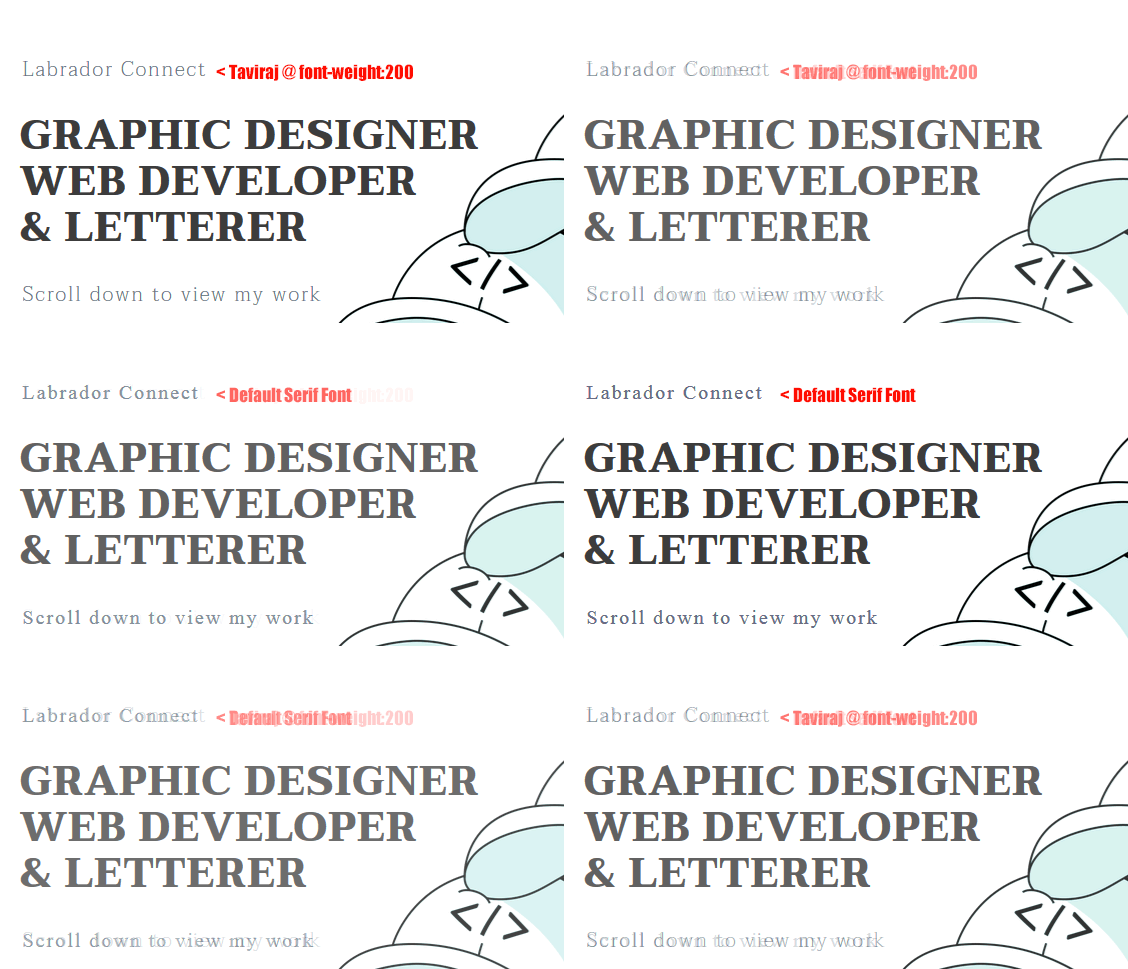
That is what Taviraj displays as when set to a font-weight:200.

Increase the font-weight and you'll see Taviraj is working, it's just not much different from a default serif when it's that light. Here's a direct comparison...

2 replies

Nancy OShea
Community Expert
Community Expert
August 25, 2017

When things don't work as expected, it's often caused by code errors.  I see 36 errors you might want to take care of 1st.

Showing results for http://labradorconnect.com/20170825/ - Nu Html Checker

Nancy

Nancy O'Shea— Product User & Community Expert
Jon Fritz
Community Expert
Community Expert
August 25, 2017

I'm seeing the Taviraj font in Firefox on Windows 7.

Could it be a browser cache issue on your end?

brianriback
Inspiring
August 25, 2017

That's so odd. In Firefox, for me, it appears as Serif. I hadn't ever even opened the site in that browser before.

Jon Fritz
Community Expert
Community Expert
August 25, 2017

Where are you seeing the default serif font exactly?

I'm seeing Taviraj Thin and Black on your headings...