

deanp78121107
Inspiring
September 28, 2018
Answered

Live Display in Dreamweaver CC 2018 not functioning as CC 2017

  • September 28, 2018
  • 2 replies
  • 539 views

This is a re-post, to highlight a problem that is happeningwith Dreamweaver CC 2018.

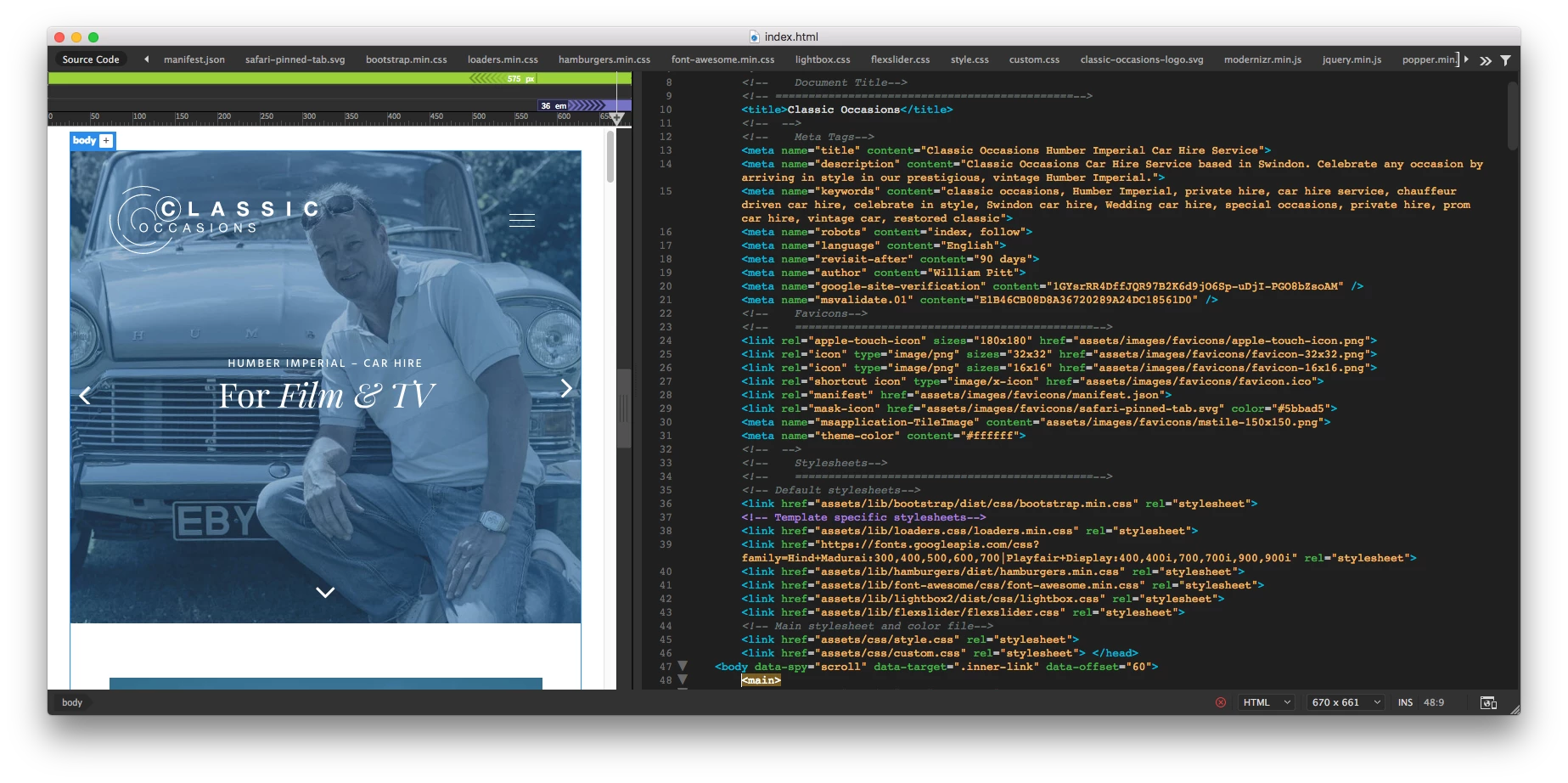
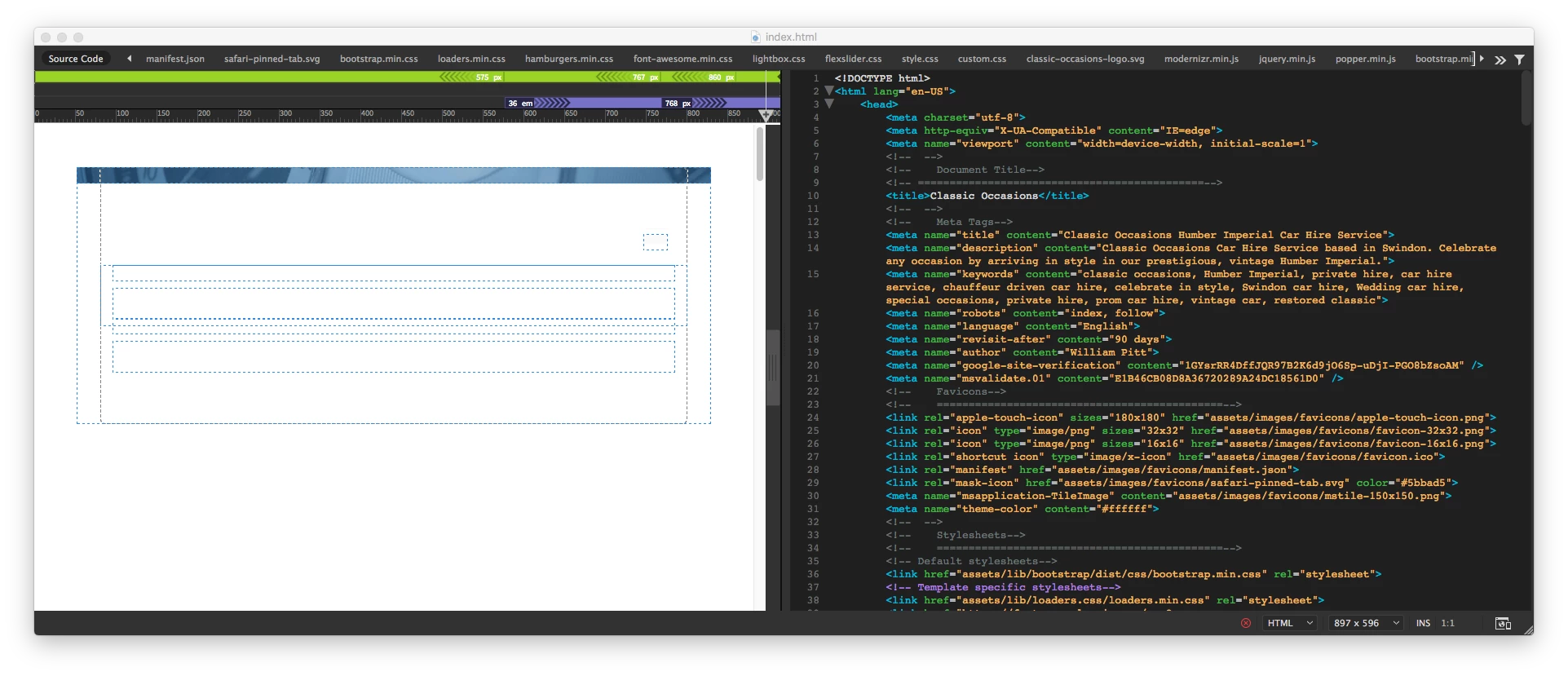
I attach screen grabs of the same page opened in Dreamweaver CC 20117 and Dreamweaver CC 2018.

You can see that the Live View displays perfectly fine in CC 2017, yet the same document fails to display and shows the dotted blue lines all over the place with layers not positioned correctly. The HTML page views fine in all web browsers when viewed locally and when viewed live on the web server.

This is NOT about the site not being listed or any code errors.

Does anyone have any advice? This happens on both my MACs. This is making it impossible to work on and leaves me with no option but to stick with CC 2017.

I am happy to supply the files if anyone wants to test. This has caused me hours of trying to resolve it. And to then realise its CC 2018 really grates!

CC 2017
CC 2018
This topic has been closed for replies.
Correct answer BenPleysier

In Dreamweaver go to Help -> Report a Bug or similar.

2 replies

BenPleysier
Community Expert
BenPleysierCommunity ExpertCorrect answer
Community Expert
October 1, 2018

In Dreamweaver go to Help -> Report a Bug or similar.

Wappler is the DMXzone-made Dreamweaver replacement and includes the best of their powerful extensions, as well as much more!
Nancy OShea
Community Expert
Community Expert
September 28, 2018

This appears to be a duplicate of your other post.   Did you file a bug report?

Live Preview Shows design then changes to displaying DIV regions

Nancy O'Shea— Product User & Community Expert
deanp78121107
Inspiring
October 1, 2018

Hi Nancy

I have posted as a new article as I believe my previous post does not identify that this is a CC 2018 issue ONLY. I now know that it works fine in CC 2017 so the previous post is misleading. Can you advise how I post a bug report, please.
