


Participant
November 14, 2022
Question

Live preview not working & partial copy & paste

  • November 14, 2022
  • 3 replies
  • 507 views

Hi guys. 

I have been experiencing this since last week with Dreamweaver. If anyone can help? 

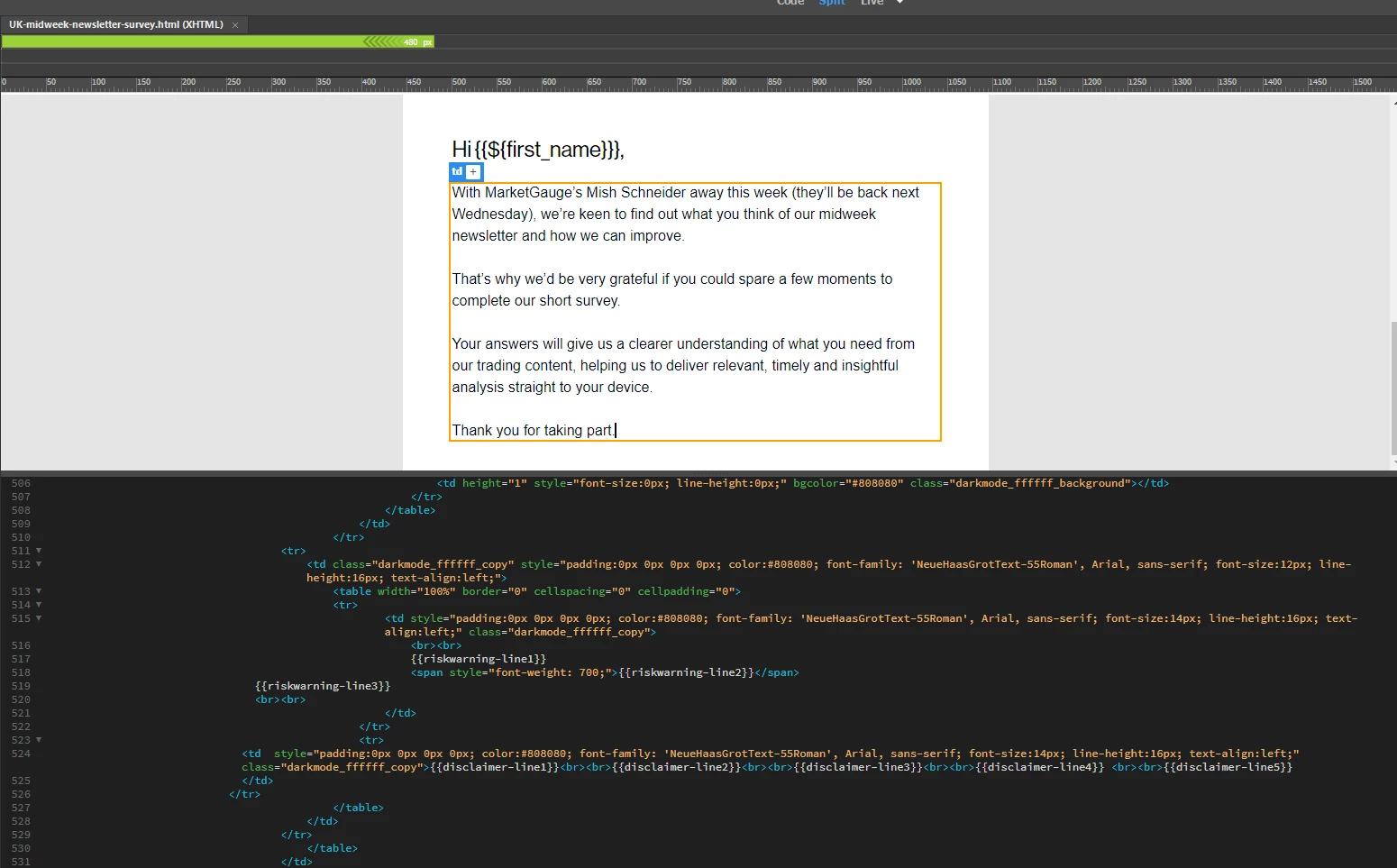
  1. Live preview was chopped randomly - there are more codes down there, but the live preview is showing just half of it
     

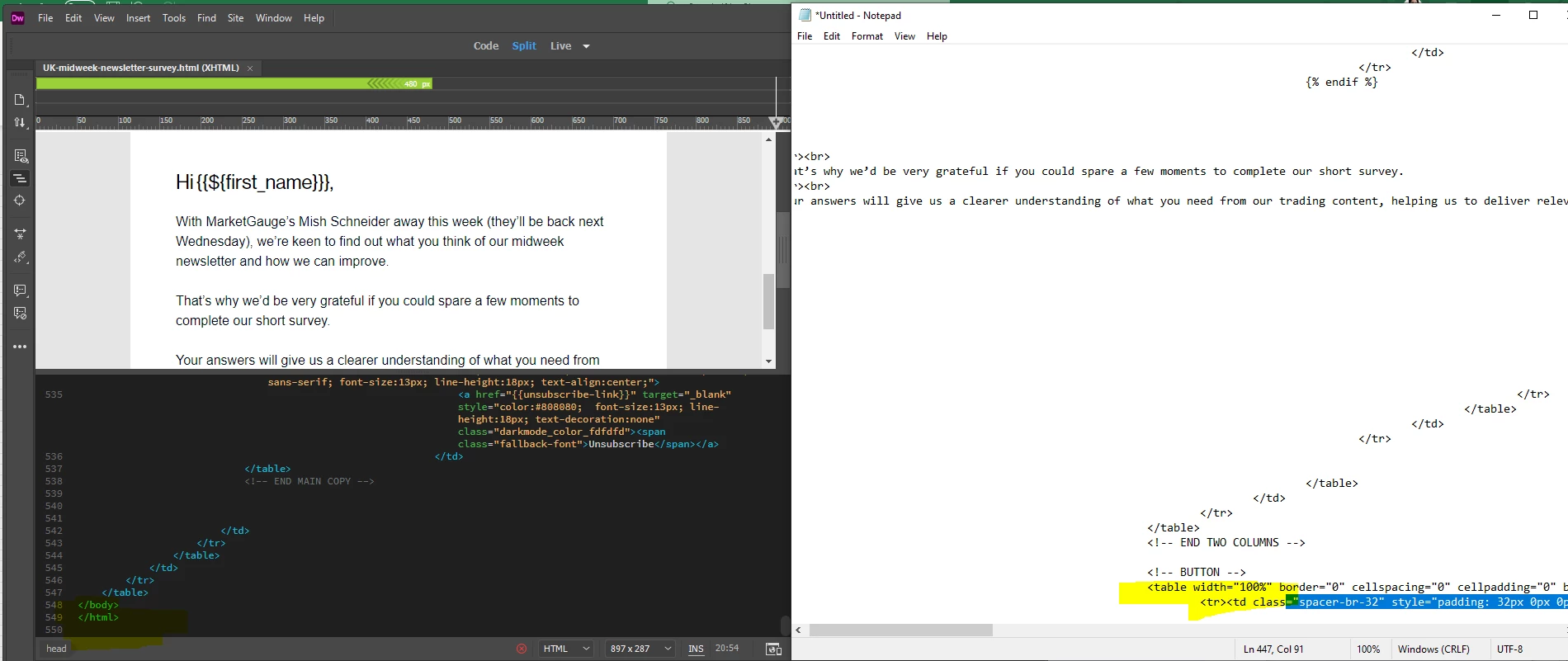
  2.  Select all > copy and paste elsewher > only part of the code could be pasted!
     

    My IT team had no clue what's happening at all. Please help!

Many thanks

Steph

This topic has been closed for replies.

3 replies

BenPleysier
Community Expert
Community Expert
November 14, 2022

1. That is because you have selected `Split` view.

2. What exactly did you copy and paste?


Wappler is the DMXzone-made Dreamweaver replacement and includes the best of their powerful extensions, as well as much more!
Nancy OShea
Community Expert
Community Expert
November 14, 2022

I prefer to SPLIT panels vertically.  It gives me a better view on both sides.


Nancy O'Shea— Product User & Community Expert
Nancy OShea
Community Expert
Community Expert
November 14, 2022

Validate code and fix reported errors.   Window > Results > Validation...


Incidentally,  XHTML and table-based layouts are outdated.  Modern websites use HTML5 code and responsive CSS layouts to perfrom well on smartphones, tablets & desktops.


Read chapters, do code exercises, take quizzes at the end.
- https://www.w3schools.com/html/
- https://www.w3schools.com/css/
- https://www.w3schools.com/js/


WebP is a graphics file. Google makes a Photoshop plugin for saving images as WebP. See link below.

https://developers.google.com/speed/webp


Hope that helps.


Nancy O'Shea— Product User & Community Expert
Participant
March 6, 2024

Hi, Nancy Oshea! Thank you for your suggestion. But, I have a question about plugins, plugins are safe because I came to know that plugins aren't safe, btw. In fact, I checked the link you shared: https://www.w3schools.com/js/ was very helpful for me. I gained a lot of knowledge. Thanks btw.

Nancy OShea
Community Expert
Community Expert
March 6, 2024

I've never had a single problem with compatible plugins from reputable developers.  And I use a lot of them.

That said, Google's WebP plugin works a treat.  No worries there.


Nancy O'Shea— Product User & Community Expert
Participant
November 14, 2022

Hi there! I studied adobe and now I'm working with a company. But, I'm facing a confusion. The confusion is that I can't find any option to convert the graphic into webp for the website because webp graphic is good for every site.