
Participant
May 13, 2022
Question

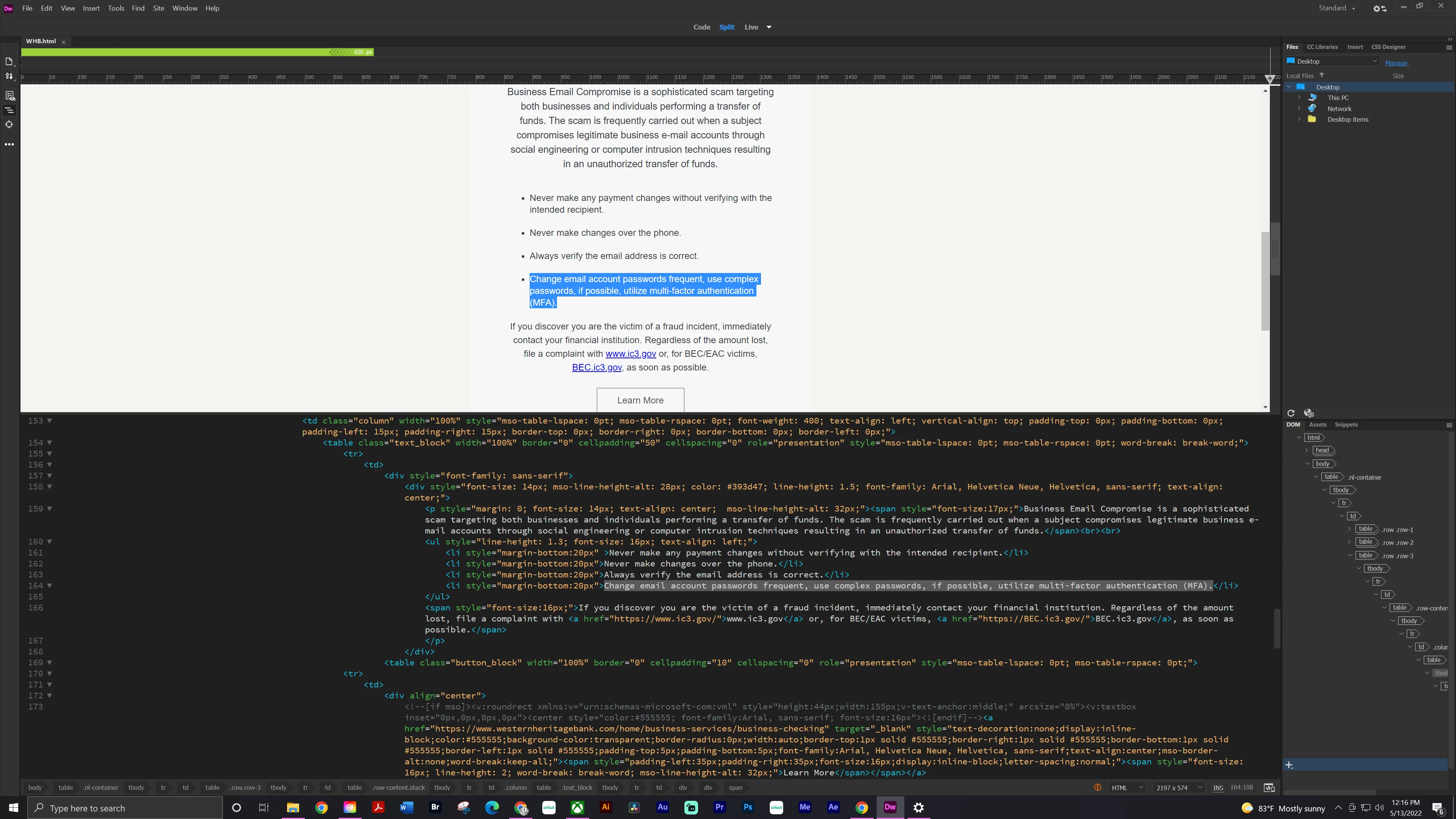
Live view display not working on Windows 10
  • May 13, 2022
  • 2 replies
  • 262 views

The Live View display is not working (I think that's what it's called). I checked that the " hide live view display" was not on. I've tried uninstalling it and reinstalling an older version. I even updated the driver in the videocard.


I'm at a loss. any help would be appreciated. 

This topic has been closed for replies.

2 replies

Nancy OShea
Community Expert
Community Expert
May 13, 2022

As a test, copy & paste this code into a new, blank document and save with Ctrl/Cmd + S. 


<!doctype html>
<html lang="en">
<head>
<title>Bootstrap 5.1.3 Example</title>
<meta charset="utf-8">
<meta name="viewport" content="width=device-width, initial-scale=1">
<!--latest minified Bootstrap CSS-->
<link href="https://cdn.jsdelivr.net/npm/bootstrap@5.1.3/dist/css/bootstrap.min.css" rel="stylesheet">
</head>

<body class="d-flex flex-column min-vh-100">
<!--navbar-->
<nav class="navbar navbar-expand-md navbar-dark bg-dark ">
<div class="container-fluid">
<a class="navbar-brand" href="#">Logo</a>
<button class="navbar-toggler" type="button" data-bs-toggle="collapse" data-bs-target="#collapsibleNavbar">
<span class="navbar-toggler-icon"></span>
</button>
<div class="collapse navbar-collapse" id="collapsibleNavbar">
<ul class="navbar-nav">
<li class="nav-item"><a class="nav-link" href="#">Link</a></li>
</ul>
</div>
</div>
</nav><!--/nav-->

<div class="container mt-3">
<div class="row">
<div class="col-10 mx-auto">
<h3 class="mt-3">Collapsible Navbar</h3>
<p>In this example, the navigation bar is hidden on small screens and replaced by a button in the top right corner. When button is tapped/clicked, navigation bar opens to reveal vertically stacked links.</p>
<hr>
<h3>Linked Image</h3>
<figure><a href="https://example.com">
<img class="img-fluid" src="https://dummyimage.com/900x300" alt="placeholder" title="Link to Example.com"></a><figcaption class="text-center">Fig. 1 Caption</figcaption>
</figure>
</div><!--/col-->
</div><!--/row-->
</div><!--/container-->

<div class="container-fluid mt-auto">
<footer class="row bg-dark text-light text-center">
<div class="col">
Footer text
</div>

<div class="col">
Footer text
</div>

<div class="col">
Footer text
</div><!--/col-->
</footer><!--/row-->
</div><!--/container-->

<!--latest minified Bootstrap JS bundle-->
<script src="https://cdn.jsdelivr.net/npm/bootstrap@5.1.3/dist/js/bootstrap.bundle.min.js"></script>
</body>
</html>


Toggle between Design & Live View with Ctrl/Cmd + Shift + F11  (enable keyboard function keys if required).  It should look like this in Live View.


Nancy O'Shea— Product User & Community Expert
Participant
May 13, 2022

still no Live View display

Participant
May 13, 2022

Nancy OShea
Community Expert
Community Expert
May 13, 2022

I'm at a loss too because I can't see your code.  Screenshots don't tell us anything.

Save your document and close Dreamweaver.


1. Restart Dreamweaver.

2. Go to Site > Manage Sites...  ensure your site folder is defined and resides on your primary hard drive. eg. C:\MyTestSite\

3.. Go to Window > Results > Validation.

4. Check the document's code and fix any reported errors.  Save document.


If you continue to have problems, upload your problem page to your remote server and post back with the URL.


Nancy O'Shea— Product User & Community Expert