

Known Participant
Oct 4, 2020 12:43 PM UTC
Question

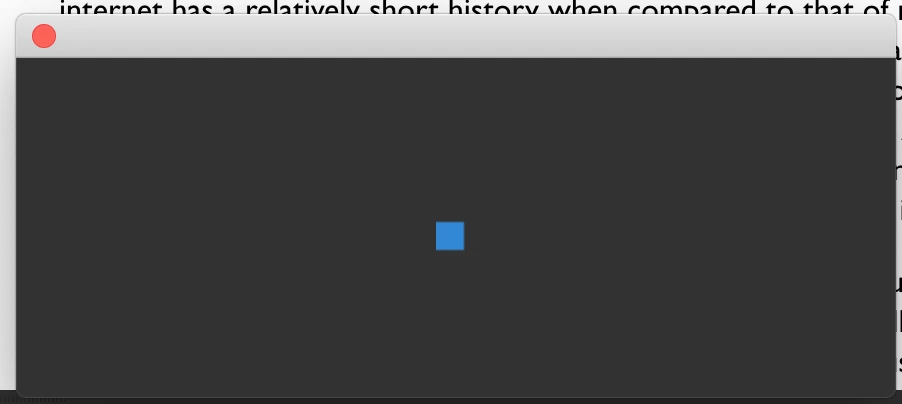
Loading panel on start-up

Could anyone tell what this panel is please? It appears on starting DW and goes on forever!


This topic is closed to new replies. Start a new post to keep the conversation going.

10 replies

Nayan_Kankariya
Adobe Employee
Adobe Employee
Oct 5, 2020 5:00 AM UTC

Hi,


Thanks for writing to us. Can you please confirm if the empty panel is encountered on every Dw launch. To resolve this, can you try closing 'CC Libraries' panel (uncheck by selecting 'CC Libraries' menu item in Window menu) and restart Dw.


Please confirm if the above work-around resolves the issue for you else will further debug the issue.


Regards,

Dreamweaver Team

Translate
ianbenAuthor
Known Participant
Oct 5, 2020 3:13 PM UTC
Thank you for the reply
Yes the panel appears on every launch - unless closed it prevents any interaction with the interface.


I tried closing the CSS Libraries panel and quitting DW but the problem persists.


Ian

Ian Bennett
Translate
Nayan_Kankariya
Adobe Employee
Adobe Employee
Oct 5, 2020 5:09 PM UTC

Hi Ian,


Thanks for reverting on this. Can you please confirm on the panel you have closed since we have CC Libraries and CSS Designer both in Standard workspace of Dw.


Regards,

Dreamweaver Team

Translate
Nancy OShea
Community Expert
Community Expert
Oct 4, 2020 5:51 PM UTC

DW performs best when the local site folder resides on your primary hard drive and energy saving sleep mode is disabled.  Cloud drives like One Drive, Dropbox, etc... are not recommended for use as a local site folder.


Also when your local site contains many files and caching is enabled (see screenshot), DW may take longer to load. 


Translate
Nancy O'Shea— Product User & Community Expert
ianbenAuthor
Known Participant
Oct 6, 2020 8:44 AM UTC

Apologies for the delay Nancy. Root folders are on the hard drive - I don't use Cloud-based drives for stuff like this.


Ian

Translate
