Chardb
Known Participant
July 3, 2018
Answered

Missing navigation links in site imported from Muse as html pages

  • July 3, 2018
  • 1 reply
  • 1343 views

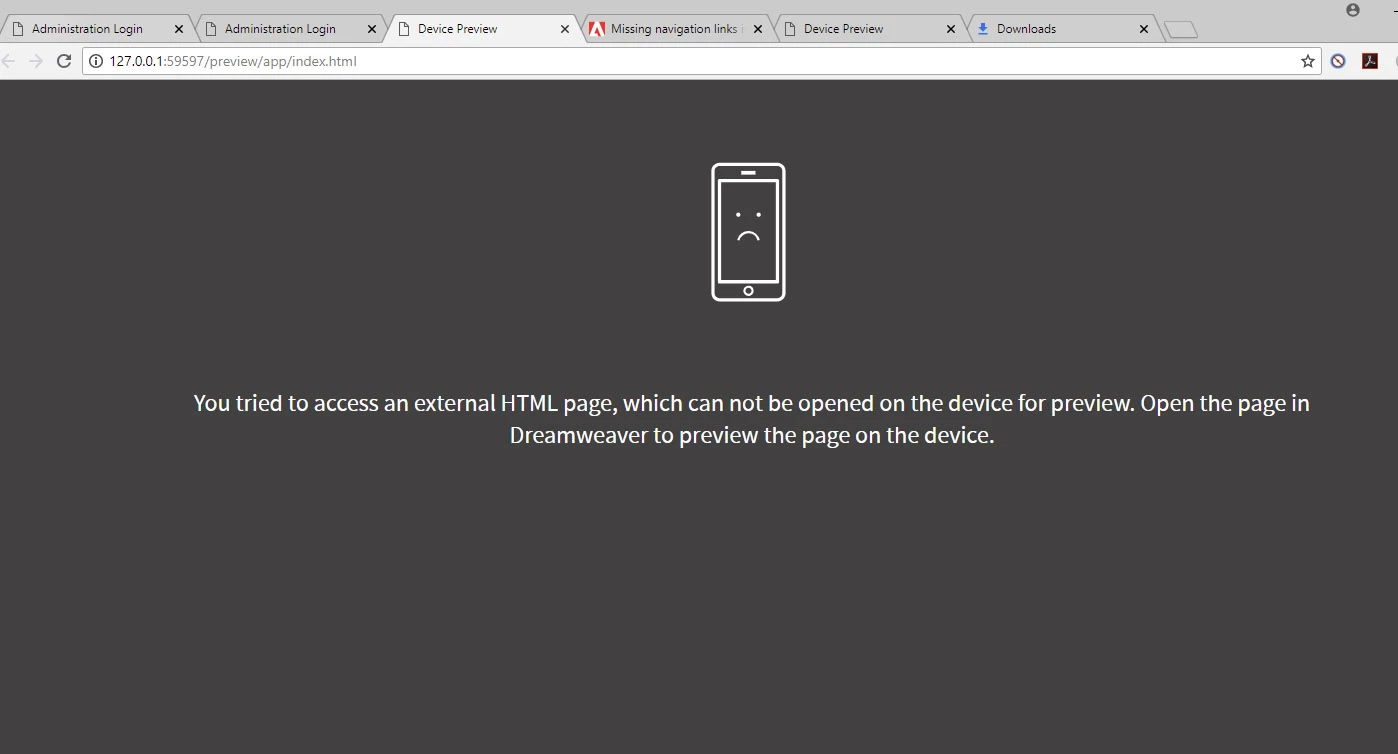
Muse is going away so have to move my web site. I exported all my pages from a working site to html from Muse. I got a folder full for stuff with all link materials , images etc. When I opened the index page in Dreamweaver, everything looks okay. The images, fonts everything looks as original except none of the top level or any of the other links work. When I try to see the site in Live View, I get this message. Are the links still there? Am new to Dreamweaver.

You tried to access an external HTML page, which can not be opened on the device for preview. Open the page in Dreamweaver to preview the page on the device.

This topic has been closed for replies.
Correct answer BenPleysier

Here is what the page looks like when I select one of the browsers.


1 reply

BenPleysier
Community Expert
Community Expert
July 3, 2018

Without seeing your site setup it is hard to help you.

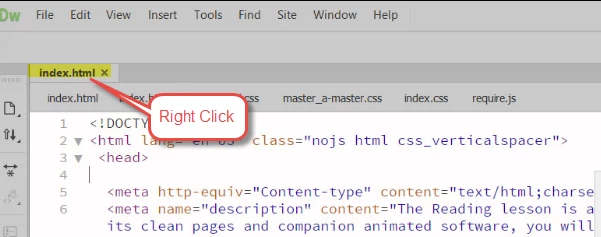
As an alternative to viewing Real-time Preview, try right-clicking the file tab and Open in Browser as per

Wappler is the DMXzone-made Dreamweaver replacement and includes the best of their powerful extensions, as well as much more!
Chardb
ChardbAuthor
Known Participant
July 3, 2018

Right clicking does not give me a choice to Open in Browser as you show in your figure above.

m

The only choice in File menu is as in the second figure below. When I pick any browser, I get the error message that I need to open the file in Dreamewver.

The version I am using the CC version, the very latest as I just updated it couple of days ago.

Thanks for any ideas.

Chardb
ChardbAuthor
Known Participant
July 3, 2018

Here is what the page looks like when I select one of the browsers.