mathiask54542508
Participant
January 9, 2019
Answered

movie roll over

  • January 9, 2019
  • 2 replies
  • 746 views

hello I have a question

how can i make a video roll over ?

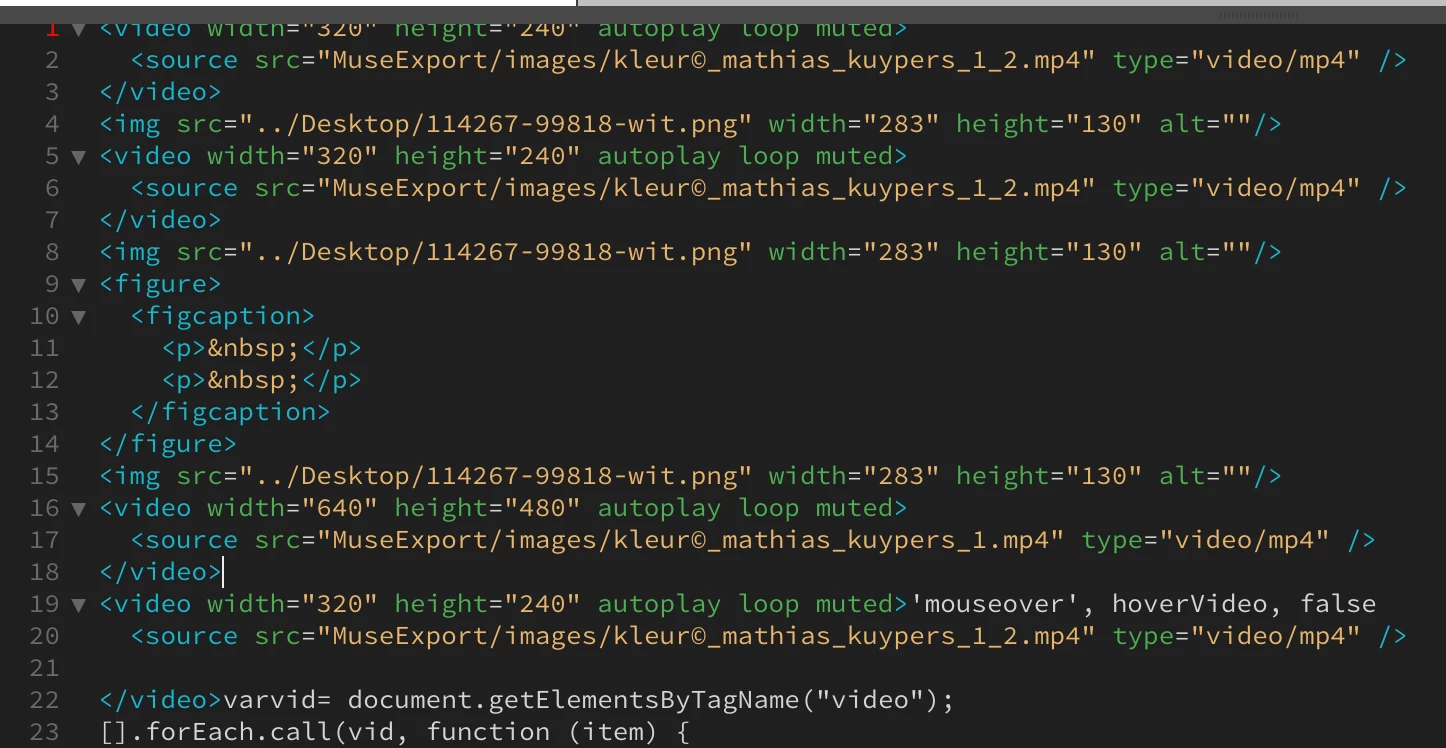
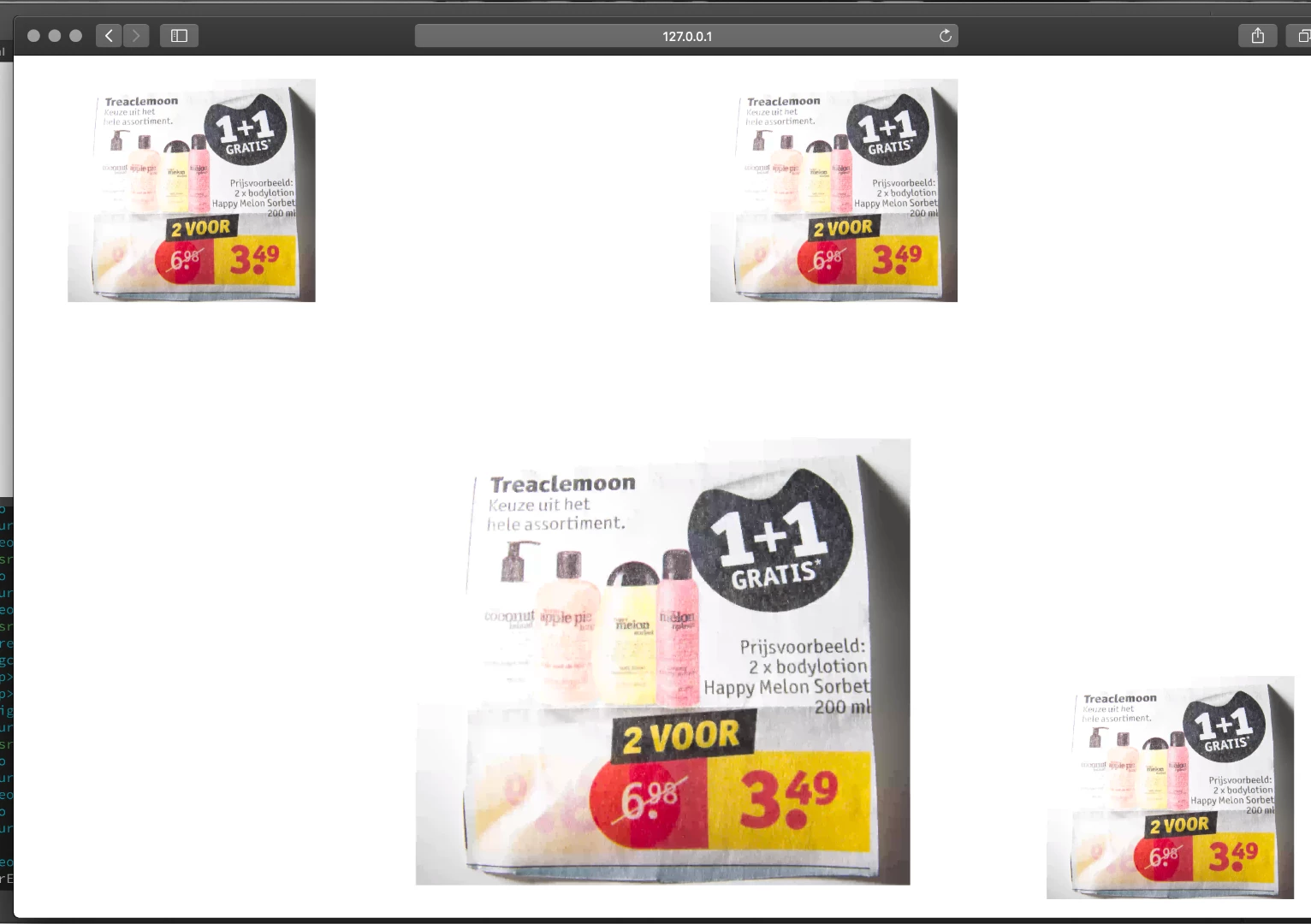
here are some pictures

these videos must become active when you roll over.

i hope you can help me!

thanks!

Mathias

This topic has been closed for replies.
Correct answer osgood_

owe oke thanks

please give me the code


mathiask54542508  wrote

owe oke thanks

please give me the code

Code. Videos arent of the best quality but you get the general idea. If you seriously aren't interested in supporting mobile 'onclick' then you can use 'mouseover'

Insead of:

v-on:click="episode('butterfly_wings_insect_nature_683.mp4')"

Use:

v-on:mouseover="episode('butterfly_wings_insect_nature_683.mp4')"

<!DOCTYPE html>

<html lang="en">

<head>

<meta charset="UTF-8">

<title>Video Playlist</title>

<link href="https://fonts.googleapis.com/css?family=Roboto:400,500" rel="stylesheet">

<script src="https://cdnjs.cloudflare.com/ajax/libs/vue/2.3.0/vue.js"></script>

<style>

body {

font-family: 'Roboto', sans-serif;

font-weight: 400;

background-color: #e6e6e6;

}

.videoPlayList {

width: 60%;

margin: 0 auto;

background-color: #fff;

}

.episode {

border-bottom: 1px solid #ccc;

}

.episode:hover {

background-color: #f1f1f1;

}

.episode h2 {

font-family: 'Roboto', sans-serif;

font-weight: 400;

cursor: pointer;

font-size: 20px;

padding: 15px;

margin: 0;

}

.episode h2 span {

font-size: 14px;

}

.active {

background-color: #993399!important;

color: white;

}

h2:focus{

background-color: #993399!important;

color: white;

}

</style>

</head>

<body>

<div class="videoPlayList">

<video width="100%"  :src="currentVideo" autopause="true" v-bind:autoplay="action" controls="true"></video>

<div class="episode active">

<h2 tabindex="1" v-on:click="episode('butterfly_wings_insect_nature_683.mp4')">Episode 1<br>

<span>Lorem ipsum dolor sit amet, consectetuer adipiscing elit. Aenean commodo ligula eget dolor. Aenean massa.</span>

</h2>

</div>

<!-- end episode -->

<div class="episode">

<h2 tabindex="2" v-on:click="episode('greenish_blue_butterfly_butterfly_523.mp4')">Episode 2<br>

<span>Lorem ipsum dolor sit amet, consectetuer adipiscing elit. Aenean commodo ligula eget dolor. Aenean massa.</span>

</h2>

</div>

<!-- end episode -->

<div class="episode">

<h2 tabindex="3" v-on:click="episode('butterfly_nectar_feeding_moth_beak_689.mp4')">Episode 3<br>

<span>Lorem ipsum dolor sit amet, consectetuer adipiscing elit. Aenean commodo ligula eget dolor. Aenean massa.</span>

</h2>

</div>

<!-- end episode -->

<div class="episode">

<h2 tabindex="4" v-on:click="episode('butterfly_flower_insect_nature_515.mp4')">Episode 4<br>

<span>Lorem ipsum dolor sit amet, consectetuer adipiscing elit. Aenean commodo ligula eget dolor. Aenean massa.</span>

</h2>

</div>

<!-- end episode -->

</div>

<!-- end videoPlayList -->

<script>

new Vue({

el: '.videoPlayList',

action: "false",

data: {

videoName: '',

videoFolder: 'https://images.all-free-download.com/footage_preview/mp4/',

currentVideo: "https://images.all-free-download.com/footage_preview/mp4/butterfly_wings_insect_nature_683.mp4",

},

methods: {

episode(videoName) {

this.videoName = videoName;

this.currentVideo = this.videoFolder + this.videoName;

this.action = "true";

document.querySelector('.episode').classList.remove('active');

}

}

})

</script>

</body>

</html>

2 replies

mathiask54542508
Participant
January 10, 2019

Thanks fore the replay

This is made for the computer

Not for cell phone

here is the code

<video width="320" height="240" autoplay loop muted>

  <source src="MuseExport/images/kleur©_mathias_kuypers_1_2.mp4" type="video/mp4" />

</video>

<img src="../Desktop/114267-99818-wit.png" width="283" height="130" alt=""/>

<video width="320" height="240" autoplay loop muted>

  <source src="MuseExport/images/kleur©_mathias_kuypers_1_2.mp4" type="video/mp4" />

</video>

<img src="../Desktop/114267-99818-wit.png" width="283" height="130" alt=""/>

<figure>

  <figcaption>

    <p> </p>

    <p> </p>

  </figcaption>

</figure>

<img src="../Desktop/114267-99818-wit.png" width="283" height="130" alt=""/>

<video width="640" height="480" autoplay loop muted>

  <source src="MuseExport/images/kleur©_mathias_kuypers_1.mp4" type="video/mp4" />

</video>

<video width="320" height="240" autoplay loop muted>

  <source src="MuseExport/images/kleur©_mathias_kuypers_1_2.mp4" type="video/mp4" />

</video>

BenPleysier
Community Expert
Community Expert
January 10, 2019

I think that you will love these videos https://showcase.dmxzone.com/VideoPlayerPlaylist/index.html. This was made using a Dreamweaver extension that can be found at https://www.dmxzone.com/go/33287/app-connect-video-player/.

DMXzone is located just north of you, namely Enschede in the Netherlands.

Wappler is the DMXzone-made Dreamweaver replacement and includes the best of their powerful extensions, as well as much more!
Legend
January 10, 2019

You don't need an elaborate extension to do that simple task.

If that is what the OP wants and I doubt it is I'll provide the code needed to do something very similar which is about 14 lines long and a lot, lot cleaner and easier to understand.

Nancy OShea
Community Expert
Community Expert
January 9, 2019

First of all this is the Dreamweaver forum, not the Muse forum.

Secondly, there is no such thing as a video roll over because mobile users do not have a mouse.  For best web accessibility, put your video in a player with controls that users can click or tap on to start the video just like they do  on YouTube.  Autoplay will not work in all devices so don't waste your time with it.   Below is the relevant code for HTML5 video player with a poster image.

<video poster="path/your_poster_image.jpg" controls>

<source src="path/your_video.mp4" type="video/mp4">

</video>

Nancy O'Shea— Product User & Community Expert