Known Participant
August 18, 2021
Question

Need Dreamweaver/Google drive help

  • August 18, 2021
  • 3 replies
  • 1741 views

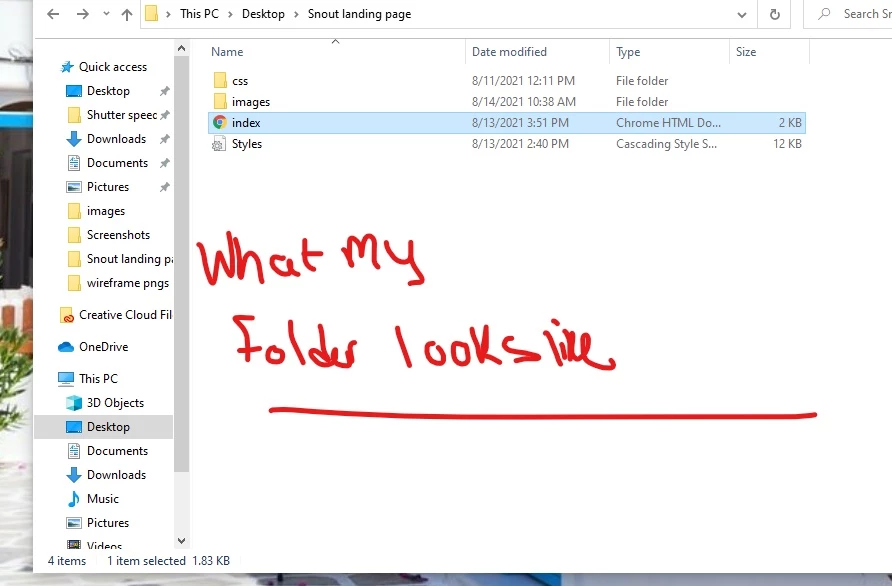
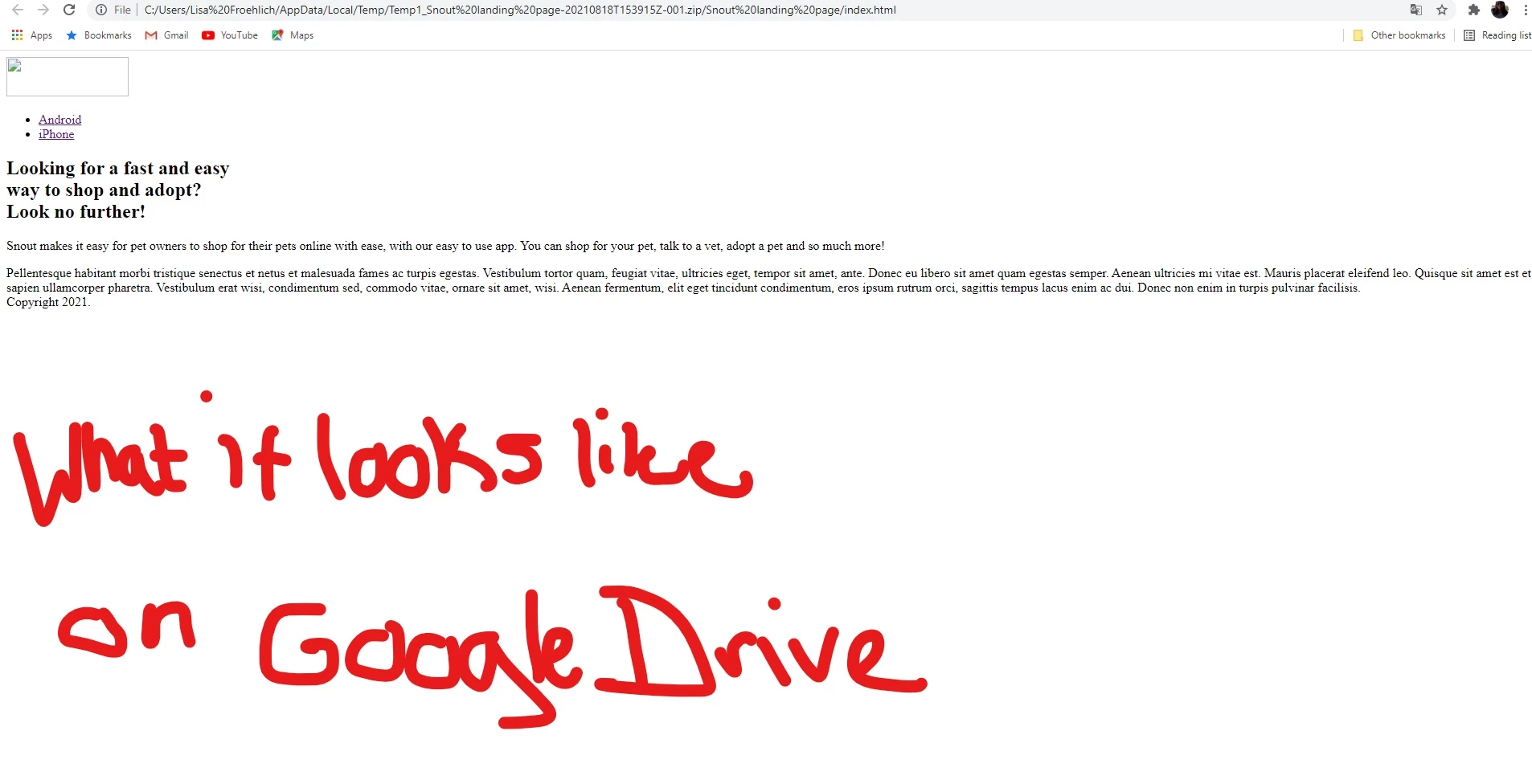
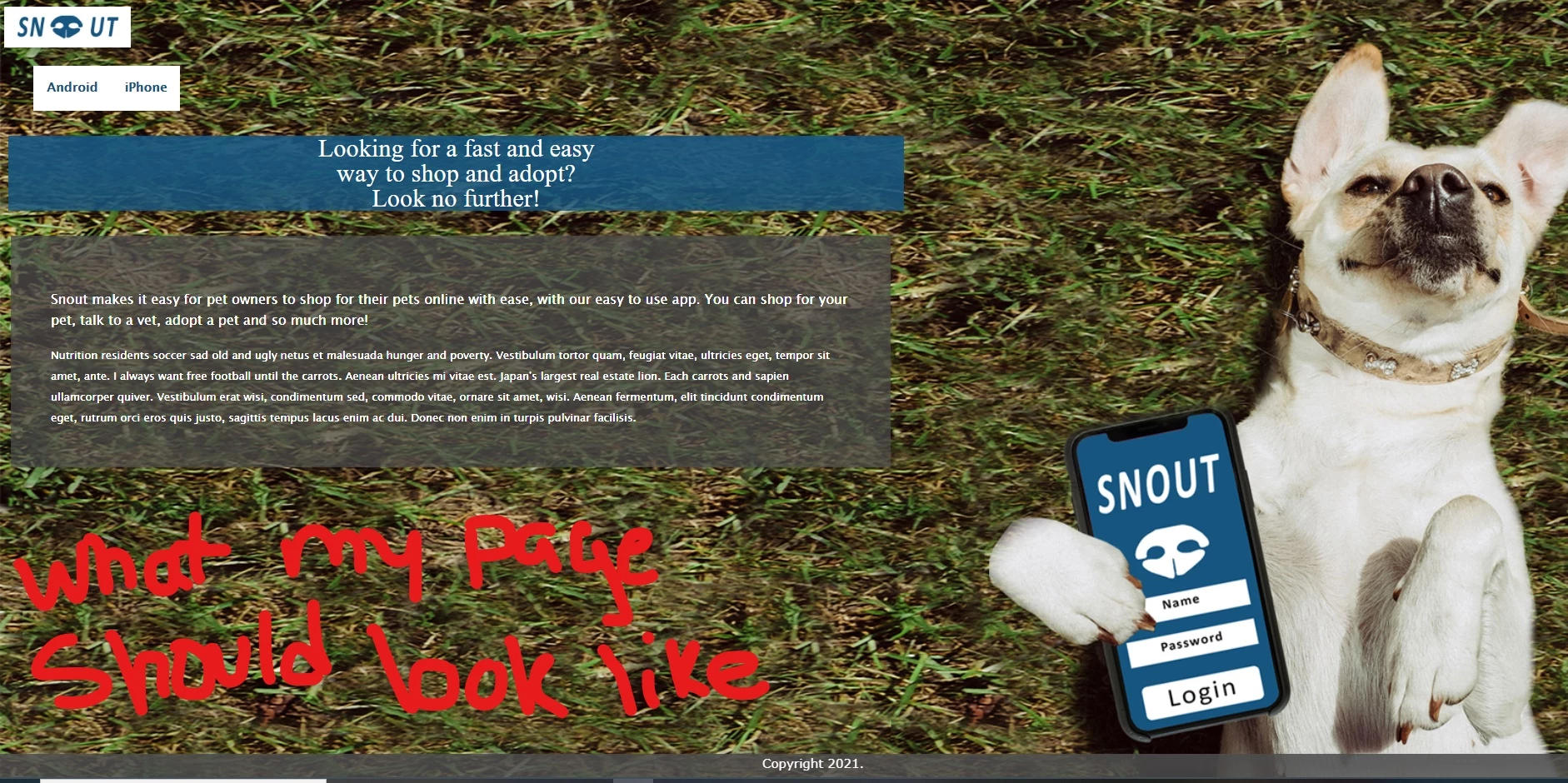
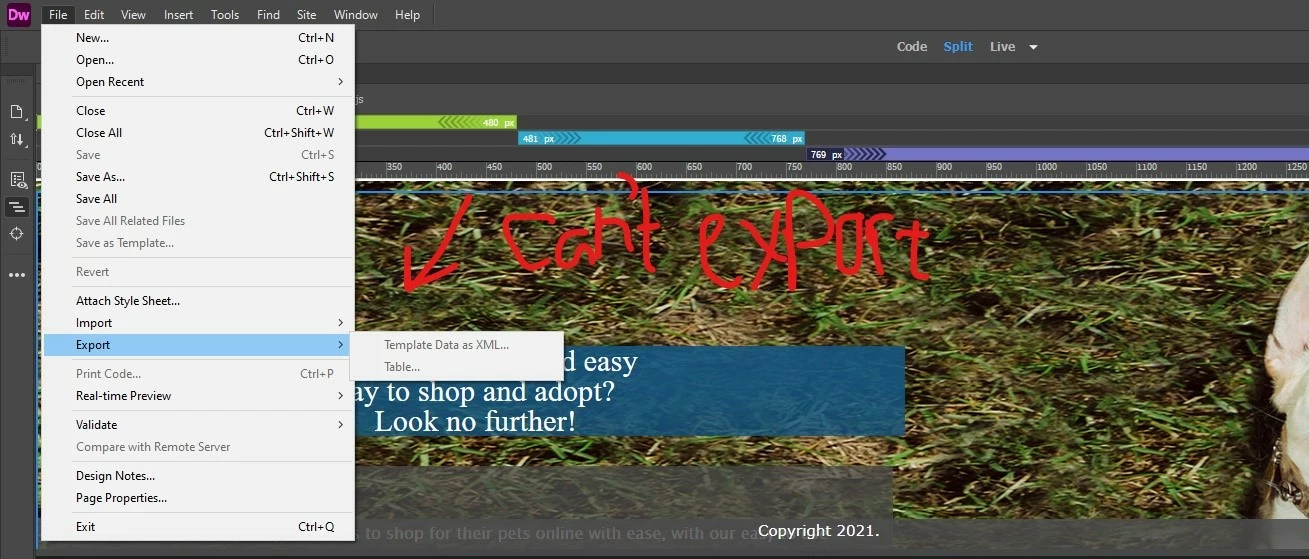
My teacher wants us to put up this single webpage that we created in Dreamweaver on Google Drive so he can view and grade our coded work. He wants us to zip up our folder with our Dreamweaver files in it and put it on Google Drive. I zipped the folder up and put it on Google Drive. It will show the codes/pictures used BUT for some reason, my images for the webpage won't work. The images are broken and even the style doesn't look added on the webpage when I click on it. He said when we put the folder on Google Drive we need to download it to view the page, but I tried that and it's not working. I don't understand how I can see the files find on Dreamweaver and on my desktop before I zip them but they don't work on the drive itself. My teacher was talking about Exporting at one point. Am I supposed to export my work out of Dreamweaver before I zip the files? If so, how do I do that? I see under files in Dreamweaver it says Export, but the option is grayed out, so I can't click on it. If someone could help me I would be so grateful. My assignment is due this Friday and I have don't have any classmate's email to ask this question to. 
    This topic has been closed for replies.

    3 replies

    Jon Fritz
    Community Expert
    Community Expert
    August 18, 2021

    You are trying to view the files while they are still inside the zip archive. I can see the .zip in the location bar of the browser in your "broken" screen shot.

    You have to extract the files out of the .zip archive, and into a standard folder, before links (images or css) will function.

    Lisa5D5EAuthor
    Known Participant
    August 18, 2021
    Okay, I see what you mean. Question: Is there a way to have the page show
    on google drive the right way with the images and styles applied or does my
    teacher have to download the folder from google and extract it to view the
    page fully?
    Legend
    August 18, 2021
    quote
    Okay, I see what you mean. Question: Is there a way to have the page showon google drive the right way with the images and styles applied or does myteacher have to download the folder from google and extract it to view thepage fully?
    By @Lisa5D5E


    Whose Google Drive is it. Is it yours or your schools?


    If its yours you should be able to share a link to the zipped folder. If its the schools I'm sure your teacher has access and is intelligent enough to be able to download your zipped folder.


    Nancy OShea
    Community Expert
    Community Expert
    August 18, 2021

    Let's keep this in the public forum for everyone to see.  Please copy & paste your HTML code into a web forum reply so we can see what you're working with. 


    Nancy O'Shea— Product User & Community Expert
    Lisa5D5EAuthor
    Known Participant
    August 18, 2021
    The html coding [image: html code.png]
    Lisa5D5EAuthor
    Known Participant
    August 18, 2021

    Nancy OShea
    Community Expert
    Community Expert
    August 18, 2021

    There's nothing to export.

    The big question is this:  Did you define your local site folder in Dreamwever BEFORE you began this project?

    Site > New Site > select a folder on your computer's hard drive. 


    Screenshots don't tell us anything.  Answers are in your HTML code.  The path to site assets should point to your local site, not file:///xxxxxxxxxx.


    Nancy O'Shea— Product User & Community Expert