



"New Local Root Folder"
Hey guys,
Ok, so I am having issues with my "local root" (I am not familiar how it works). About a week ago, I decided to organize my folders in my Mac to make things look a little neater, more organized. I may have deleted a few folders (might of been ignorant) that I thought had no importance. After organizing and deleting just a few I then went into my trash and emptied the trash.
This morning I tried to view a site I created in DreamWeaver and was unable to do so. As my frustration rise, I noticed my iCloud storage was almost to its limit, so I put some of the documents in my document folder to my desktop. Now I am unable to open any Adobe products. Even when I followed these steps: Open Dreamweaver -> Click Manage Sites -> Re Route the site to the desktop folder from which I stated the site on.
If anyone could help me solve this mess I am currently in it will be greatly appreciated.
I am going to attach some error messages I get.
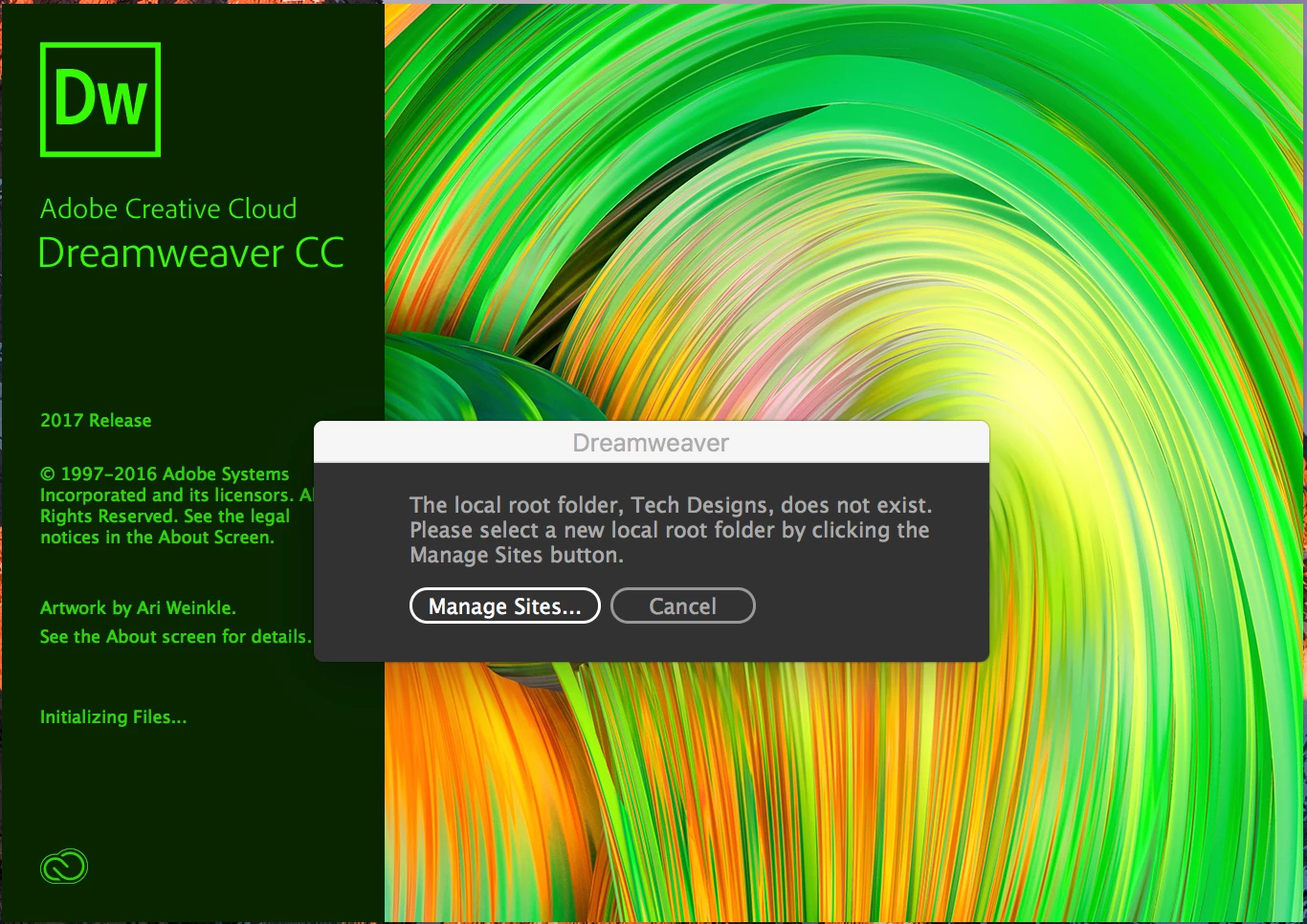
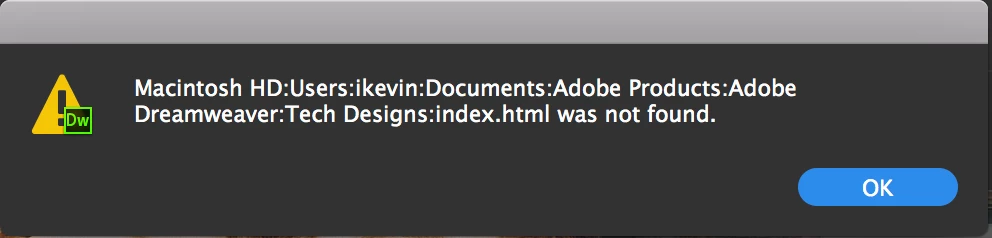
I am completely lost, I have no clue about folders or routes to them. I just thought I knew how to organize them, but obviously not lol.
Thank you,
Kevin

 AdChoices