


Participant
April 15, 2024
Question

No abre Dreamweaver / No inicia

  • April 15, 2024
  • 2 replies
  • 161 views

Instalé Dreamweaver, logré abrirlo, lo cerré y luego no lo pude volver a abrir más.
Lo instalé y desinstalé varias veces pero no hubo cambio. 
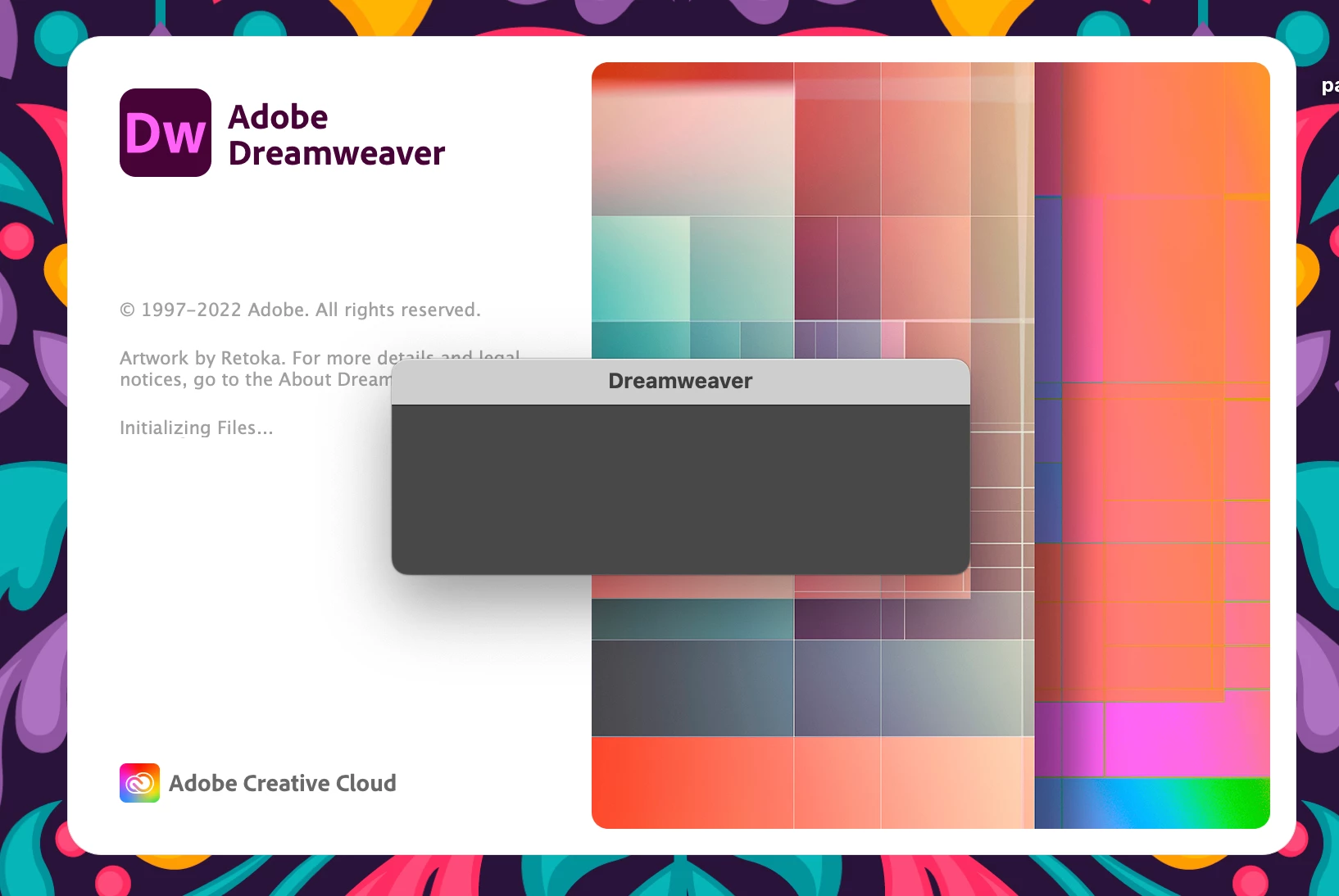
No me aparce ningún error, no llega a aparecer la primer ventana emergente sobre la configuración de sincronización. 
Adjunto foto de cómo queda el programa.
¿Qué tengo que hacer? =(
This topic has been closed for replies.

2 replies

Nancy OShea
Community Expert
Community Expert
April 16, 2024

Restart your computer.

Go to Windows Start Menu, right Click on Dreamweaver shortcut.  Select More > Run as Administrator.


Incidentally, synced settings is being phased out.


Nancy O'Shea— Product User & Community Expert
Community Expert
April 15, 2024

What OS are you running? Did you try resetting preferences ( https://helpx.adobe.com/dreamweaver/kb/restore-preferences-dreamweaver.html#:~:text=Hold%20down%20the%20Windows%20key,Preferences%20dialog%20box%2C%20click%20Yes. )? Are you experiencing errors with other CS apps? 


You could try running the CC Cleaner tool ( https://helpx.adobe.com/creative-cloud/kb/cc-cleaner-tool-installation-problems.html ), but I would recommend signing out/deactivating your license before you do.