


No puedo instalar Dreamweaver
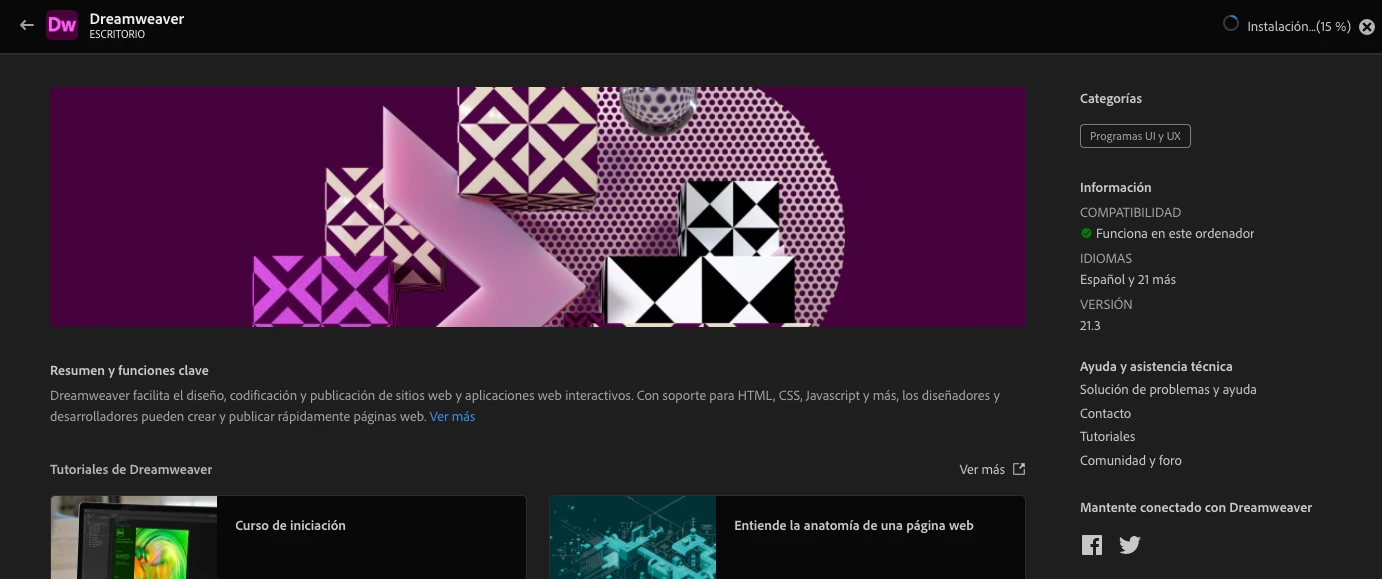
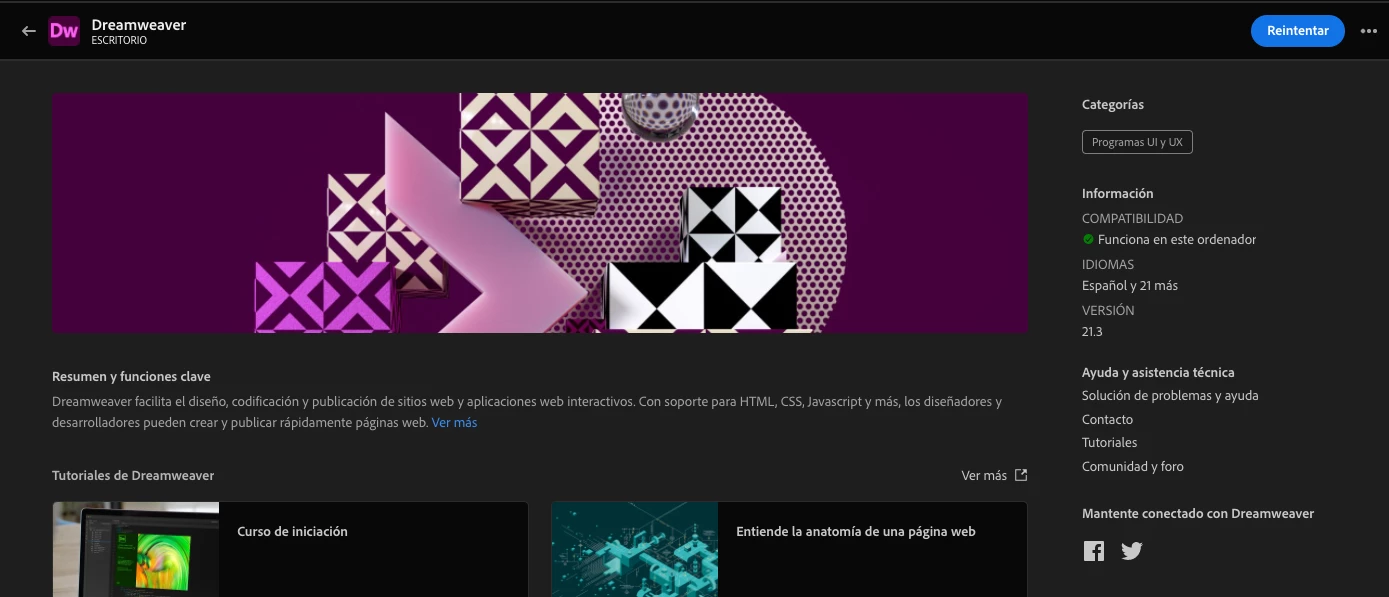
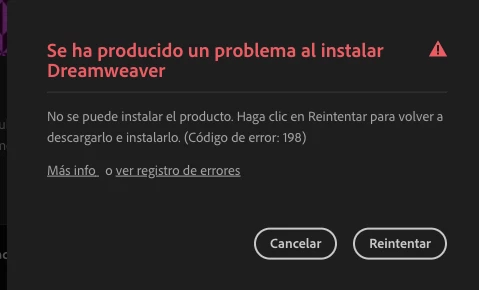
Hola, llevo algunos meses intentado instalar Adobe Dreamweaver pero no me lo permite, empiezo con la instalación desde creative cloud, luego se detiene y dice reintentar, me apareció este error: 198
Exit Code: 198 -------------------------------------- Summary -------------------------------------- - 1 fatal error(s), 1 error(s), 8 warnings(s) FATAL: Error occurred in install product workflow with error code 198 error message Source: /Applications/Adobe Dreamweaver 2021/AMT; Destination: /System/Volumes/Data/.adobeTemp/906D4248-D257-456F-B1FE-CA21AA2DFF9C; ErrorDesc: Error Domain=NSCocoaErrorDomain Code=260 "The file “AMT” couldn’t be opened because there is no such file." UserInfo={NSFilePath=/Applications/Adobe Dreamweaver 2021/AMT, NSUnderlyingError=0x7f9d76ea1c10 {Error Domain=NSPOSIXErrorDomain Code=2 "No such file or directory"}} ERROR: Failed to backup folder /Applications/Adobe Dreamweaver 2021/AMT with error Source: /Applications/Adobe Dreamweaver 2021/AMT; Destination: /System/Volumes/Data/.adobeTemp/906D4248-D257-456F-B1FE-CA21AA2DFF9C; ErrorDesc: Error Domain=NSCocoaErrorDomain Code=260 "The file “AMT” couldn’t be opened because there is no such file." UserInfo={NSFilePath=/Applications/Adobe Dreamweaver 2021/AMT, NSUnderlyingError=0x7f9d76ea1c10 {Error Domain=NSPOSIXErrorDomain Code=2 "No such file or directory"}}, aborting installation. WARN: Failed to unlock path: /Users/webmaster/Library/Application Support/Adobe/Dreamweaver 2021/en_GB/Configuration/Shared/LiveEdit/ResponsiveAssets/bootstrap4/bundle/css/bootstrap-4.3.1.css WARN: Failed to unlock path: /Users/webmaster/Library/Application Support/Adobe/Dreamweaver 2021/en_GB/Configuration/Shared/LiveEdit/ResponsiveAssets/bootstrap4/bundle/css/bootstrap-4.2.1.css WARN: Failed to unlock path: /Users/webmaster/Library/Application Support/Adobe/Dreamweaver 2021/en_GB/Configuration/Shared/LiveEdit/ResponsiveAssets/bootstrap4/bundle/css/bootstrap-4.1.3.css WARN: Failed to unlock path: /Users/webmaster/Library/Application Support/Adobe/Dreamweaver 2021/en_GB/Configuration/Shared/LiveEdit/ResponsiveAssets/bootstrap4/bundle/css/bootstrap-4.0.0.css WARN: Failed to unlock path: /Users/webmaster/Library/Application Support/Adobe/Dreamweaver 2021/en_GB/Configuration/Shared/LiveEdit/ResponsiveAssets/bootstrap3/bundle/css/bootstrap-3.4.0.css WARN: Failed to unlock path: /Users/webmaster/Library/Application Support/Adobe/Dreamweaver 2021/en_GB/Configuration/Shared/LiveEdit/ResponsiveAssets/bootstrap3/bundle/css/bootstrap-3.3.7.css WARN: Error Failed to copy src file '/Applications/Adobe Dreamweaver 2021/AMT' to dst file '/System/Volumes/Data/.adobeTemp/906D4248-D257-456F-B1FE-CA21AA2DFF9C'. WARN: CopyFile failed: Error Domain=NSCocoaErrorDomain Code=260 "The file “AMT” couldn’t be opened because there is no such file." UserInfo={NSFilePath=/Applications/Adobe Dreamweaver 2021/AMT, NSUnderlyingError=0x7f9d76ea1c10 {Error Domain=NSPOSIXErrorDomain Code=2 "No such file or directory"}} for Source: /Applications/Adobe Dreamweaver 2021/AMT, Destination: /System/Volumes/Data/.adobeTemp/906D4248-D257-456F-B1FE-CA21AA2DFF9C -------------------------------------------------------------------------------------
Tengo la versión:
Adobe creative cloud 5.7.1.1.
Sistema operativo:
MacOS Catalina
Qué debo hacer?
Muchas gracias
 AdChoices