

Old Default Code Coloring in Dreamweaver 2017
Is there an easy way to change the code coloring in Dreamweaver 2017 to the coloring that it was in previous versions?
Below is a screenshot of how the code looks in the previous version *which I like)
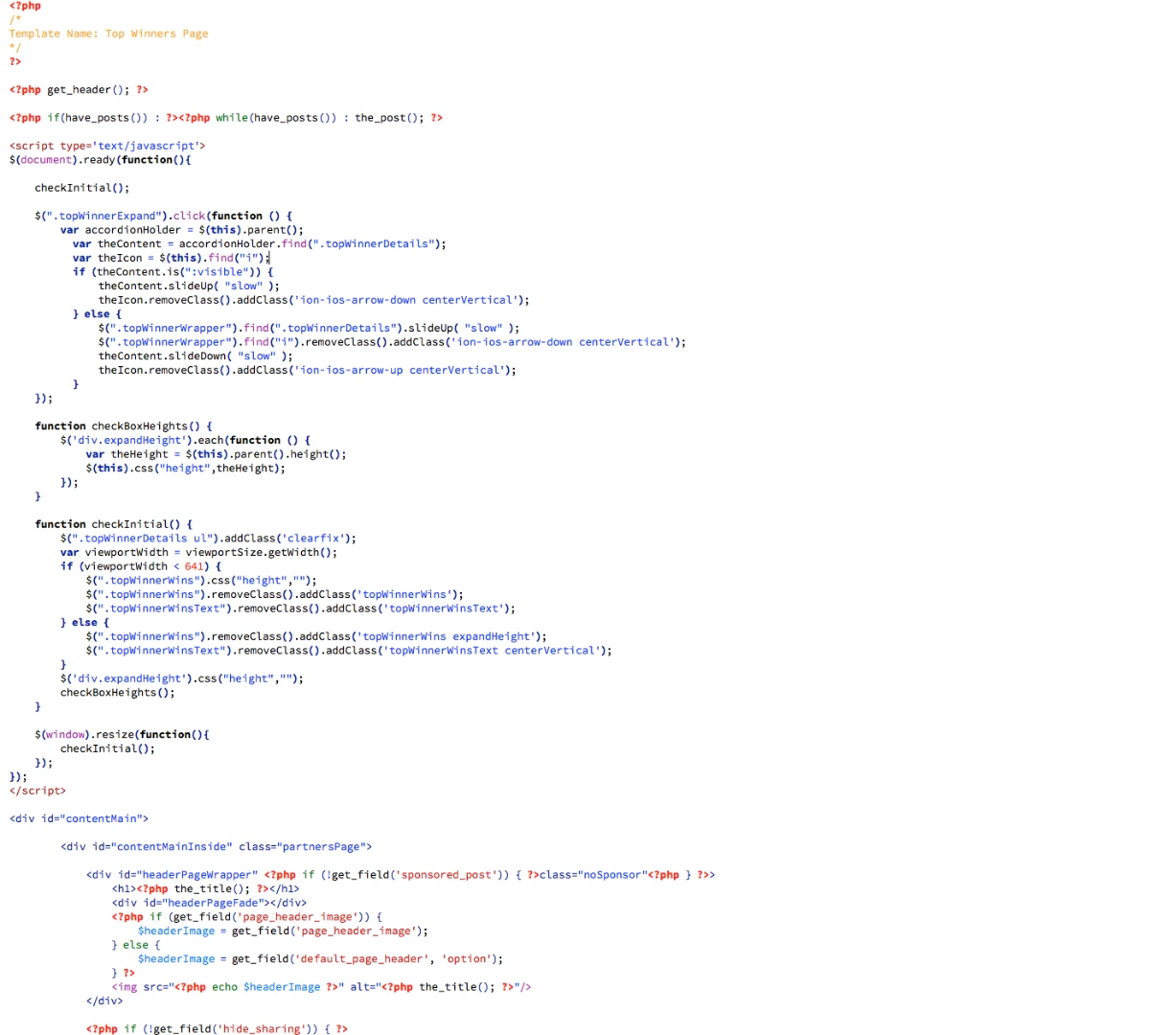
And here is how it looks now (completely different colors and does not apply different coloring to PHP, JS, and HTML within same document).
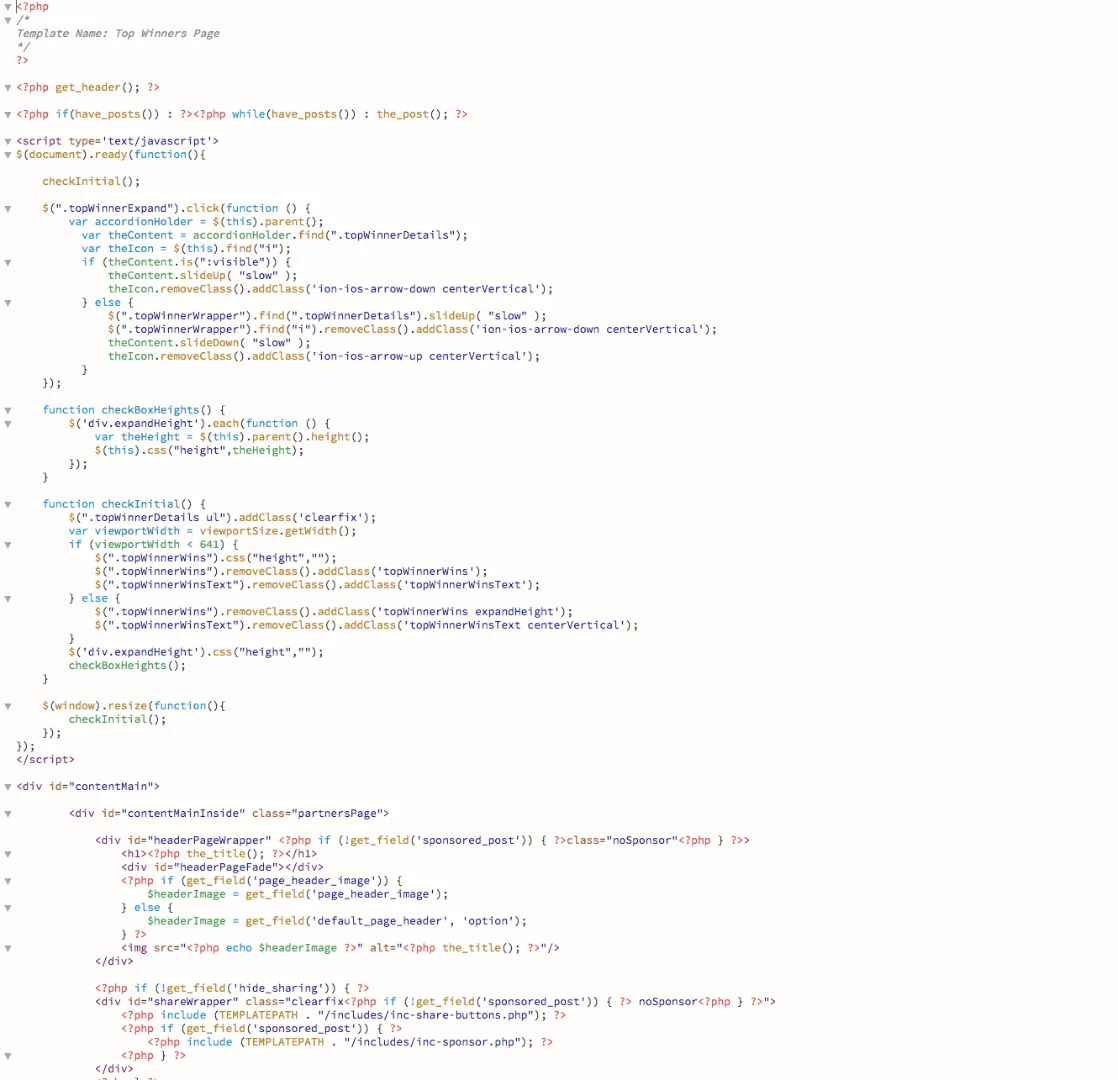
I have read the discussion (like here: Learn how you can customize the colors of your code elements in Dreamweaver. ) around changing LESS files, etc. but I don't have time to try and go in and manually create and figure out a new theme that matches the old look/colors. And I can't find a LESS theme on github that has the coloring I need.
Can't Adobe just create a code theme called "Legacy" or something that has these old colors? I tried the "classic" theme thinking that would do it, but those colors are totally different.
Any insight is much appreciated.


 AdChoices