Hello John
Yes I'm totally new and stumbling about a bit.
The site works fine on my local server, images and text all there.

This is how it appears on my hosting site
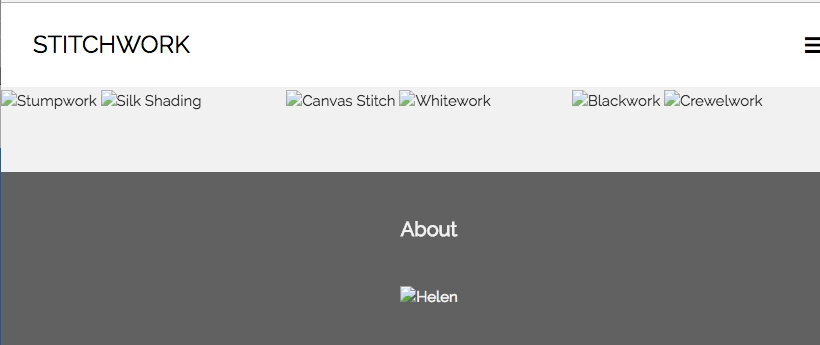
I've cleared cache on Google, Safari and Firefox and still the same issue as above.
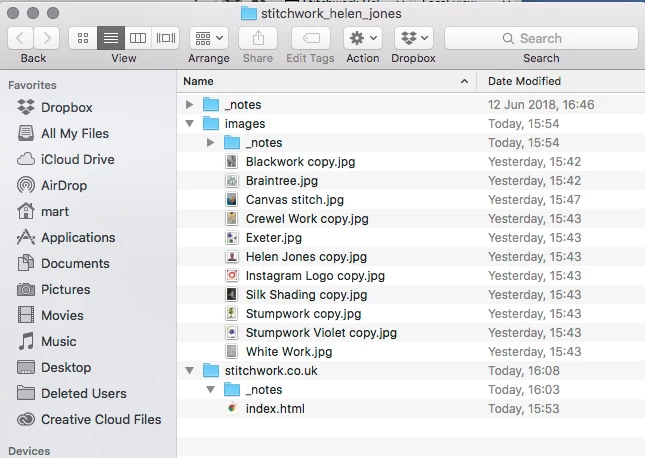
My desktop folder
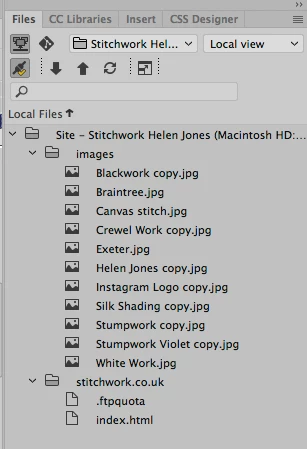
My Dreamweaver file panel
I've tried uploading direct from DW and via my host but still the same issue.
When you say rename the file are you referring to "Save As" in the file menu?
Thanks
Nevermind, the screen shot of the files panel shows me that you have your site structure set up incorrectly.
Your remote site's root folder is represented by the stitchwork.co.uk folder in your local site. What that means is you are uploading your images to the directory above your publicly available website folder. Since users don't have access to anything above your remote root folder, all images stored above it in your directory system come up as Forbidden.
The fix could be relatively simple in that all you should "need" to do is drag the images folder (and it's content) within the stitchwork.co.uk folder, allow DW to update all the links, and re-upload.
A better fix would be to modify your FTP settings so that folder doesn't show up in your Files window at all. Usually you set up DW's FTP/Server info with the root folder location set in the Root Directory field so it doesn't appear in your Files window at all and ALL uploaded files go into the server root.





 AdChoices