Inspiring
December 15, 2019
Answered

Preview Not Working

  • December 15, 2019
  • 1 reply
  • 667 views

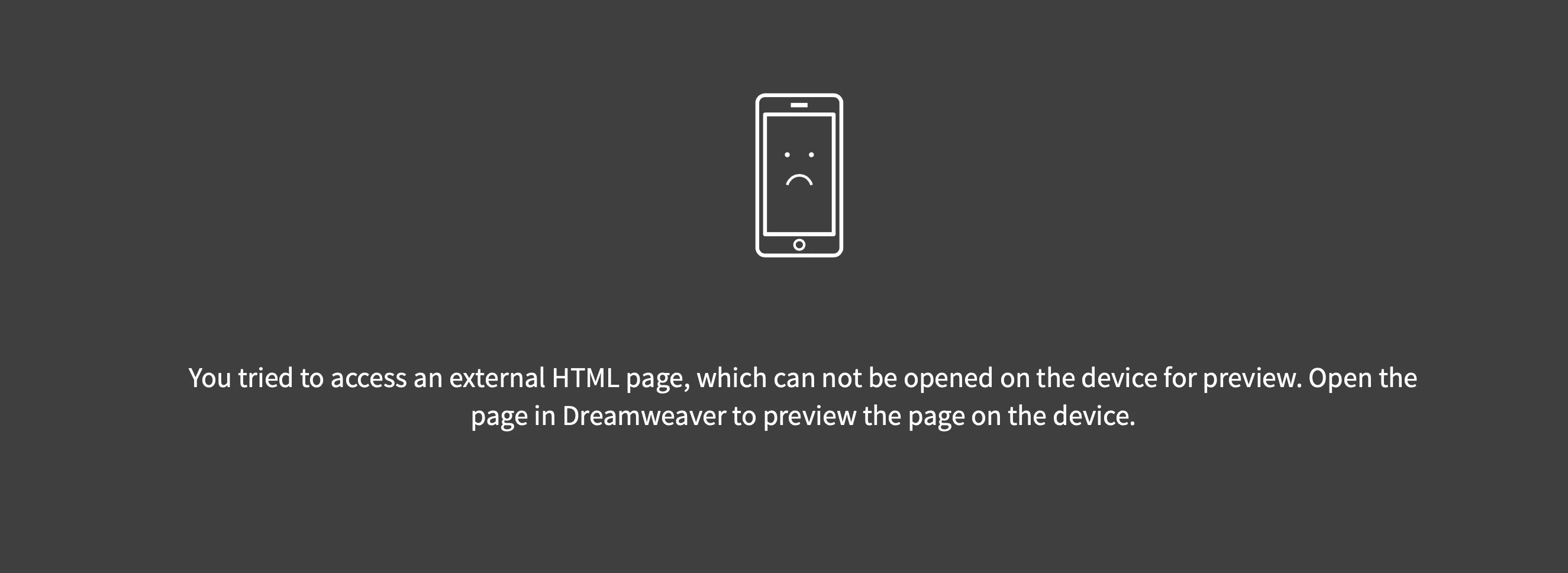
When I try to preview my web page using Previw in Browser I get the follwoing message. Is this a bug? If I close DW and reopen it, the preview works fine.

Alan
This topic has been closed for replies.
Correct answer Nancy OShea

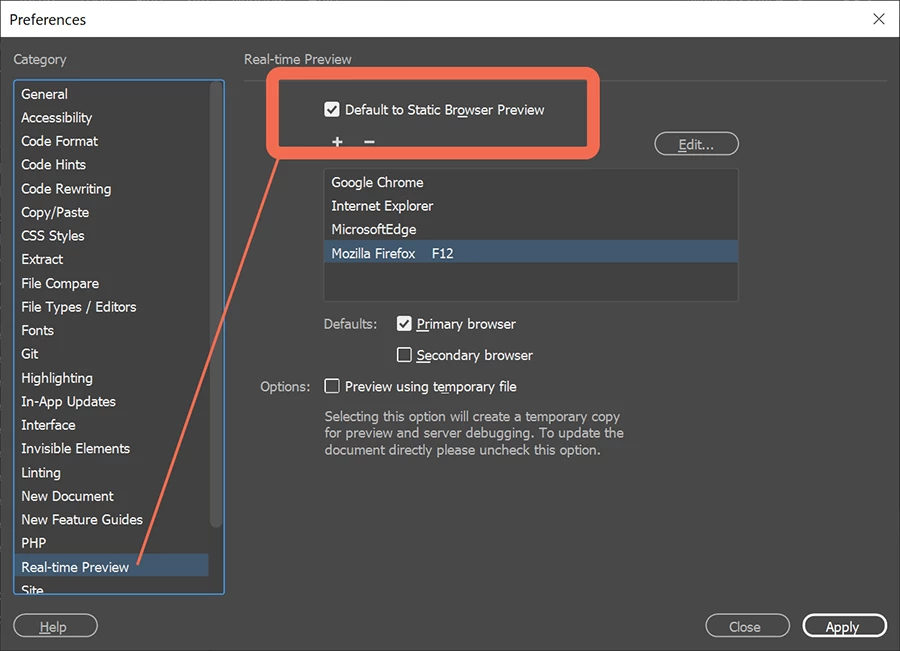
That's  called Real-Time Preview which works sometimes and sometimes not.  You can turn it off in your Preferences and use static browser preview instead.   See screenshot.


1 reply

Nancy OShea
Community Expert
Nancy OSheaCommunity ExpertCorrect answer
Community Expert
December 15, 2019

That's  called Real-Time Preview which works sometimes and sometimes not.  You can turn it off in your Preferences and use static browser preview instead.   See screenshot.


Nancy O'Shea— Product User & Community Expert
Inspiring
December 15, 2019

Thanks Nancy. What exactly is the difference?
Alan

Nancy OShea
Community Expert
Community Expert
December 15, 2019

Static browser preview is exactly the same as old fashioned Preview in Browser.


Real-Time Preview has to connect to Adobe's web servers first. Real-time preview allows you to preview pages in the browser or on mobile devices and view code changes in real time.  


Nancy O'Shea— Product User & Community Expert
