

Participating Frequently
January 17, 2024
Question

Preview on device

  • January 17, 2024
  • 4 replies
  • 321 views

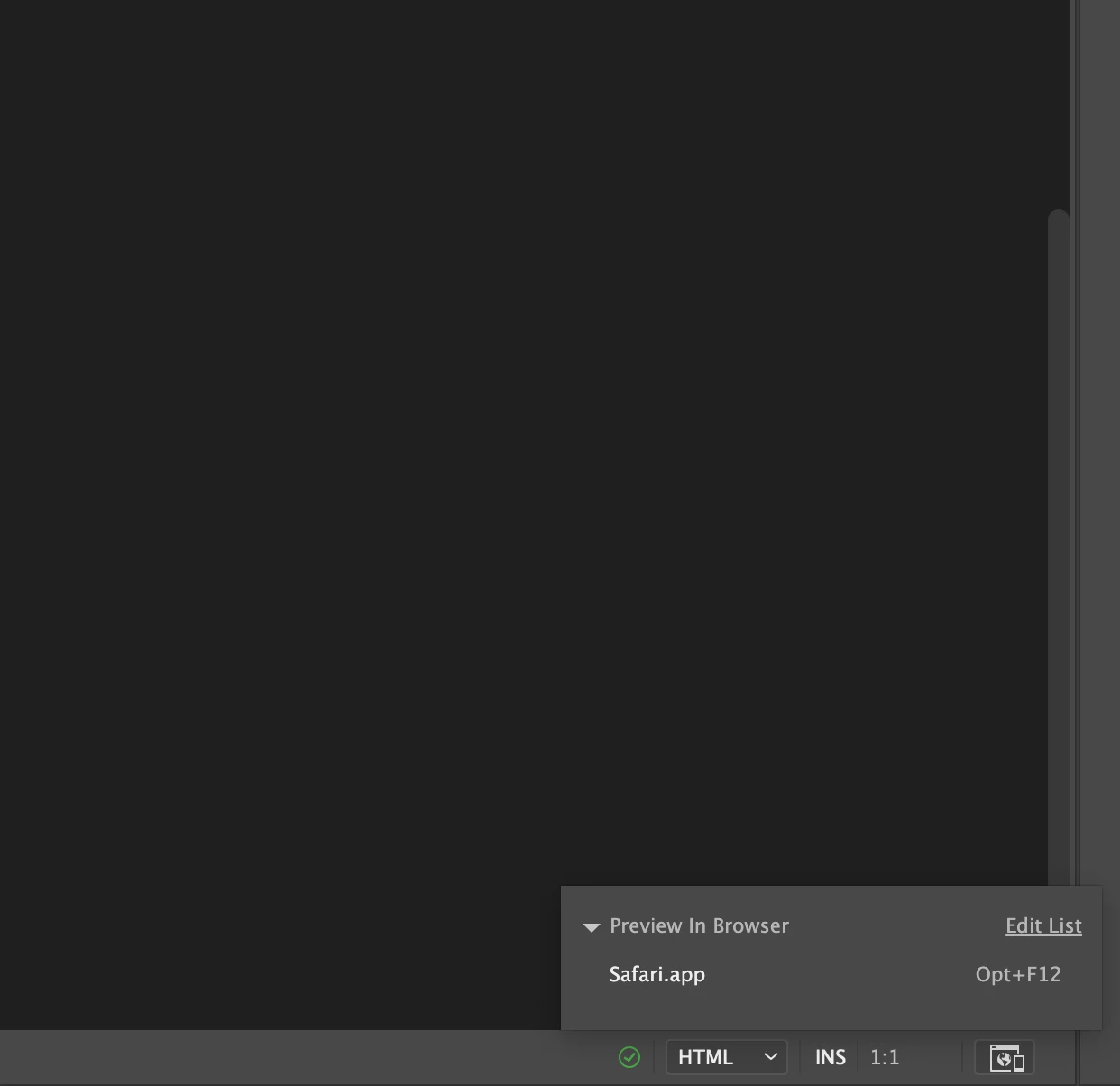
Hello, i don't have possibility to preview on on device, i hae only on safari 
 

    This topic has been closed for replies.

    4 replies

    Community Expert
    January 18, 2024

    In addition to what @Jon Fritz tells you, you can also edit the list of your browsers and from the console (F12) of any modern browser, you can access a simulation of different mobile devices.


    Nancy OShea
    Community Expert
    Community Expert
    January 17, 2024

    As @Jon Fritz said, Device Preview is gone.


    Upload your work to a test folder on your remote server.  

    Test your site's performance from all major devices & browsers. 


    Nancy O'Shea— Product User & Community Expert
    Jon Fritz
    Community Expert
    Community Expert
    January 17, 2024

    The best option for previewing your work across multiple devices on your network would be to set up a local testing server like the free XAMPP.

    Once you've placed your site's root folder within the testing server htdocs folder, you run XAMPP as Administrator.

    From there, you can use your local network IP address followed by your site root folder (example: 123.45.6.7/MySite) in your browser's location bar to view your work on any device connected to your network.

    Jon Fritz
    Community Expert
    Community Expert
    January 17, 2024
