

Participant
July 13, 2018
Answered

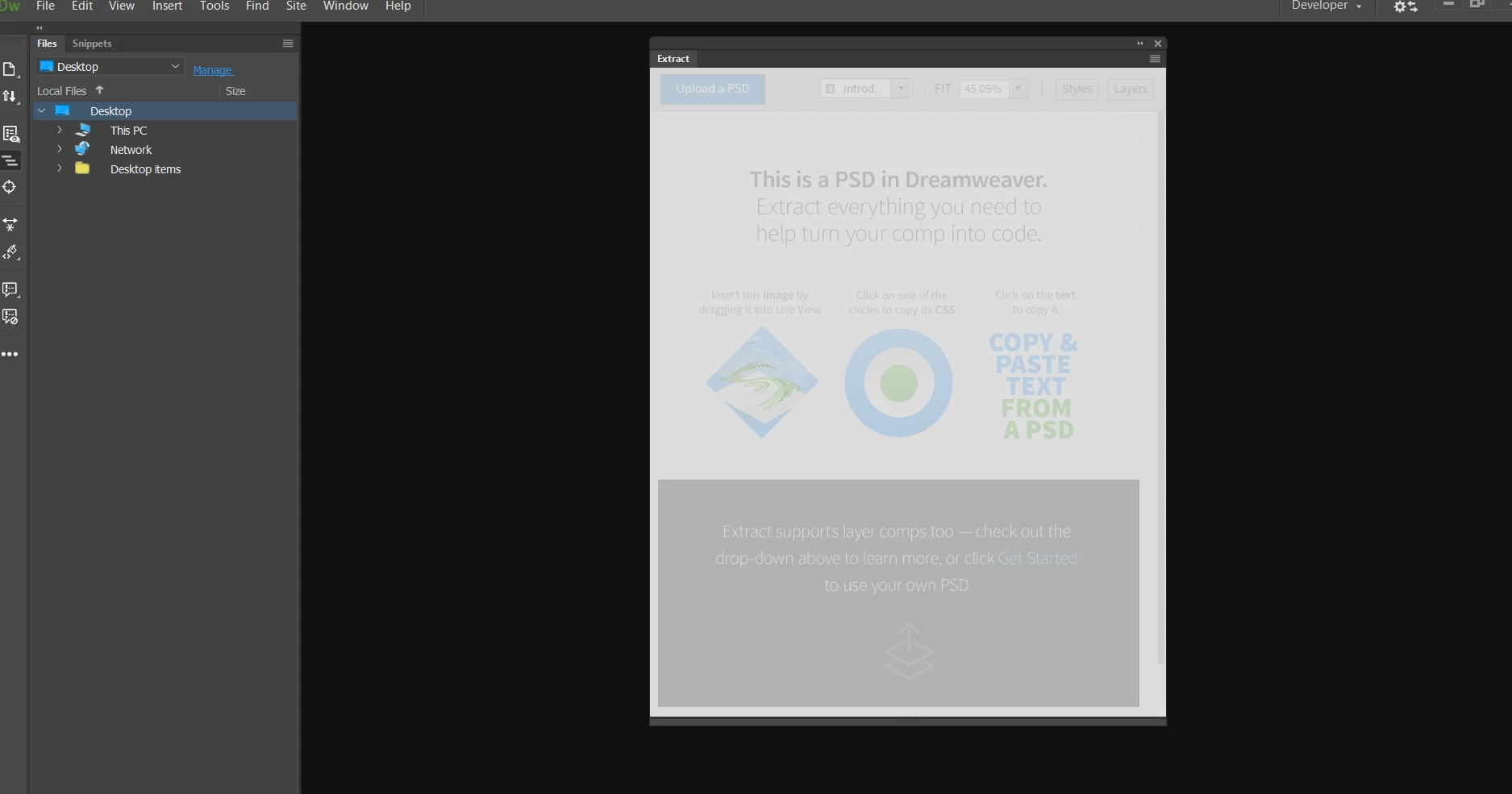
PSD Extract grayed out

Hi,

I have downloaded DW for PSD to HTML conversion but on opening the extract panel it is greyed out and I'm unable to do anything. Please suggest since I'm new to DW.

PFA
Thanks!

This topic is closed to new replies. Start a new post to keep the conversation going.
BenPleysier
BenPleysierCorrect answer
Community Expert
July 13, 2018

You will need to open an HTML document for the Extract panel to become active See How to extract assets from PSD files into Dreamweaver web pages

Wappler is the DMXzone-made Dreamweaver replacement and includes the best of their powerful extensions, as well as much more!

2 replies

Jon Fritz
Community Expert
Community Expert
July 13, 2018

To add to Ben's point, you will also need to Define a Site, or select an existing site from the dropdown in the Files window. Without that first step, DW will function fairly erratically...

GS-01: Defining a new site

Translate
BenPleysier
Community Expert
BenPleysierCommunity ExpertCorrect answer
Community Expert
July 13, 2018

You will need to open an HTML document for the Extract panel to become active See How to extract assets from PSD files into Dreamweaver web pages

Translate
Wappler is the DMXzone-made Dreamweaver replacement and includes the best of their powerful extensions, as well as much more!
