First, make sure you are in Design View, the image map tools are not available in Live and click the image to make sure the black handles appear...
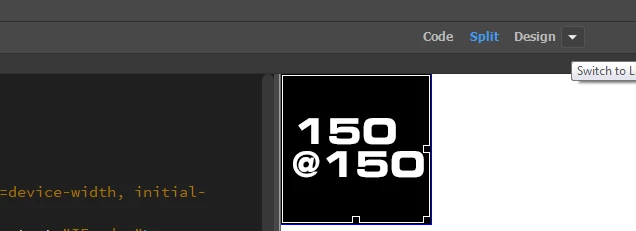
Next, make sure the Image Map tools appear in the Properties window by expanding it if collapsed (click the small triangle on the far right so it is pointing up)...

Now, click the rectangle tool in the far left of the Properties window, this will turn your Design View cursor into a crosshair. Click and drag within the image to draw your shape...
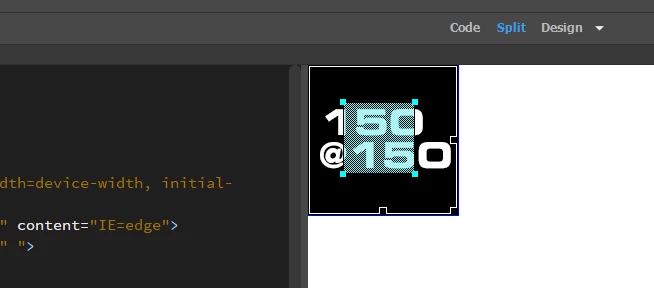
...then add your URL to the link field in the Properties window






 AdChoices