This topic has been closed for replies.
Correct answer Jon Fritz

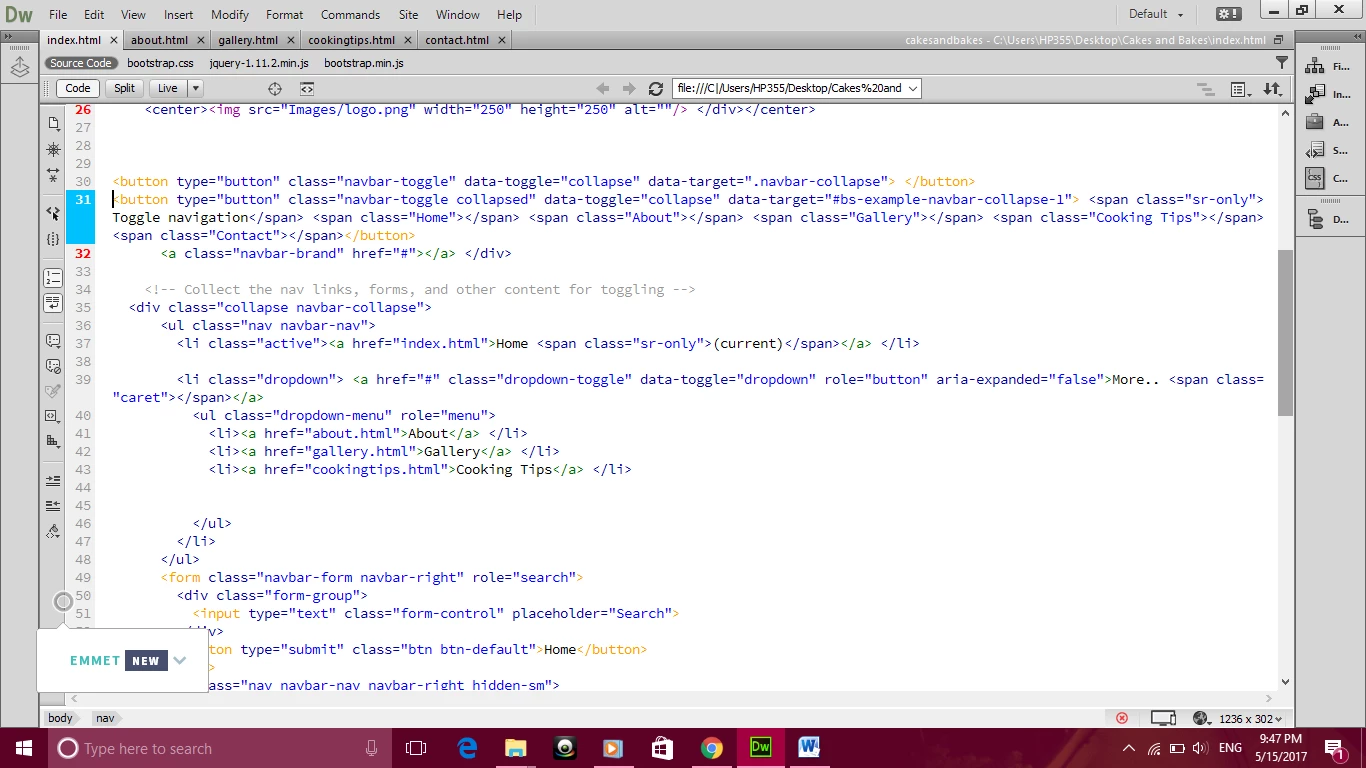
There was a known bug in a recent, though not up to date, release of DW that left out the classes on the <nav> element that were in charge of displaying the mobile menu option.

Your current <nav> should work if you change it to <nav class="navbar navbar-default">

Another work around was to place the inverted menu instead of the default.

1 reply

Jon Fritz
Community Expert
Community Expert
May 15, 2017

Run your page through the validation tool under File > Validate > Current Document (W3C) or go to http://validator.w3.org/nu to get a listing of your html errors. Pay particular attention to any extra or missing tags.

Structural errors can cause all kinds of display issues.

Cleaning up structural problems can bring your page back pretty quickly. If it doesn't, post back once your errors have been cleaned up and the contributors here can take a closer look.

Participant
May 15, 2017

tried that changed any open tags but still not working

Jon Fritz
Community Expert
Jon FritzCommunity ExpertCorrect answer
Community Expert
May 15, 2017

There was a known bug in a recent, though not up to date, release of DW that left out the classes on the <nav> element that were in charge of displaying the mobile menu option.

Your current <nav> should work if you change it to <nav class="navbar navbar-default">

Another work around was to place the inverted menu instead of the default.