
Answered
Save/Load Queries in Find & Replace CC 2019
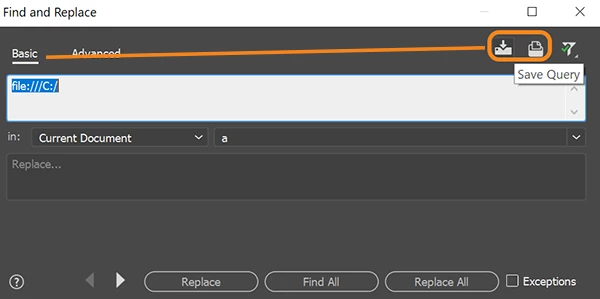
Hi! I am trying to Save "Find & Replace" queries that I use in Dreamweaver all the time (vs. copy/pasting them every time). I found answers on how to do this in CC 2017 and 2018, but I tried to apply the same techniques to CC 2019 and it appears the option isn't there (ie. show hidden features in the prefs file). Is there a way to do this in CC 2019? The panel is very basic and doesn't show any Advanced options or give me a "Advanced Find & Replace" panel, so I'm not sure if this is possible to do, or if I'm not looking in the correct place.
Thanks!



 AdChoices