Participating Frequently
May 22, 2011
Answered

Setting up a testing server. Getting "Could not connect to MySQL" error. Help!

  • May 22, 2011
  • 3 replies
  • 1684 views

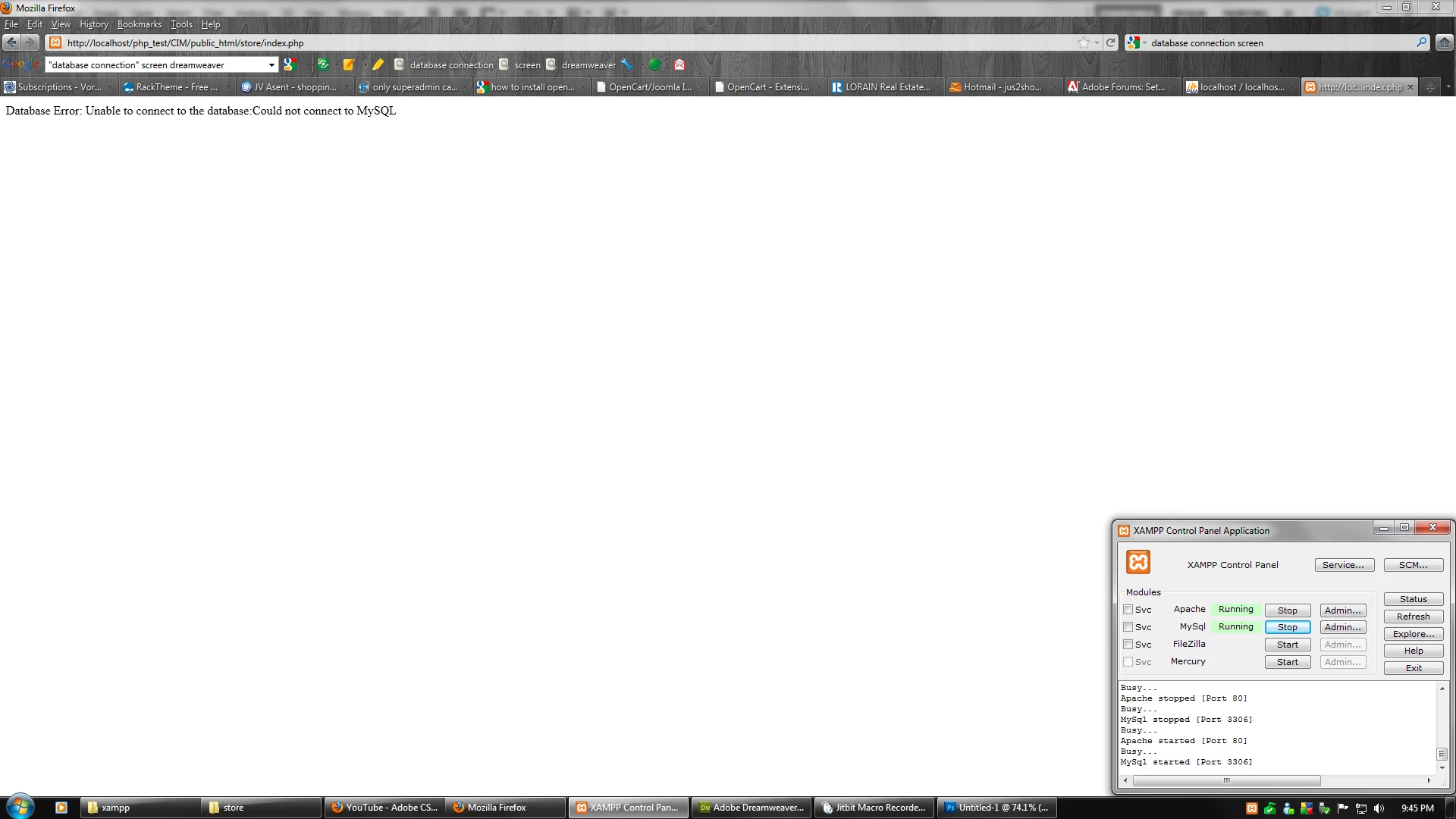
First off, I'm a rookie at all of this, so please excuse me for leaving out some details.  Anyhow, I've followed David Powers' "Setting up a PHP development environment for Dreamweaver" to setup my testing server.  I've tested the timetest.php file and everything works great.  I backed up my entire site and extracted it's contents into my xampp/htdocs/php_test/CIM folder.  "CIM" is a folder that I created to hold the contents of my entire site.  I get an error message when I try to access my index.php file.  When I click on "Live View", I get "Database Error: Unable to connect to the database:Could not connect to MySQL".  My index.,php file is located in xampp/htdocs/php_test/CIM/public_html/store.  Also, I have XAMPP started with Apache and MySql running.  What am I doing wrong?
This topic has been closed for replies.
Correct answer Ben M

SnakEyez02,

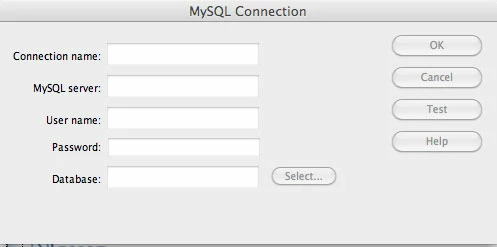
Is this the screen you are speaking of?

Here is a screen shot of the error message I get when I try to connect to my index.php file.

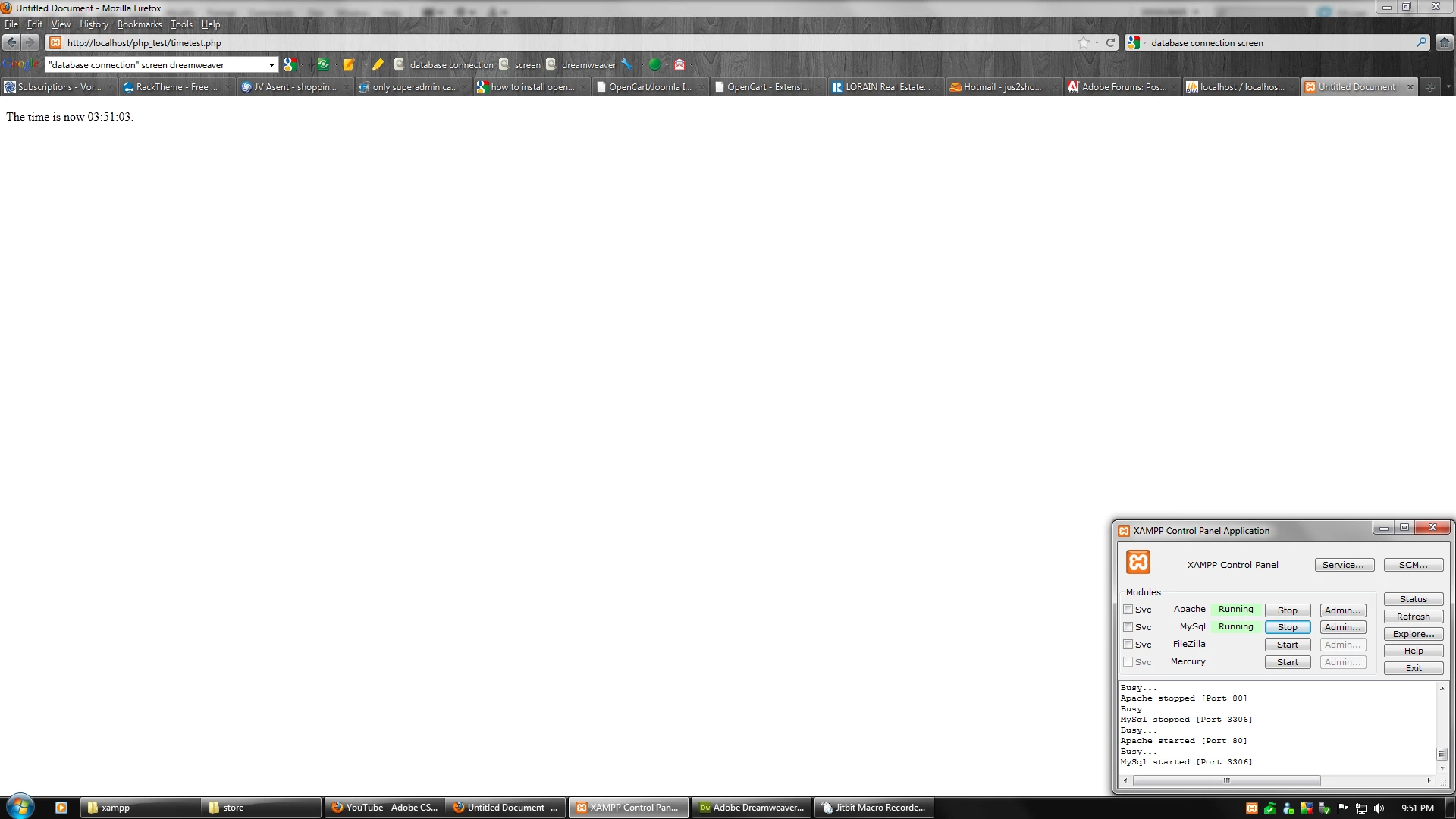
Here is a screen shot of the sample file timetest.php to verify that it is working.


If your timetest.php is like this:

<p>This page was created at <b>
<?php echo date("h:i:s a", time()); ?>
</b> on the computer running PHP.</p>

Then that only proves you have PHP working.  I'm talking about within DW when you try to make the database connection.  Based on your error page there is no connection to the database.  The screen I am talking about is:

3 replies

David_Powers
Inspiring
May 30, 2011

jus2sho wrote:

My index.,php file is located in xampp/htdocs/php_test/CIM/public_html/store.

There could be several reasons you're not connecting, but this folder structure is almost certainly one of them.

xampp/htdocs is the XAMPP server root (the equivalent of http://localhost). That means that the Web URL for index.php is http://localhost/php_test/CIM/public_html/store/index.php. But public_html is a common folder name for the server root on many hosting companies. To match the setup on your remote server, you need to put the store folder in xampp/htdocs.

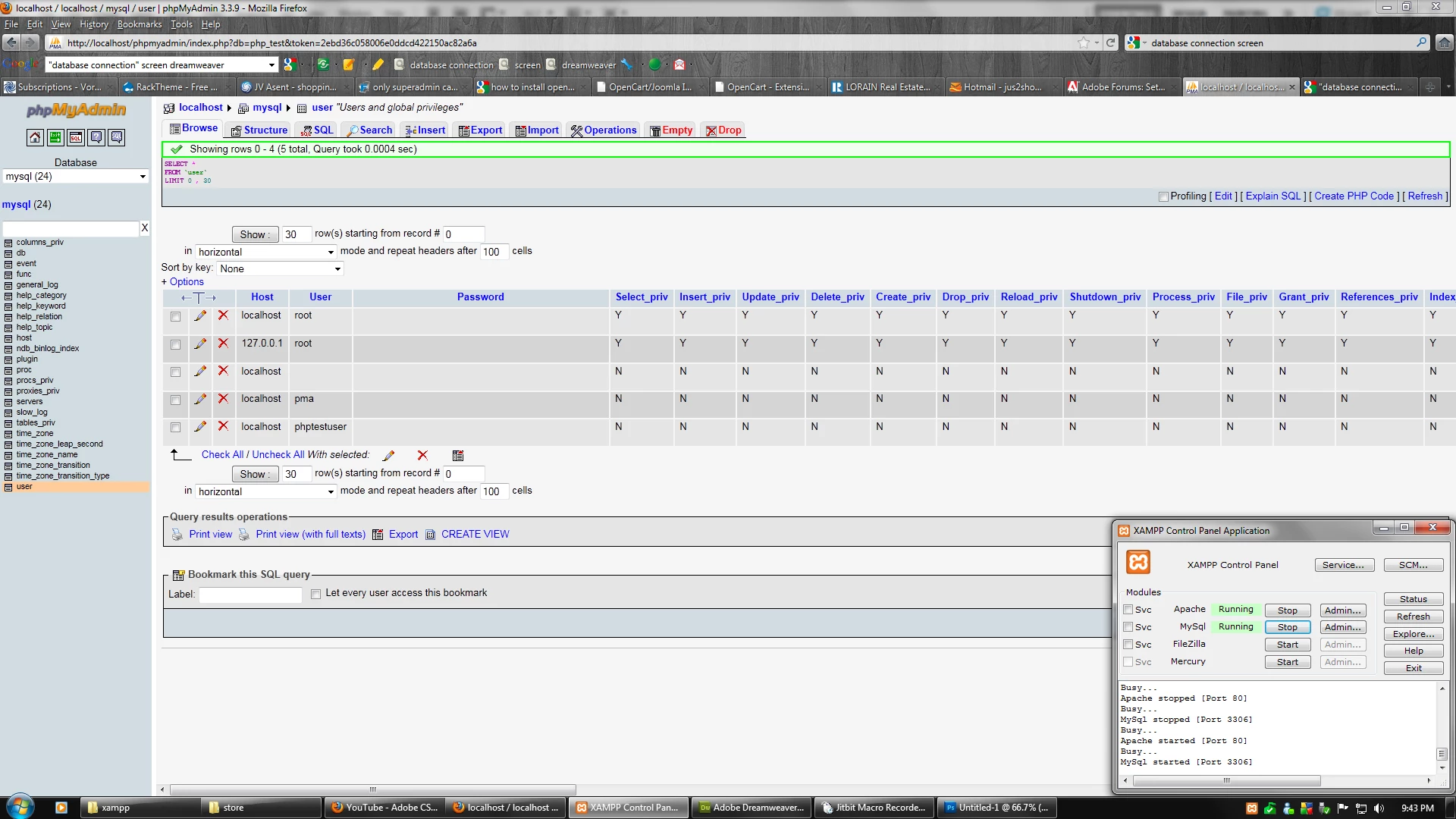
And as SnakEyez02 has pointed out, you need to set up the MySQL connection correctly in Dreamweaver. You need to set the username and password correctly.

Silken_thread
Participating Frequently
May 30, 2011

I need to ask the question did you add an include or require link at the top of your index.php page:-

<?php require_once('connections/connect.php'); ?>

Depending on the name of your folder and file see below

<?php require_once('yourfolder/yourfile.php'); ?>

you also may need to add ../ in front of yourfolder

Just a suggestion based on your info hope it helps

jus2shoAuthor
Participating Frequently
May 25, 2011

Nobody knows?  Am I missing information?

Community Expert
May 26, 2011

I personally don't use XAMPP, but I do know that these packages don't always install on the default ports (http - 80, mysql 3306), because of that when you define the connection it should include the port number like "localhost:portnumber".   Can you verify that it is pointing to the correct port?

jus2shoAuthor
Participating Frequently
May 26, 2011

Hi SnakEyez02,

Thank you for your reply.  When I start Apache and MySql, the status indicates that "Apache started (port 80)" and "MySql started (port 3306)".  Any other suggestions?