Participant
February 11, 2019
Answered

Sharing email preview to Apple Mail

  • February 11, 2019
  • 1 reply
  • 491 views

When sharing a design preview from Safari to Apple Mail, a link displays instead of a display of the webpage. Current version of Dreamweaver and Mojave

This topic has been closed for replies.
Correct answer Nancy OShea
  1. Right-click on open tab > Open in Browser.  Select Chrome or Firefox from list.. 
  2. Take a screenshot with your keyboard's Print Screen key.
  3. Paste screenshot directly into an e-mail message.

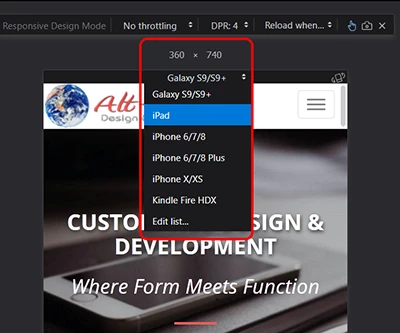
The Web Developer toolbar add-on for Firefox is good to have.  Among other things, it contains a responsive design view option under Tools menu.

Web Developer – Get this Extension for    Firefox (en-US)

1 reply

Nancy OShea
Community Expert
Nancy OSheaCommunity ExpertCorrect answer
Community Expert
February 11, 2019
  1. Right-click on open tab > Open in Browser.  Select Chrome or Firefox from list.. 
  2. Take a screenshot with your keyboard's Print Screen key.
  3. Paste screenshot directly into an e-mail message.

The Web Developer toolbar add-on for Firefox is good to have.  Among other things, it contains a responsive design view option under Tools menu.

Web Developer – Get this Extension for    Firefox (en-US)

Nancy O'Shea— Product User & Community Expert