Participant
January 15, 2018
Answered

Site setup

  • January 15, 2018
  • 2 replies
  • 260 views

I have taken a tutorial from lynda.com on dreamweaver. And when setting up my page in the tutorial he gets this:
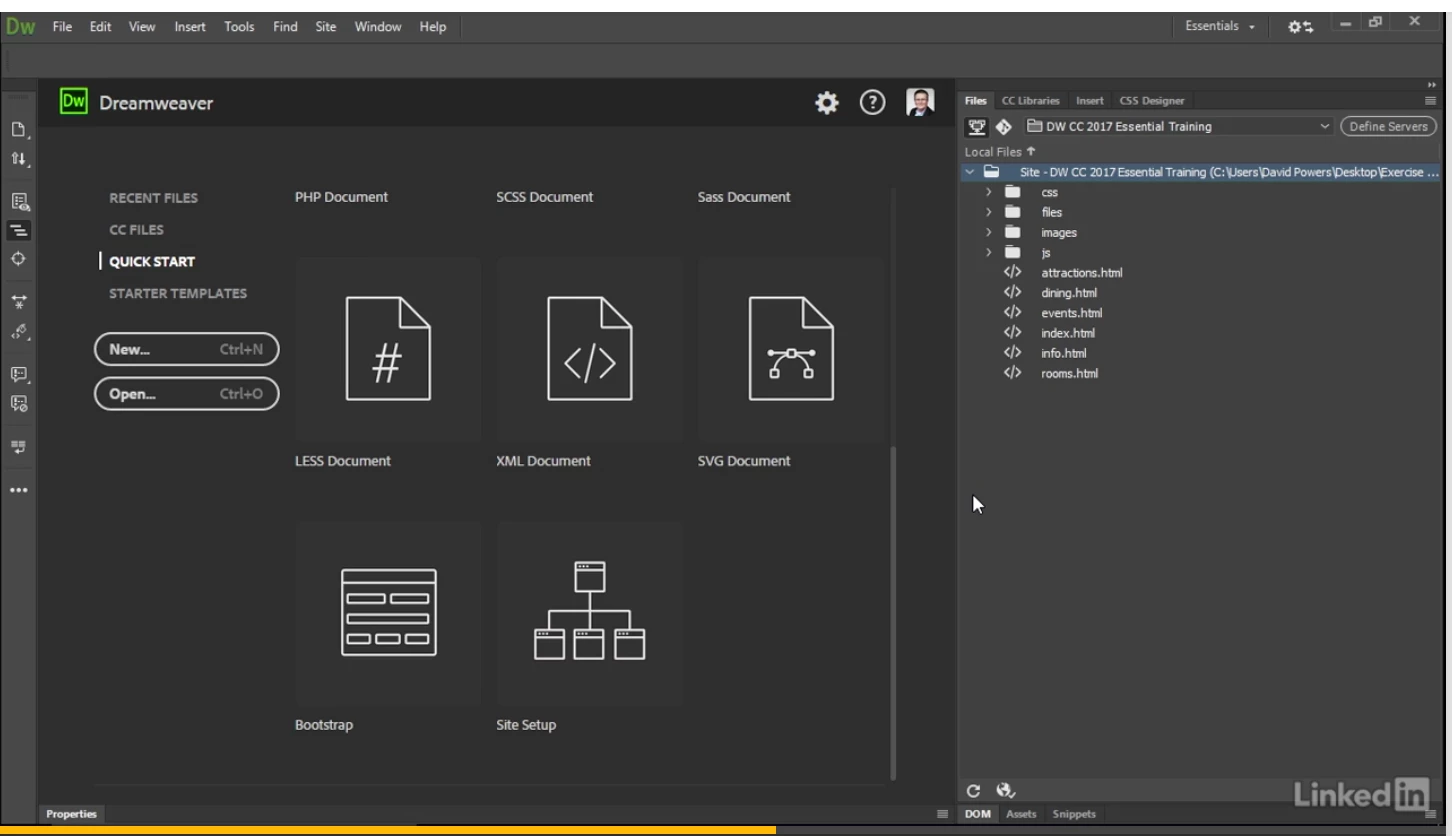
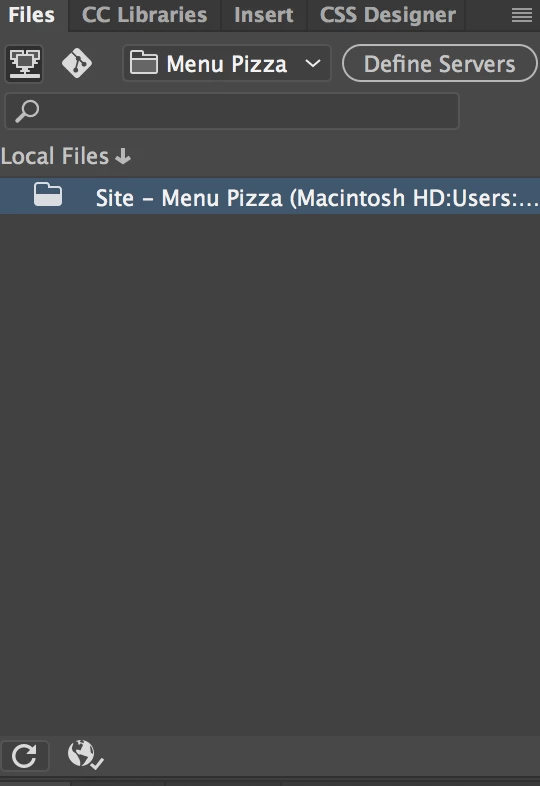
Here are folders with CSS +++, but when I do the same thing.... I don't get this! What am I doing wrong? See example under:

This topic has been closed for replies.
Correct answer Nancy OShea

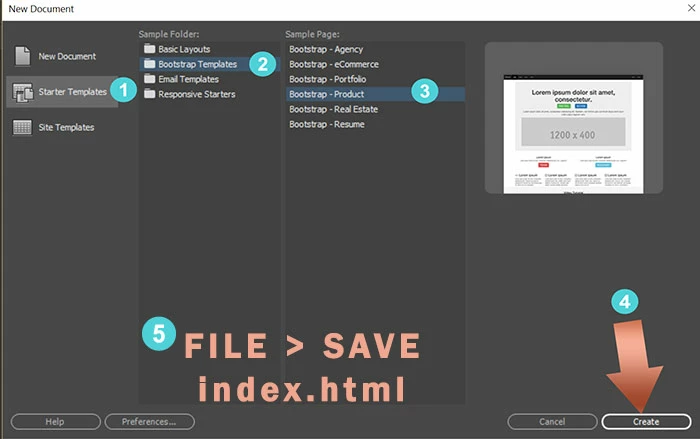
Once your site is defined, use a starter template to create your first document.  File > New > Starter Templates.  Choose one and hit Create button.

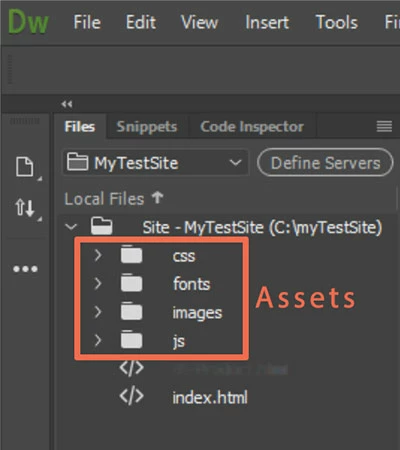
After your document is saved, you'll see it in your Files Panel tree along with any other Assets your starter template may contain  -- images, js, css, fonts....

2 replies

Nancy OShea
Community Expert
Nancy OSheaCommunity ExpertCorrect answer
Community Expert
January 15, 2018

Once your site is defined, use a starter template to create your first document.  File > New > Starter Templates.  Choose one and hit Create button.

After your document is saved, you'll see it in your Files Panel tree along with any other Assets your starter template may contain  -- images, js, css, fonts....

Nancy O'Shea— Product User & Community Expert
Jon Fritz
Community Expert
Community Expert
January 15, 2018

Looks like that first screen shot is simply from further into the tutorial, or, maybe you missed a step where you were supposed download and extract a .zip archive into your root folder?

DW generally doesn't automatically create files/folders within your site, unless you're use Bootstrap or DWT Templates. If you're just starting out defining a site, it will be empty until you create pages and save them to the site. If you're using BS or DWT, once you save the file to your site, the automatically generated dependent files will also be saved to your site.