
Answered
some files greyed out in change link sitewide
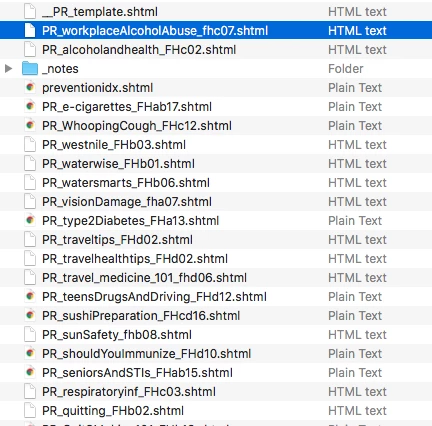
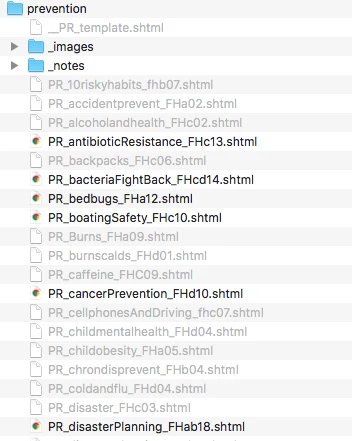
I am having a weird problem where some of my files are showing in the finder as 'html text' and some are showing as 'plain text'. The ones showing as html text are the only ones available in Dreamweaver when I try to use 'change link sitewide', only a few of my files are available, the rest are greyed out and I can't choose them.
I've tried playing around with the files, resaving them, and sometimes they show as html text and sometimes plain text with no rhyme or reason. I am not changing any code within the page.
How can I fix this? Thanks!
Here's the view from my desktop (mac):
Here's the view from inside Dreamweaver (change link sitewide):



 AdChoices