Participating Frequently
January 10, 2017
Answered

Spaces/Lines showing up on google chrome in my table- Help!

  • January 10, 2017
  • 1 reply
  • 1377 views

I've been designing my website and just put it into Dreamweaver. It looks fine everywhere except Google Chrome. I've tried deleting my cache (which was messing up the presentation in Chrome before.) I've re-done the navigation three times and looked in Photoshop to make sure there weren't any extra spaces...no luck. I'm feeling pretty frustrated and am not very techie. Any suggestions?

Here is the code for the table


<td><table width="1183" border="0" cellspacing="0" cellpadding="0">

        <tbody>

          <tr>

            <td width="185" valign="top"><img src="images/1.gif" width="185" height="27" alt=""/></td>

            <td width="192" valign="top"><a href="index.html" onMouseOut="MM_swapImgRestore()" onMouseOver="MM_swapImage('2','','images/2ON.gif',1)"><img src="images/2.gif" alt="" width="192" height="27" id="2"></a></td>

            <td width="87" valign="top"><a href="AboutIsis.html" onMouseOut="MM_swapImgRestore()" onMouseOver="MM_swapImage('3','','images/3ON.gif',1)"><img src="images/3.gif" alt="" width="87" height="27" id="3"></a></td>

            <td width="140" valign="top"><a href="CommonQuestions.html" onMouseOut="MM_swapImgRestore()" onMouseOver="MM_swapImage('4','','images/4ON.gif',0)"><img src="images/4.gif" alt="" width="140" height="27" id="4"></a></td>

            <td width="168" valign="top"><a href="WhatPeopleAreSaying.html" onMouseOut="MM_swapImgRestore()" onMouseOver="MM_swapImage('5','','images/5ON.gif',1)"><img src="images/5.gif" alt="" width="168" height="27" id="5"></a></td>

            <td width="133" valign="top"><a href="PackagesAndPrices.html" onMouseOut="MM_swapImgRestore()" onMouseOver="MM_swapImage('6','','images/6ON.gif',1)"><img src="images/6.gif" alt="" width="133" height="27" id="6"></a></td>

            <td width="278" valign="top"><a href="Contact.html" onMouseOut="MM_swapImgRestore()" onMouseOver="MM_swapImage('7','','images/7ON.gif',1)"><img src="images/7.gif" alt="" width="278" height="27" id="7"></a></td>

          </tr>

        </tbody>

      </table></td>



    This topic has been closed for replies.
    Correct answer Jon Fritz

    Hiya Nancy,

    I used to be a webdesigner and have built a fair amount of sites. Granted, it was about ten years ago. I know I'll need to change platforms in the future, and I did create the site in Photoshop. However, right now I just want to get the lines out before I go and learn an entirely new way of doing things:)


    I'm not seeing any real differences between Firefox and Chrome here...

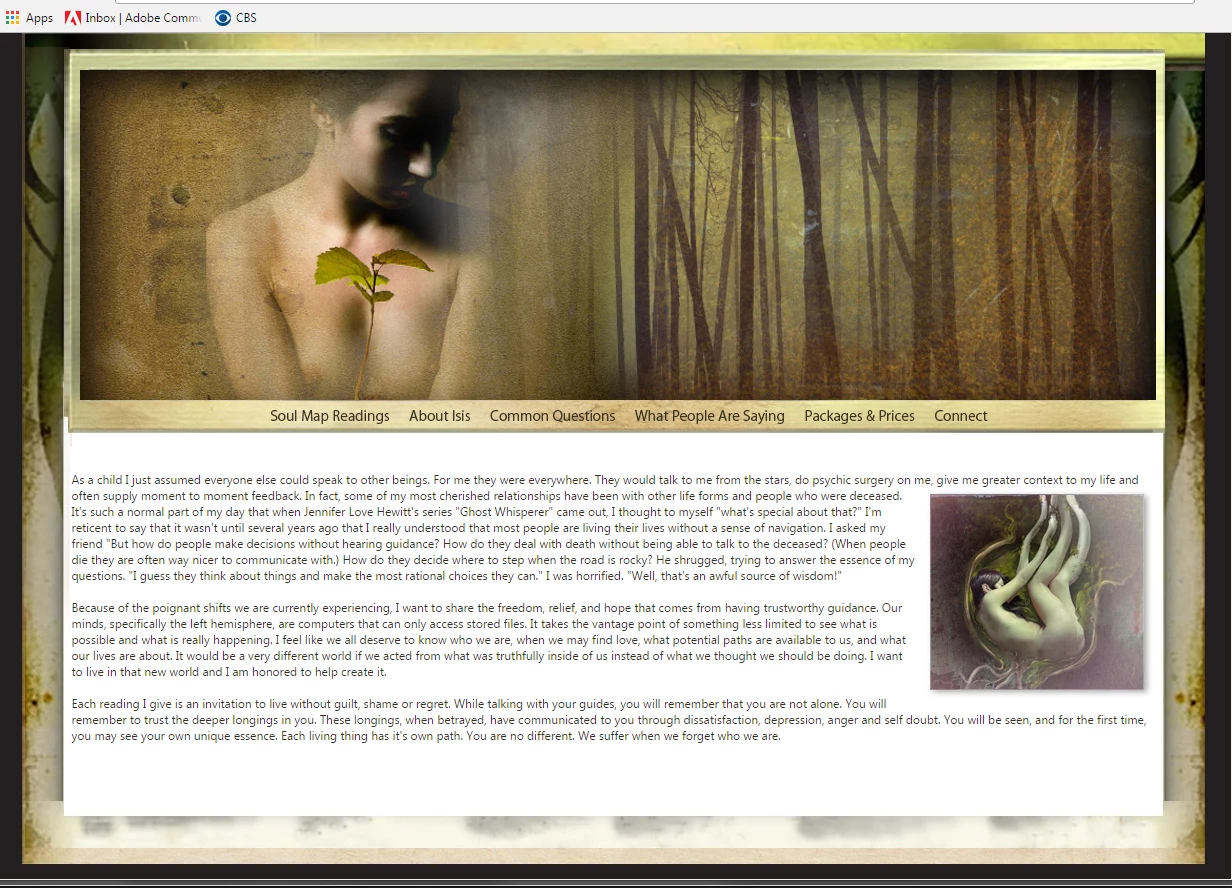
    Chrome:

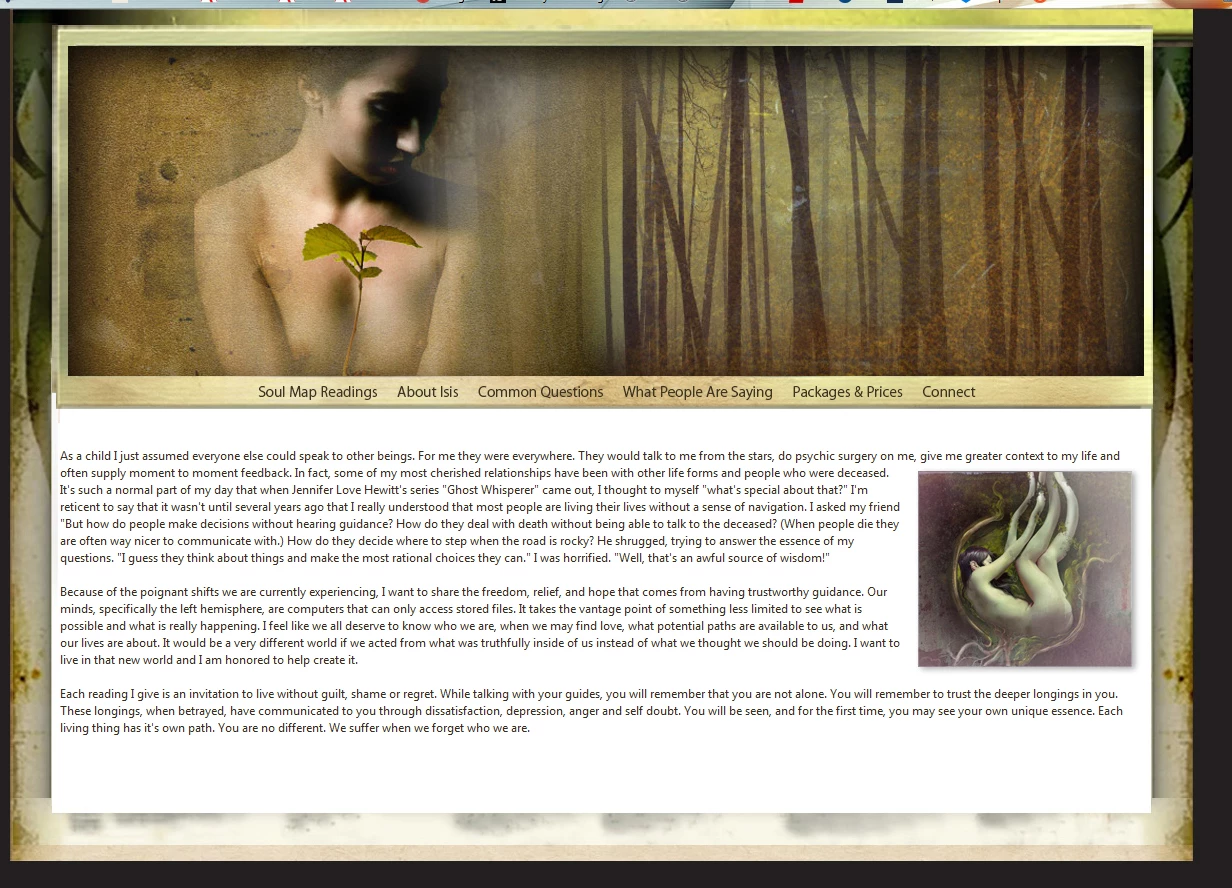
    Firefox:

    Are you sure it isn't a sticky cache issue?

    1 reply

    Jon Fritz
    Community Expert
    Community Expert
    January 10, 2017

    There's nothing in your posted code that would cause "lines and spaces" so I'm thinking the problem lies elsewhere in your source. Without being able to see the entire code of the page, it's all guesswork.

    My first guess will be...

    Under strict doctypes, and html5, inline images are given a small amount of padding under them so they line up correctly with text. Essentially, allowing lower case letters with descenders (j, g, y, etc) to have some room so the image lines up with the rest of the words/letters (o, a, i, etc).

    To fix the this, you can add a small bit of css for your images. Something like...

    img {display:block}

    ...at the top of your css file will do the trick.

    If that's not the problem, please post a link to your work in progress on a server that you have control over. Even if you just upload it temporarily, so we can see with our browsers what's happening, it makes troubleshooting your code much simpler.

    Participating Frequently
    January 10, 2017

    Thank you! I don't have a css style sheet because I did it all within the page. Here is the website:) Index.html

    I'm grateful for your help!

    Nancy OShea
    Community Expert
    Community Expert
    January 10, 2017

    Did you make this comp in Photoshop and export to HTML?  It sure looks that way.  Tables are rigid and won't work well in mobile & tablet devices.

    Photoshop comps are not production-worthy web sites.  They are merely quick prototypes to show the client before you embark on the real challenge of building the site over in DW or Muse with HTML and CSS code.

    My guess is you've never built a web site before and you're looking for shortcuts.  It that's the case, you might want to redo this in Muse.  MU is aimed at non-coders who like working in a visual workspace.    Dreamweaver is more advanced & requires fundamental coding skills.

    Nancy

    Nancy O'Shea— Product User & Community Expert