


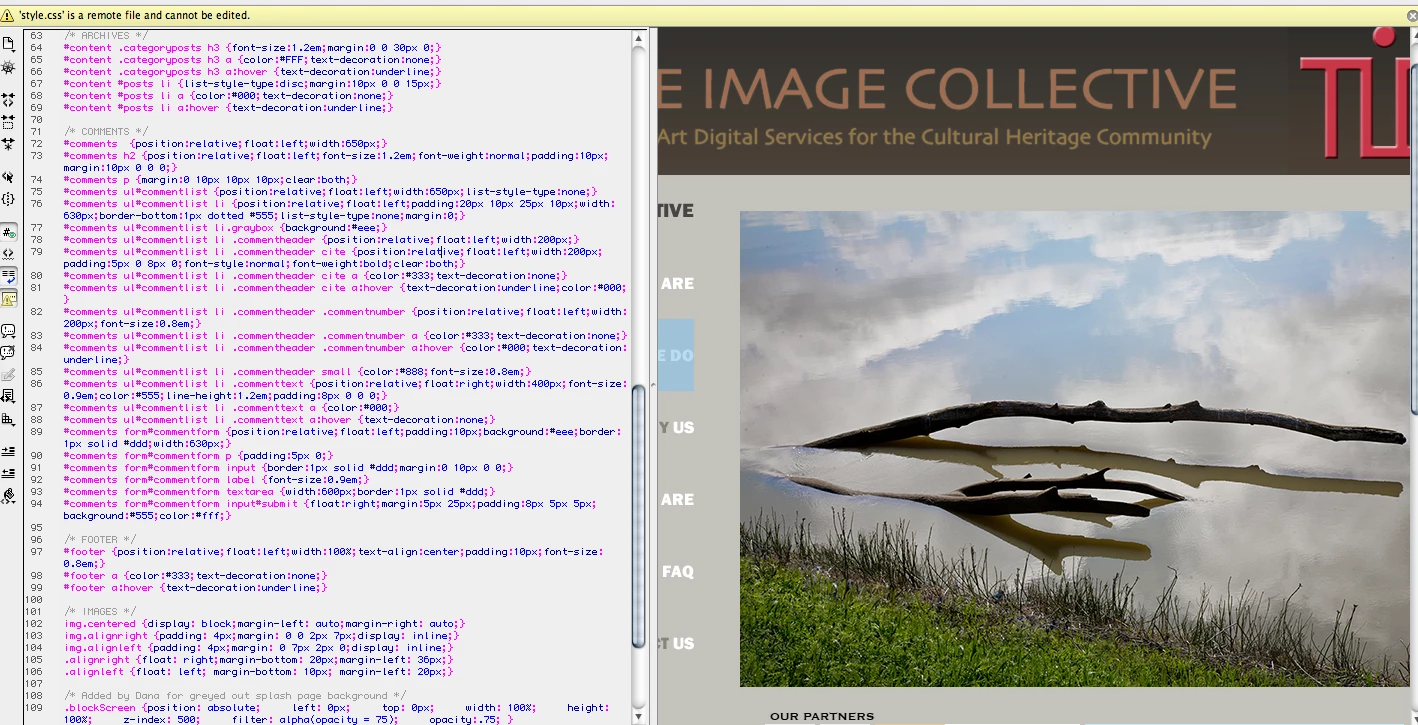
'style.css' is a remote file and cannot be edited?
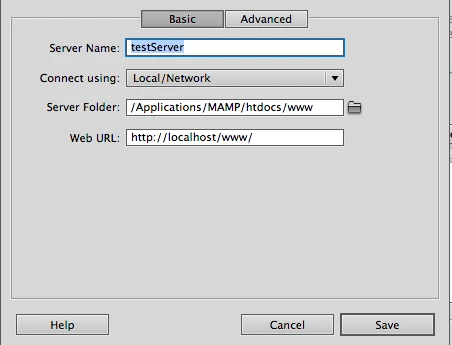
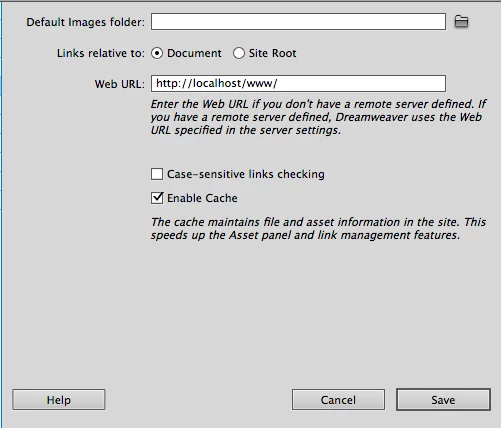
man this is driving me absolutely nuts. So far what i'm trying to do is edit an existing wordpress site in dreamweaver. I have installed and configured MAMP since im on a mac. I have imported a complete set of local files of my site and placed them in the root folder:mamp-htdocs-www.ive created a database in mySql and imported my tables from my server to it and configured it to match the wp-config file. No problems there. In Dreamweaver , after managing sites, i set up local folder as wamp-htdocs-www, and setup my testing server as local/network with address as http://localhost/www.With all that i am able to preview my site, animations and all. But when i try to click on my .css files or .js files and some other i get the error " 'style.css' is a remote file and cannot be edited. When i try to make changes to the css through the styles panel it tells me : Unable to open file "http://www.sitename.org/wp-content-themes/sitename/style.css. You can download the file by using remote view of the files panel, or by selecting the file in the Related Files toolbar and clicking "Get" in the info bar. So for some reason it seems that its still looking online for my css files instead of realizing that they are in my root folder. What Gives. Any help would be so greatly appreciated.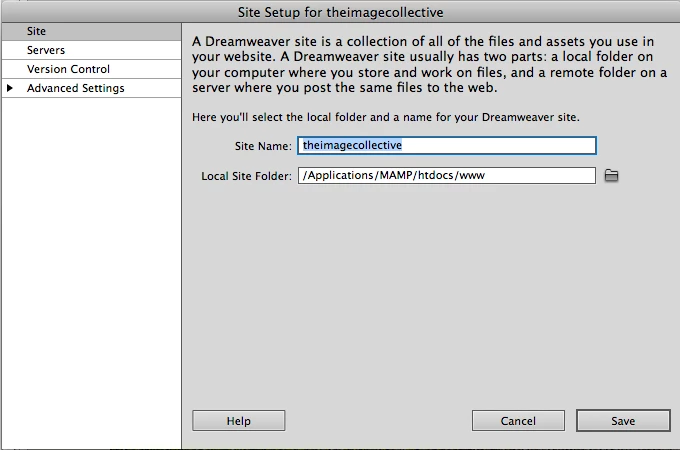



 AdChoices