Participant
October 15, 2020
Question

Style not working
  • October 15, 2020
  • 2 replies
  • 182 views

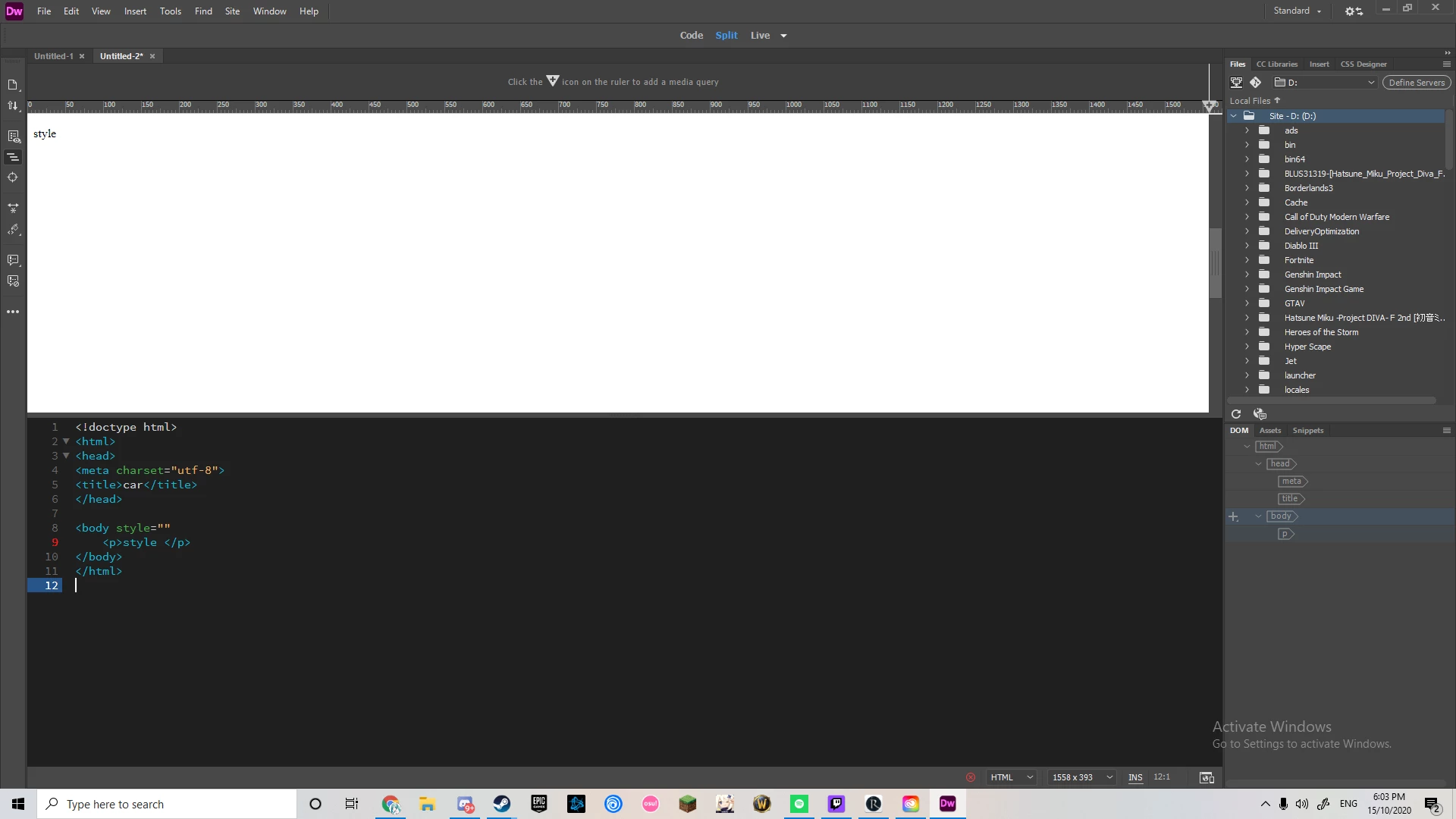
So I'm new to dreamweaver and suddenly my style stopped working. Did i turn something on or off? it works in the body part but when i try to write it in a h or p it just comes up as text or am i just being dumb

This topic has been closed for replies.

2 replies

Jon Fritz
Community Expert
Community Expert
October 15, 2020

Take some time to run through these tutorials and make sure you understand the concepts presenteed by using the "Try It Yourself" buttons for each step...

https://www.w3schools.com/html/

https://www.w3schools.com/css/ 


...there are a couple of errors within your code that will become very obvious to you after you go through the tutorials. It will also make the code osgood posted make a lot more sense to you.

Legend
October 15, 2020

You have to write inline css styling like below:


<p style="color: red;">Red Text</p>


or


<h1 style="color: blue;">Blue Text</h1>


BUT I would advise against using inline css styles. You should either put the styles in a linked css stylesheet or in the <head></head> section of your pages code, inbetween <style></style> tags:


<style>

p {

color: red;

}

h1 {

color: blue;

}

</style>


Better still, rather than assigning a generic color to ALL p or h1 tags on your page, you should assign them to specific containers:


<div class="product">

<h2>Product 1</h2>

<p>Product description</p>

</div>


<style>

.product h2 {

color: red;

}

.product p {

color: blue;

}

</style>


Hope that helps. Post back if you have any questions or are trying to do something else.