


Template error
I've had this problem for several months:
The site templates for 2 different websites both report the same error "This template doesn't have any editable regions. Are you sure you want to continue?"
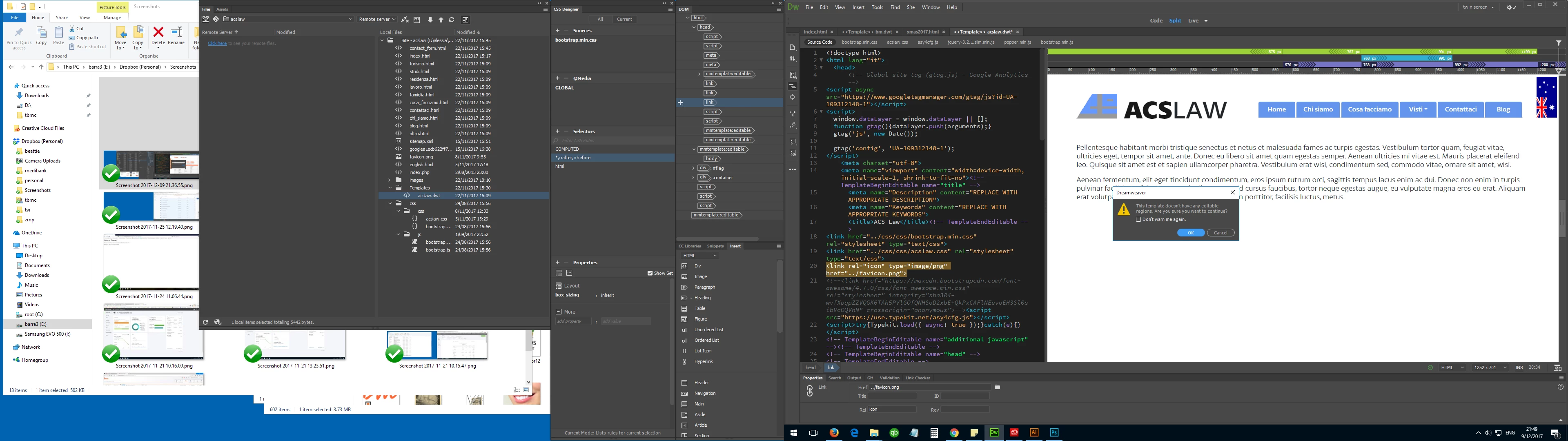
When I click YES, the template for the site http://acslaw.com.au updates all its children pages without a problem, in spite of the warning; the other, http://balmainmassage.com.au, reports one more error: "There is an error at line### column ### (absolute poisition #####) of <path of first file to be updated>: Unbalanced InstanceEndEditable tag" and no files get updated.
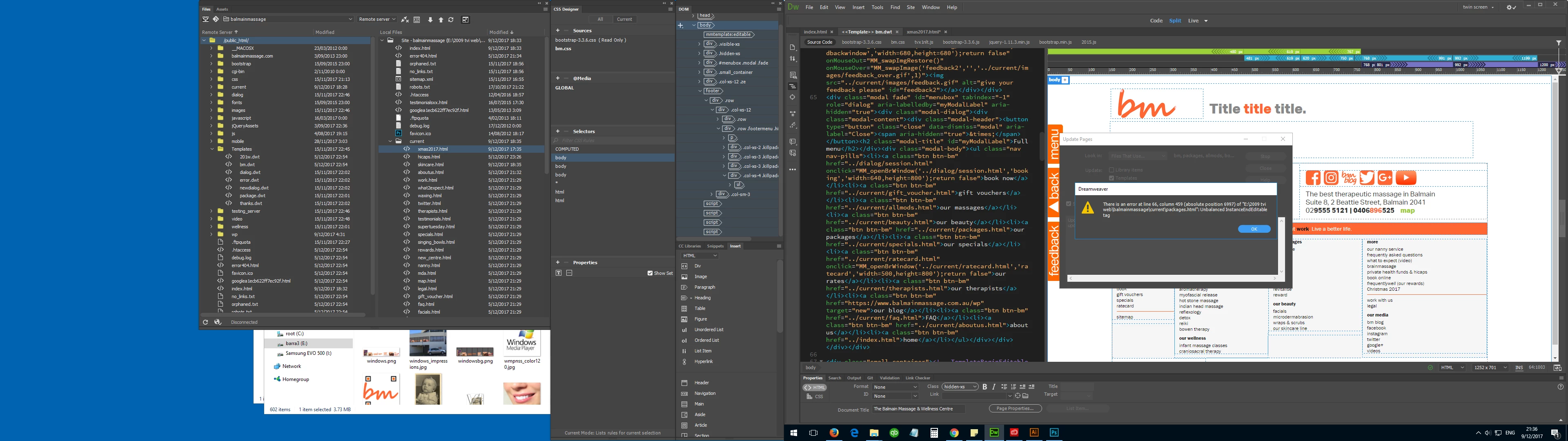
[Note that these two templates both have had recent updates. The template for a third site built a year ago doesn't display any problem.]
As I cannot find any problem with either template, I'm inclined to call this a bug after a Dreamweaver update. I run version 18, build 10136 on windows 10 v1703 build 15063.726. I called Adobe support and they couldn't find any problem either, and suggested to recreate the template from scratch. When I did so I had the same problem.
Can anyone help?
 AdChoices