Inspiring
May 23, 2017
Answered

This is Annoying [How to disable unwanted information tooltip when using tables]

  • May 23, 2017
  • 1 reply
  • 709 views

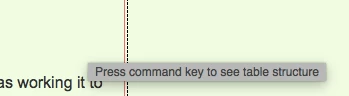
This annoying information pop up just started today. I have no idea how to turn if off. I know if you hover over an icon then useful information will be displayed, but this is too much as the darn thing keeps popping up.

Any idea how to kill it?

Thanks

Alan

This topic has been closed for replies.
Correct answer Jon Fritz

If you're seeing this in CC2017, there are only a couple of ways to get away from that particular pop up, but there's no way to turn it off from with DW's UI. Basically you need to either stop using tables for layout, or use the Live View editor.

If your page is an html email, or you need to display tabular data, switching to Live View and using the editing functions there, while different from Design View, will do the trick. To get to Live View's table editor...

1. You can double click a cell to add text. Or click the table so the blue tab and menu icon appear...
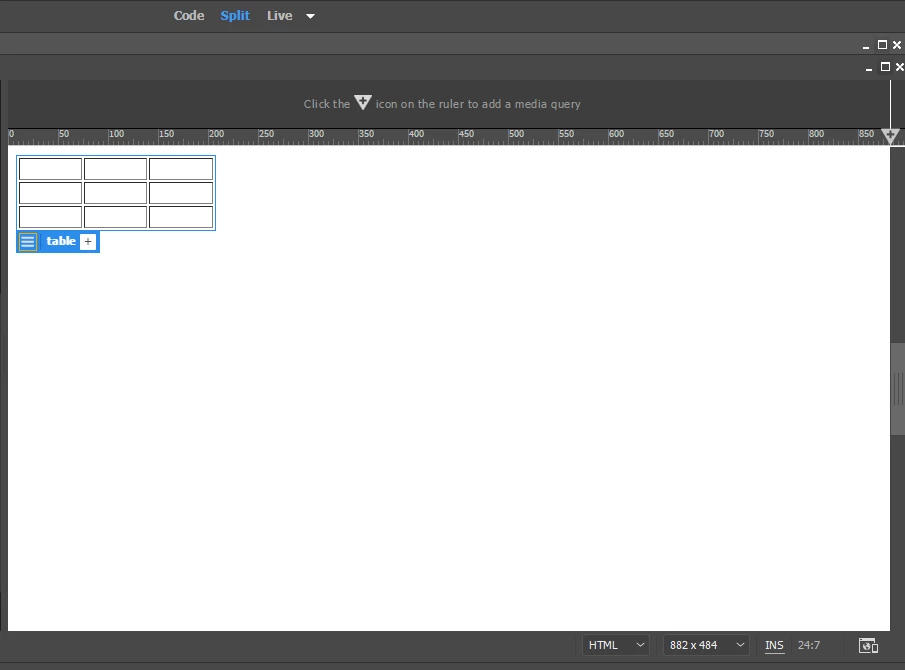
2. Click the 3 bar icon...
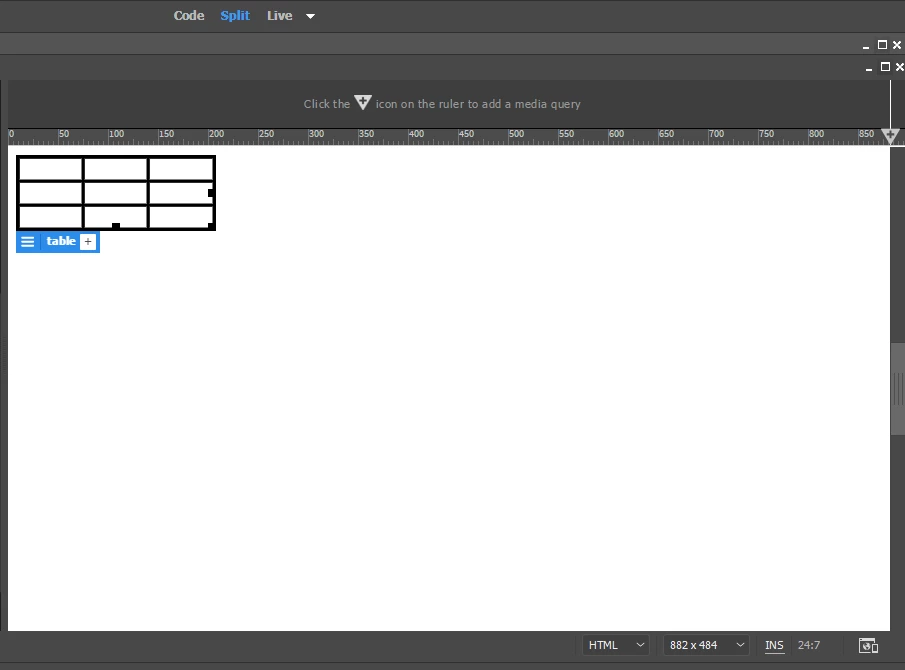
3. From there, right click and you will be presented with the usual options (insert column/row, etc). Click and drag to select multiple cells and right click to access the Merge Cells option.


1 reply

Jon Fritz
Community Expert
Jon FritzCommunity ExpertCorrect answer
Community Expert
May 23, 2017

If you're seeing this in CC2017, there are only a couple of ways to get away from that particular pop up, but there's no way to turn it off from with DW's UI. Basically you need to either stop using tables for layout, or use the Live View editor.

If your page is an html email, or you need to display tabular data, switching to Live View and using the editing functions there, while different from Design View, will do the trick. To get to Live View's table editor...

1. You can double click a cell to add text. Or click the table so the blue tab and menu icon appear...

2. Click the 3 bar icon...

3. From there, right click and you will be presented with the usual options (insert column/row, etc). Click and drag to select multiple cells and right click to access the Merge Cells option.

Nancy OShea
Community Expert
Community Expert
May 23, 2017

I so rarely use tables I never noticed those annoying tooltips.

Nancy O'Shea— Product User & Community Expert
Inspiring
May 24, 2017

Jon

I've been using tables for almost nine months now and have never had this popup before by hovering over a cell. I know to Command click on the table to open its properties.

Alan