Participant
October 19, 2019
Answered

Trying to zoom in in design view

  • October 19, 2019
  • 1 reply
  • 514 views

Hi, I'm new to DreamWeaver and I don't know how I zoomed out so far in design view. Someone please help me fix this? It is for an assignment. Thank you! I attatched a photo.
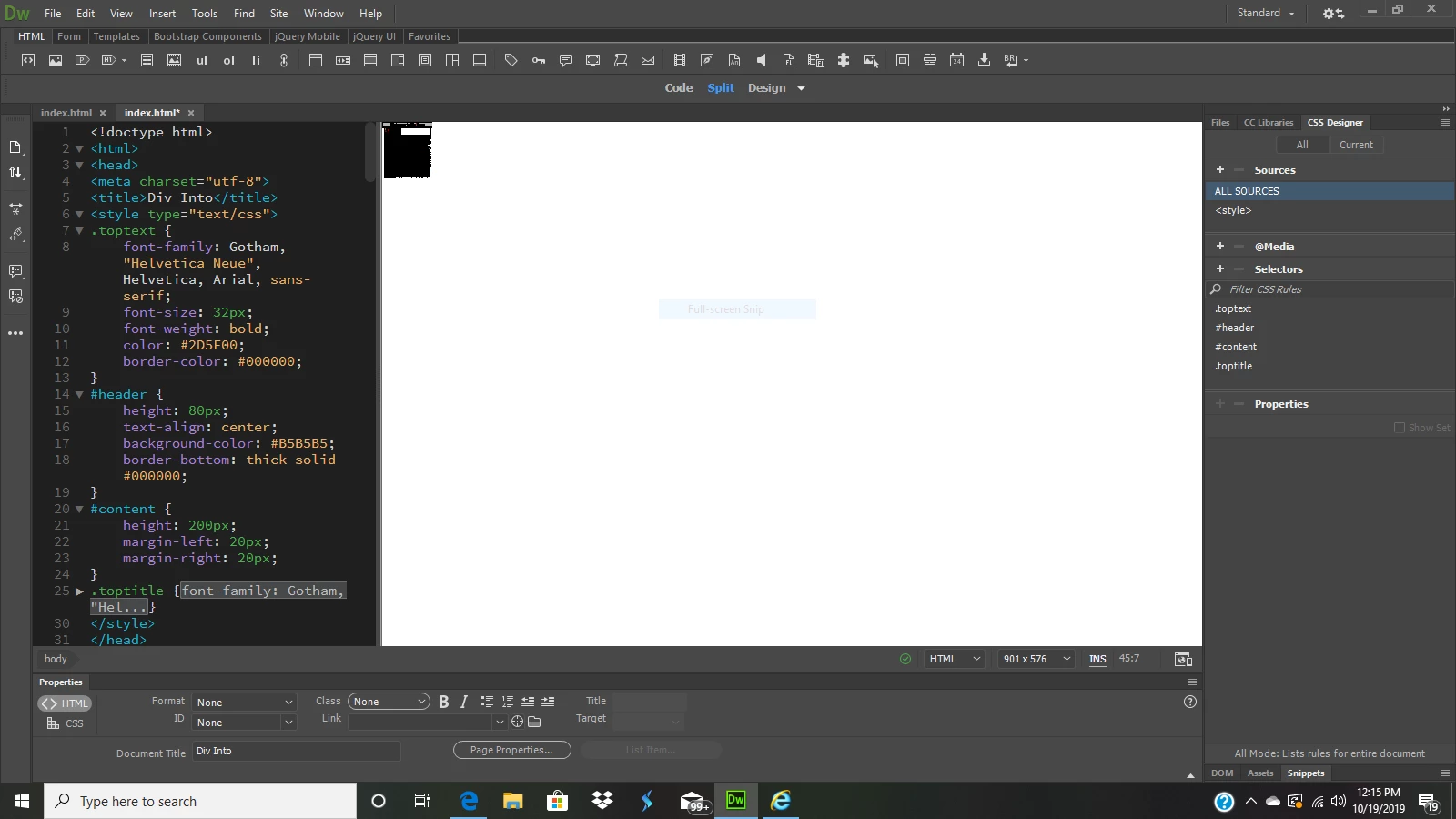

    This topic has been closed for replies.
    Correct answer Nancy OShea
    1. Click inside the design panel.
    2. To zoom in, use keyboard shortcuts Ctrl + 0 (zero) or Ctrl + +
    3. To zoom out, use Ctrl +  - (minus).
    4. Repeat as often as required.


    This works in code panel, too.


    1 reply

    BenPleysier
    Community Expert
    Community Expert
    October 19, 2019

    Which version of Dreamweaver, which operating system and what is your screen resolution.

    Wappler is the DMXzone-made Dreamweaver replacement and includes the best of their powerful extensions, as well as much more!
    Participant
    October 19, 2019

    1600 x 900, running through Windows, and current version. I did not have this problem before, and it is working properly when creating new documents. I'm not sure what settings I have messed with or what I have clicked accidentally to get me so zoomed out.

    Nancy OShea
    Community Expert
    Nancy OSheaCommunity ExpertCorrect answer
    Community Expert
    October 20, 2019
    1. Click inside the design panel.
    2. To zoom in, use keyboard shortcuts Ctrl + 0 (zero) or Ctrl + +
    3. To zoom out, use Ctrl +  - (minus).
    4. Repeat as often as required.


    This works in code panel, too.


    Nancy O'Shea— Product User & Community Expert