


Inspiring
December 22, 2017
Answered

Turn off auto push in DW CC 2018

  • December 22, 2017
  • 1 reply
  • 1136 views

Hi folks,

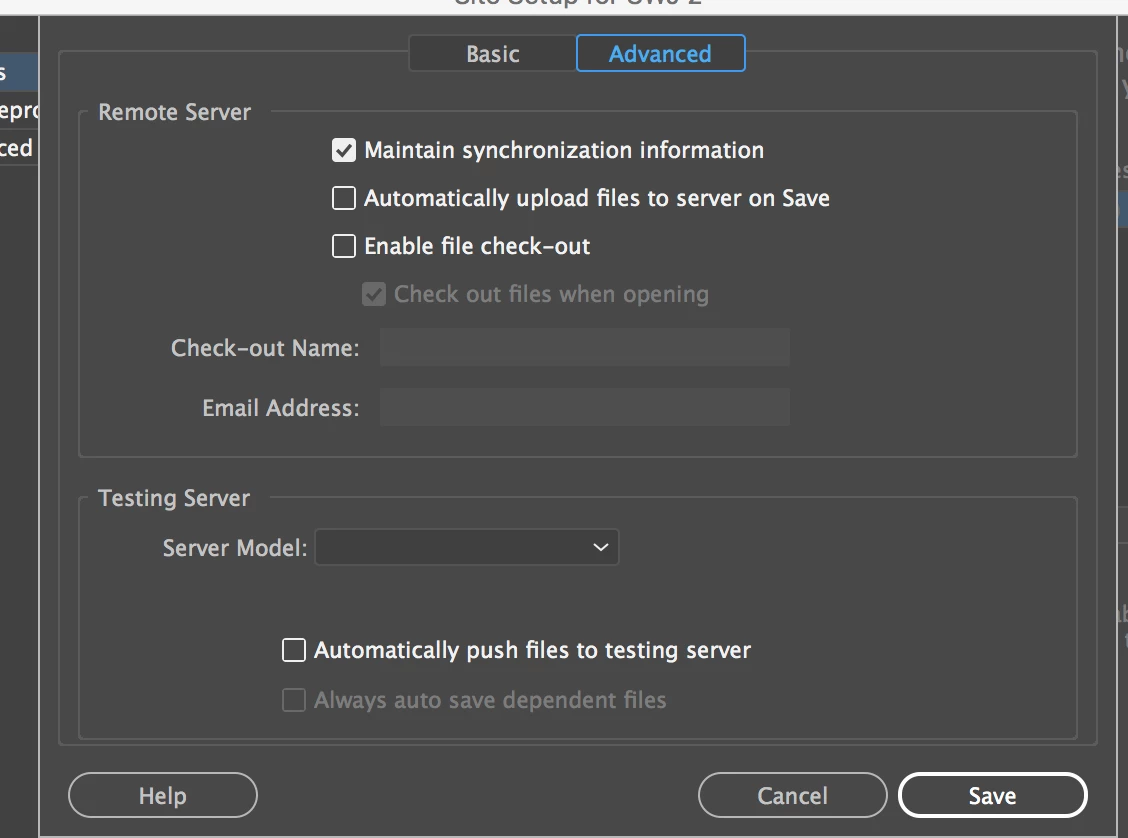
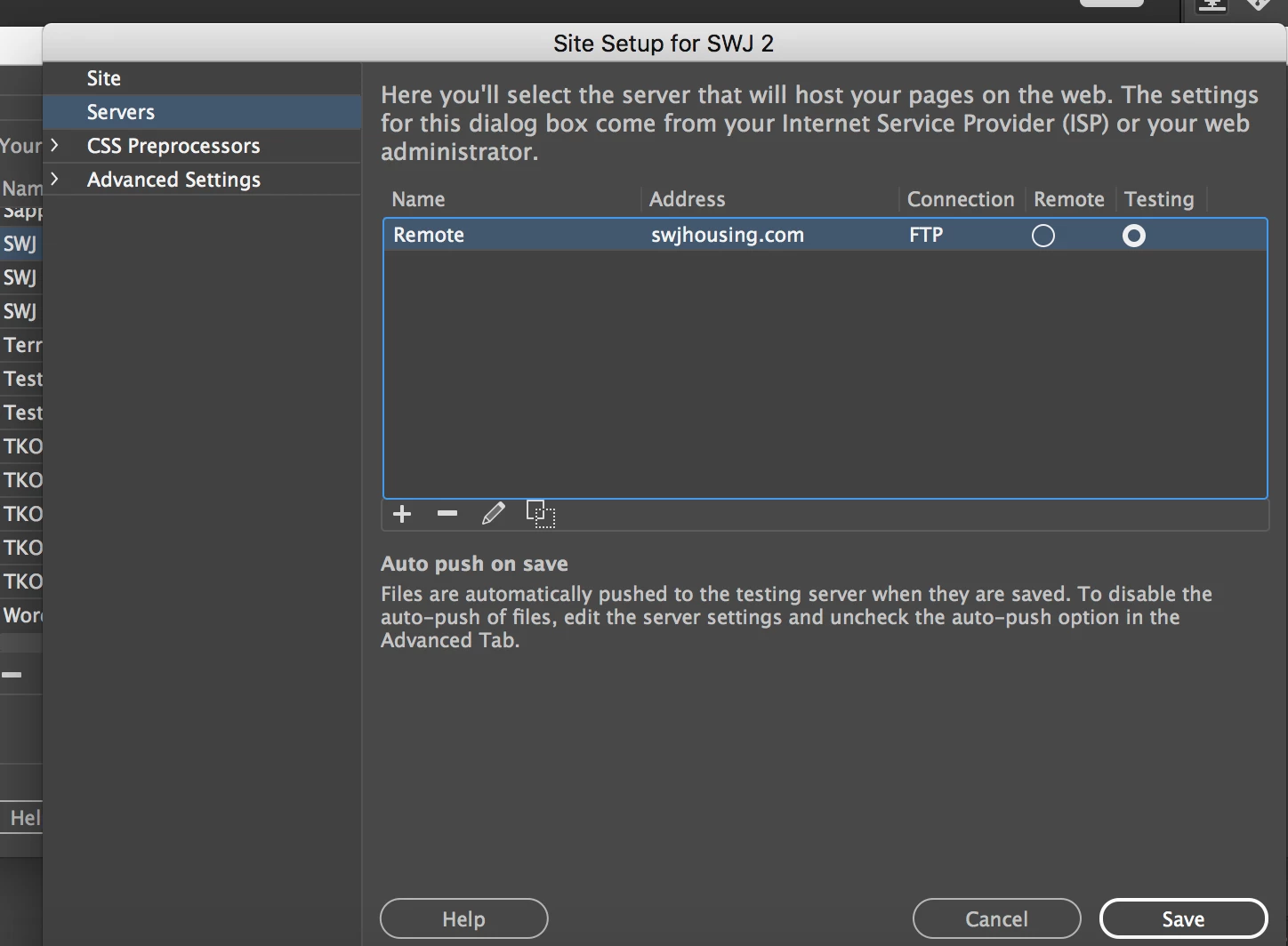
I am trying to turn off the auto push when clicking the save button in the edit server dialog box. I have unchecked the auto push option in the advanced tab, yet when I click Save it shows that my files will be automatically uploaded and to disable it this, uncheck the auto push option.

Here is a screenshot of my Advanced tab in the dialog box"
And here is the closing dialog box after hitting that save button. Note the "auto push on save" warning in the lower section:
Help on this is greatly appreciated!

David

This topic has been closed for replies.
Correct answer BenPleysier

I am not sure, but I believe that the message that you are seeing in the second of your two images, is a static message which has no inluence on whether file are automatically uploaded.

This brings me to ask you why you do not have a local testing server.

1 reply

BenPleysier
Community Expert
BenPleysierCommunity ExpertCorrect answer
Community Expert
December 23, 2017

I am not sure, but I believe that the message that you are seeing in the second of your two images, is a static message which has no inluence on whether file are automatically uploaded.

This brings me to ask you why you do not have a local testing server.

Wappler is the DMXzone-made Dreamweaver replacement and includes the best of their powerful extensions, as well as much more!
DG WebsAuthor
Inspiring
December 23, 2017

Thanks Ben. Yes, I ran a test and that warning is just a static warning. I've been using DW since 1998 and never noticed that message until yesterday!

As for your question about using a local testing server, I do. For the purposes of me trying to solve this problem (which as you pointed out is not a problem) I tried both remote and testing server in the server config dialog box(es) to see if I got a different result.

Thanks again,

David