


Using regular expressions to remove extra spaces
Those who've looked into my previously posted questions will know I'm dealing with large batches of static web pages created by teams of people who essentially are simply copy/pasting the content into some "templates" (pre-made HTML files that are opened in Dreamweaver and the data pasted in, not actual Dreamweaver templates). This results in a large number of artifacts that I've been using Dreamweaver 2015's saved search function to remedy.
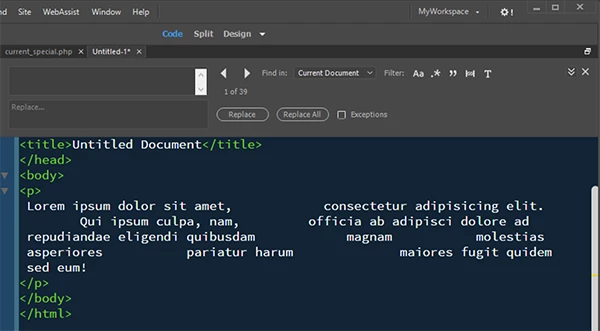
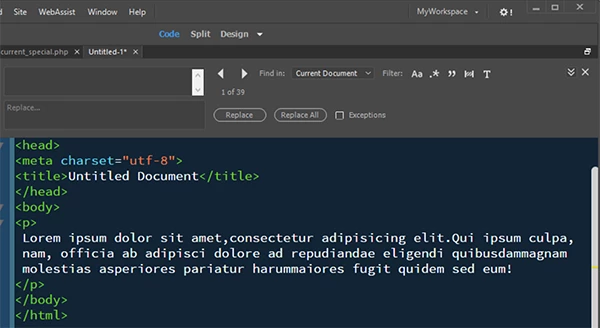
The one area that I don't have a saved search for is when large blocks of spaces show up in the pasted text. Example:
"I am the very model of a modern Major General."
What I'd like to do is create a saved search that only finds instances of a character of text or a number that have two or more spaces and replace the entire block of spaces with a single space.
I'm pretty sure even a very basic means of doing this is available with regular expressions, but I don't know enough about regex to be able to put this together myself and I'm having a hard time tracking down a decent reference that would explain how to build such.
Can anyone point me in the right direction on this?

 AdChoices