Known Participant
April 11, 2017
Answered

Video not displaying correctly

  • April 11, 2017
  • 1 reply
  • 446 views

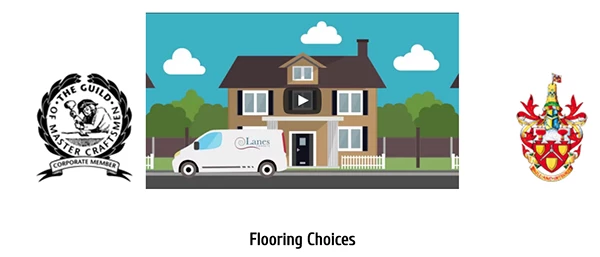
Hi I have a video on my site that is not displaying properly in dream weaver it looks fine and in You tube it also looks fine but on my wed site its just shows a drab start button

You Tube: http://www.youtube.com/channel/UCJ0pJPO4BHhXIJcbaCZhN2g https://www.youtube.com/channel/UCJ0pJPO4BHhXIJcbaCZhN2g

Web Site : http://www.qualitycarpets.net

If someone could tell me how to make the thumbnail display I would appreciate it very much.

Regards Jeff

https://www.youtube.com/channel/UCJ0pJPO4BHhXIJcbaCZhN2g

    This topic has been closed for replies.
    Correct answer Nancy OShea

    Looks OK to me in Chrome.

    Chrome is stubborn about caching web pages.  It does this to improve performance.  You need to manually clear your cache once in a while. 

    https://www.technipages.com/google-chrome-clear-cache

    Or open your Developer Tools and disable caching.

    https://www.technipages.com/google-chrome-how-to-completely-disable-cache

    PS  Fix your code errors.

    Showing results for http://www.qualitycarpets.net/ - Nu Html Checker

    1 reply

    Nancy OShea
    Community Expert
    Community Expert
    April 11, 2017

    Which browser are you using?  You can specify the Poster Image on YouTube.

    This is what I see in Firefox.

    Dreamweaver is not a browser.  What counts is how it looks in a browser from your remote server.

    Nancy O'Shea— Product User & Community Expert
    Known Participant
    April 13, 2017

    Hi Nancy what do you see when you are using google Chrome browser.

    regards Jeff