



Website doesn't look as it should
I am just trying out some website designs and when I test the html file locally it looks as it should:
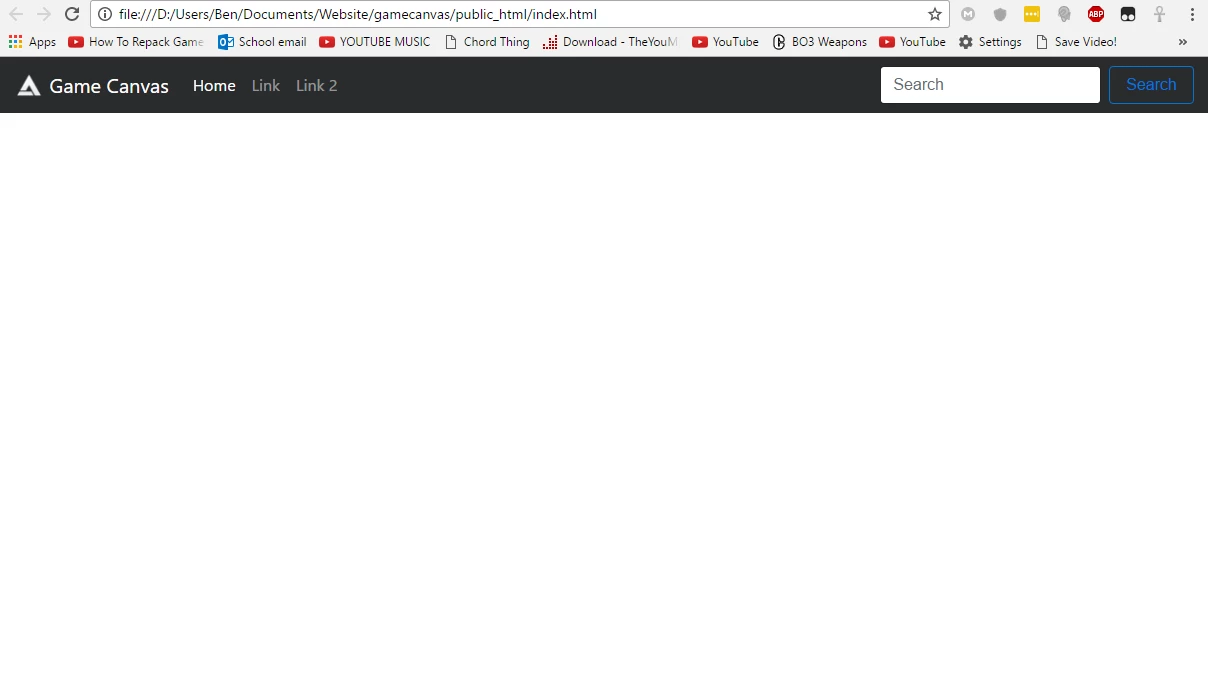
However when I uploaded the site to the domain using Dreamweaver, it looks different and didn't work properly:
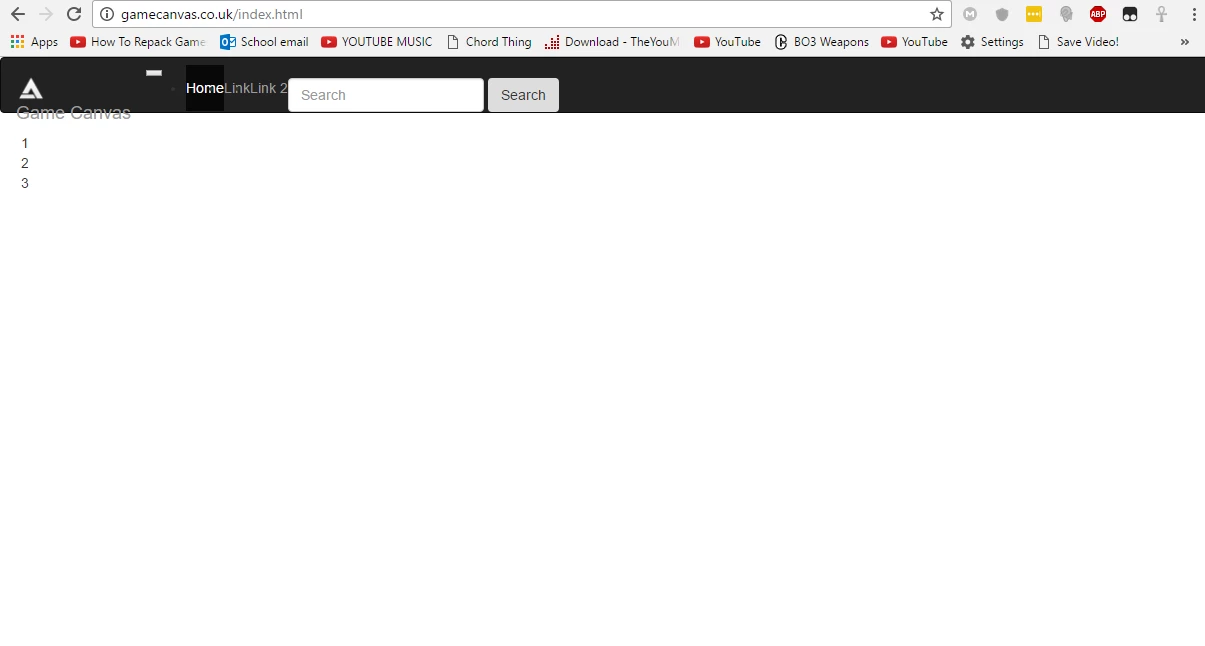 (If you wan to see for yourself, go to gamecanvas.co.uk)
Here is the code:
<!DOCTYPE html>
<html lang="en">
<head>
<!-- Required meta tags -->
<meta charset="utf-8">
<meta name="viewport" content="width=device-width, initial-scale=1, shrink-to-fit=no">
<!-- Bootstrap CSS -->
<link rel="stylesheet" href="css/bootstrap.min.css" style="css/text">
</head>
<body>
<nav class="navbar fixed-top navbar-toggleable-md navbar-inverse bg-inverse">
<button class="navbar-toggler navbar-toggler-right" type="button" data-toggle="collapse" data-target="#navbarSupportedContent" aria-controls="navbarSupportedContent" aria-expanded="false" aria-label="Toggle navigation"> <span class="navbar-toggler-icon"></span> </button>
<a class="navbar-brand" href="#"> <img src="assets/logowhite.png" width="30" height="30" class="d-inline-block align-top" alt=""> Game Canvas </a>
<div class="collapse navbar-collapse" id="navbarSupportedContent">
<ul class="navbar-nav mr-auto">
<li class="nav-item active"> <a class="nav-link" href="#">Home <span class="sr-only">(current)</span></a> </li>
<li class="nav-item"> <a class="nav-link" href="#">Link</a> </li>
<li class="nav-item"> <a class="nav-link" href="#">Link 2</a> </li>
</ul>
<form class="form-inline my-2 my-lg-0">
<input class="form-control mr-sm-2" type="text" placeholder="Search">
<button class="btn btn-outline-primary my-2 my-sm-0" type="submit">Search</button>
</form>
</div>
</nav>
<div class="container">
<div class="row">
<div class="col">
1
</div>
<div class="col">
2
</div>
<div class="col">
3
</div>
</div>
</div>
<!-- jQuery first, then Tether, then Bootstrap JS. -->
<script src="js/jquery-3.1.1.min.js"></script>
<script src="js/tether.min.js"></script>
<script src="js/bootstrap.min.js"></script>
</body>
</html>

 AdChoices