



ShinerMathison
Known Participant
Mar 17, 2021 8:32 PM UTC
Question

What Am I Doing Wrong?

I'm doing a school assignment. My free hosting URL doesn't recognize the font and color I've chosen for my titles and paragraphs. What is wrong with my coding?

Host URL: http://cheyenne-mathison.epizy.com/index.html


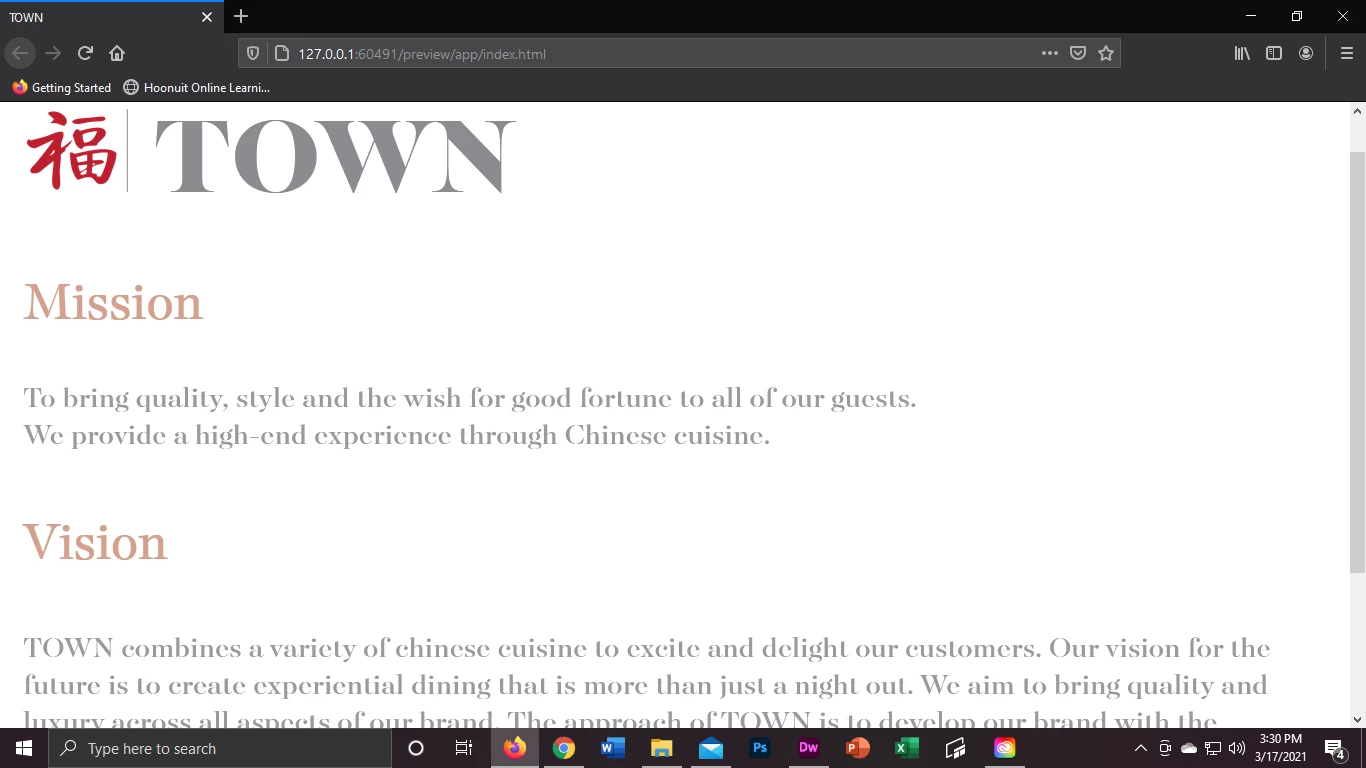
Dreamweaver Preview (what it should look like):
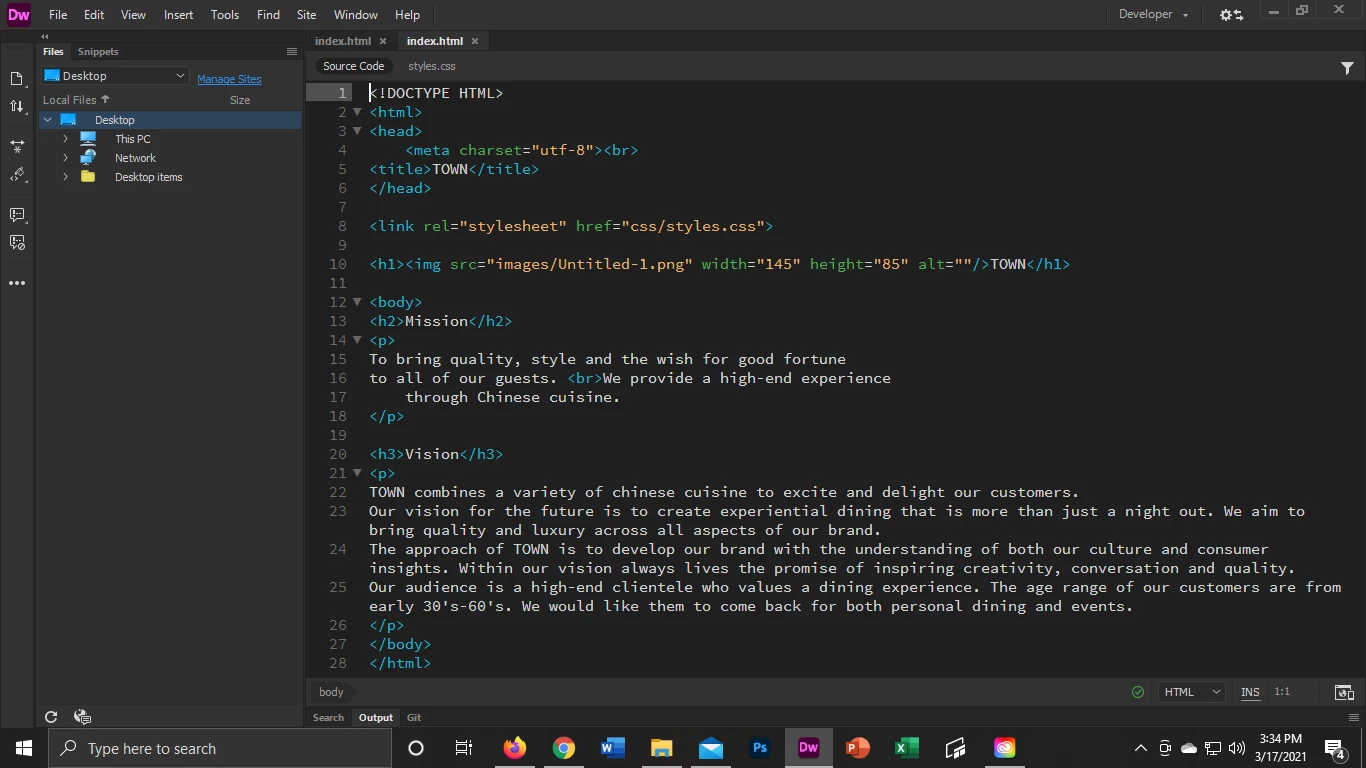
My coding:
    This topic is closed to new replies. Start a new post to keep the conversation going.

    10 replies

    BenPleysier
    Community Expert
    Community Expert
    Mar 18, 2021 1:41 AM UTC

    @Ben107584 M  has told you on two occasions that you must upload `styles.css` to the remote CSS folder.


    I will now add: you must upload `styles.css` to the remote CSS folder.


    Please do not disappoint.


    Translate
    Wappler is the DMXzone-made Dreamweaver replacement and includes the best of their powerful extensions, as well as much more!
    Nancy OShea
    Community Expert
    Community Expert
    Mar 17, 2021 10:19 PM UTC

    Fix your code errors.  You have some critical ones that will cause more problems later.

    https://validator.w3.org/nu/?doc=http%3A%2F%2Fcheyenne-mathison.epizy.com%2Findex.html%3Fi%3D1


    Translate
    Nancy O'Shea— Product User & Community Expert
    ShinerMathison
    Known Participant
    Mar 18, 2021 12:12 AM UTC

    I am attempting to incorporate these notes you gave me. I believe I corrected the first one accordingly, but would you mind expanding on the others, what they should look like exactly? I am very new to this software and don't always follow the terminology easily...

    Translate
    Nancy OShea
    Community Expert
    Community Expert
    Mar 18, 2021 12:49 AM UTC

    The problems you're having stem form not knowing enough about HTML code and proper document structure.  Suggest you spend a weekend doing code tutorials and then come back to Dreamweaver. 


    See screenshot.


    Start here:  Read the chapters, do code exercises and take quizzes at the end.
    - https://www.w3schools.com/html/
    - https://www.w3schools.com/css/
    - https://www.w3schools.com/js/

    Also make sure you define your local site folder in DW BEFORE you begin your project.  Otherwise, DW cannot manage assets and paths for you.  Site > Manage Sites...


    Hope that helps.


    Translate
    Nancy O'Shea— Product User & Community Expert
    B i r n o u
    Legend
    Mar 17, 2021 9:37 PM UTC

    make sure your code is in order...

    the LINK tag is outside the HEAD tag and the H1 tag outside BODY tag
    then, make sure you start by creating a site in Dreamweaver to properly work,

    and when uploading your files , respect the CSS and IMAGE folders in accordance with the paths to the files related to your HTML file

    Translate
    ShinerMathison
    Known Participant
    Mar 18, 2021 12:09 AM UTC

    I have incorporated your notes. Thank you!

    Translate
    Community Expert
    Mar 17, 2021 8:42 PM UTC

    I think your CSS file is missing from the  server. Make sure your styles.css file is uploaded to the server and is in the "css" folder as you have linked it.

    Translate
    ShinerMathison
    Known Participant
    Mar 17, 2021 8:53 PM UTC

    It is. Unfortunately, that's the first thing I tried... 

    Thank you, Ben.

    Translate
    Community Expert
    Mar 17, 2021 10:55 PM UTC

    While I agree with the others, if you go to this URL on your server, I am being redirected to a 404 error:


    http://cheyenne-mathison.epizy.com/css/styles.css


    That is where you are tring to get your CSS from.  If I remove the "css" folder from the URL and tried this:


    http://cheyenne-mathison.epizy.com/styles.css


    I see your CSS document.  But the latter is not where you are linking to in your code.

    Translate