
Answered
When editing links text in live mode it only takes 1 click instead of 2
so I cant move links with the hand tool because when I try, it just immediately tries to edit the text for the link?

so I cant move links with the hand tool because when I try, it just immediately tries to edit the text for the link?
This is a duplicate post. As I said in your other one, Live view works with single-click now. That's the normal behavior.
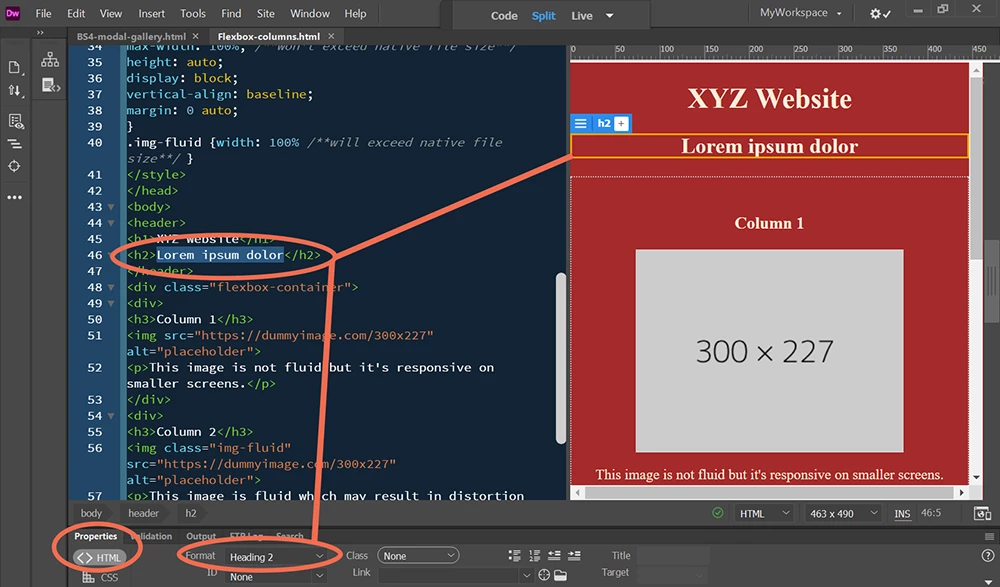
Simply click one time until you see a gold box around the selected area. Or switch to Design view from your Document Toolbar.
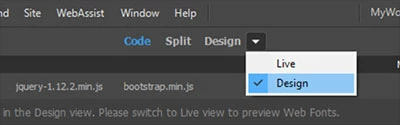
One click.
Already have an account? Login
No account yet? Create an account
Enter your E-mail address. We'll send you an e-mail with instructions to reset your password.


 AdChoices