Question
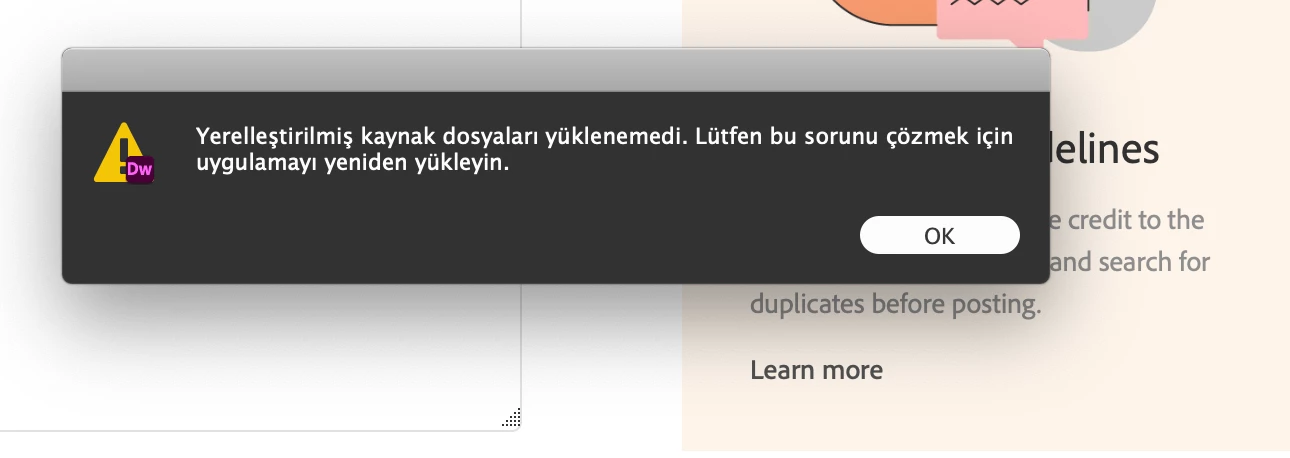
When opening Dreamweaver, I see this error message on macOS Catalina
When I try to open Dreamweaver, I see this error message. What must I do on macOS Catalina?
[Topic and message edited by moderator for clarity with language translators.]

When I try to open Dreamweaver, I see this error message. What must I do on macOS Catalina?
[Topic and message edited by moderator for clarity with language translators.]
Already have an account? Login
No account yet? Create an account
Enter your E-mail address. We'll send you an e-mail with instructions to reset your password.


 AdChoices