


Participating Frequently
June 15, 2017
Answered

Where did my Sites go, and how do I get them back?

  • June 15, 2017
  • 1 reply
  • 277 views

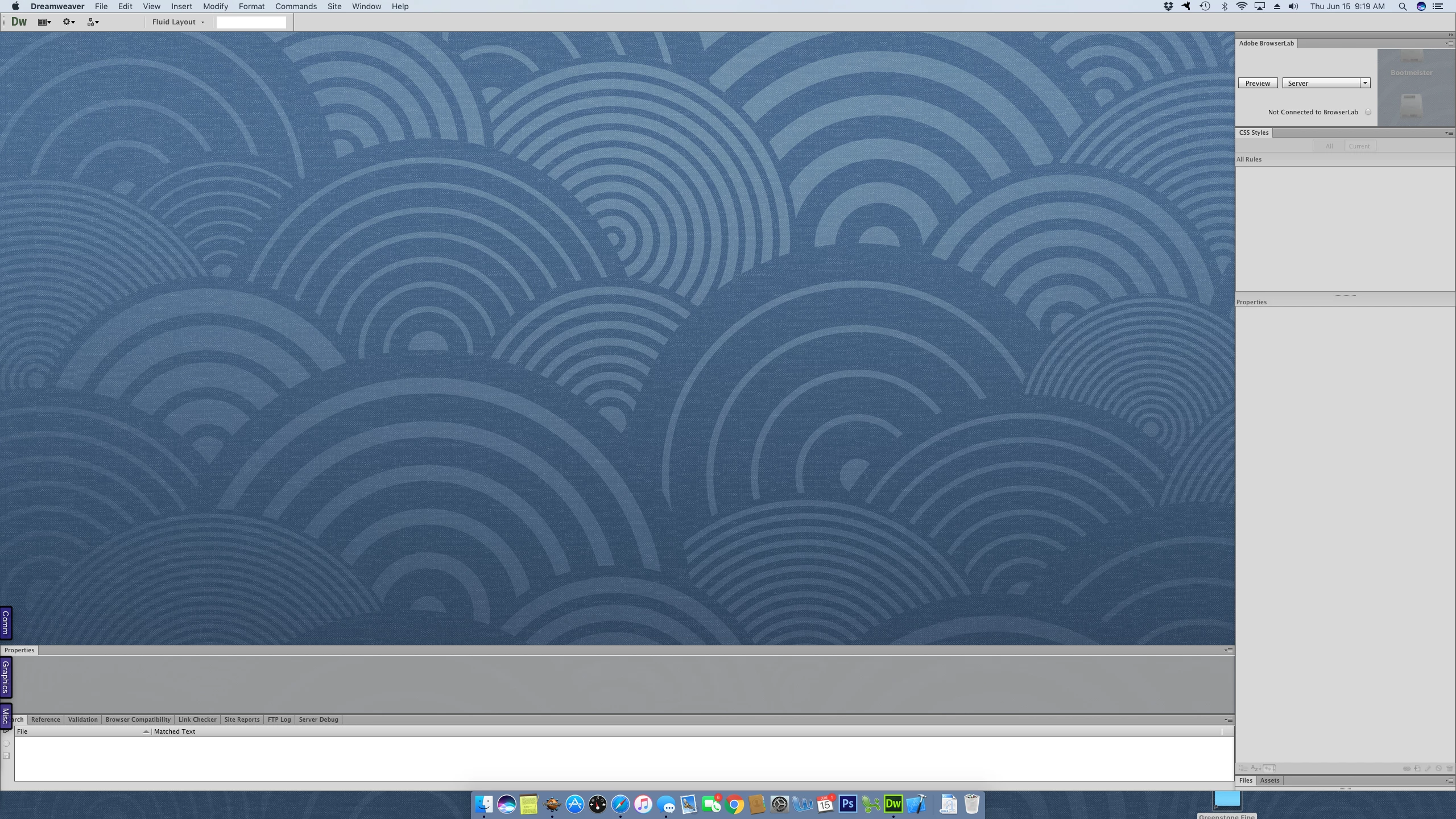
All of a sudden while using Dreamweaver CS 6 my site disappeared and I cannot figure out how to re-open it.  My screen looks like this:
If I go to Site->Manage Sites they're all still there in the list, but I cannot figure out how to actually open one up so that I can work with it:
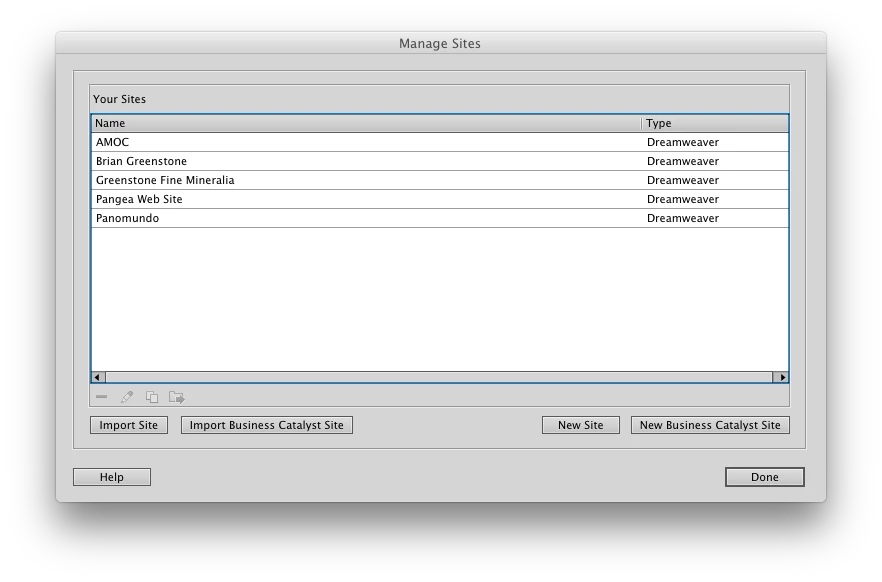
Can anyone please help?

Thanks

-Brian

This topic has been closed for replies.
Correct answer Jon Fritz

Looks like you accidentally closed the Files window.

Go to Window > Files or hit F8 to open it back up.

From there, your sites will be listed in the left-hand dropdown menu at the top of the Files window.

If the Files window doesn't open for some reason, you can also try resetting your Workspace by going to...

Window > Workspace Layout > Reset 'workspace name'

1 reply

Jon Fritz
Community Expert
Jon FritzCommunity ExpertCorrect answer
Community Expert
June 15, 2017

Looks like you accidentally closed the Files window.

Go to Window > Files or hit F8 to open it back up.

From there, your sites will be listed in the left-hand dropdown menu at the top of the Files window.

If the Files window doesn't open for some reason, you can also try resetting your Workspace by going to...

Window > Workspace Layout > Reset 'workspace name'