clayduffy
Participant
July 18, 2018
Answered

Window Resizing Issues, <divs>(?) not readjusting properly

  • July 18, 2018
  • 1 reply
  • 455 views

Hi everyone.

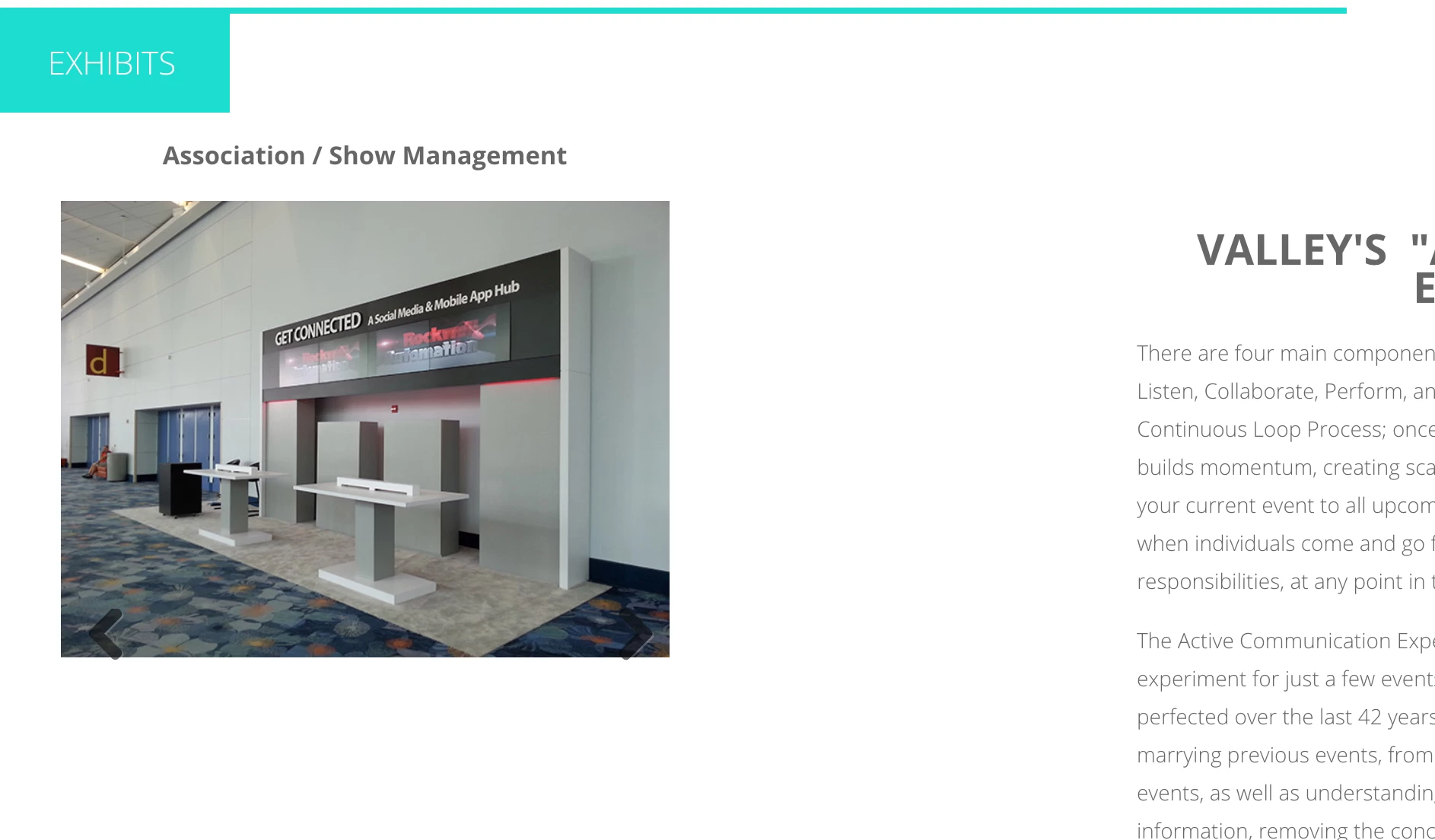
I am fairly new to coding, especially in Dreamweaver.. So hopefully some of you can help. I am looking to figure out why I have such inconsistent spacing and resizing within sections of my site. I know my question probably isn't making much sense, so I have included some screenshots of various window sizes to show what I am talking about - I am sure you can notice right away what I am trying to fix.

Any help is greatly appreciated. I can attach css code screenshots also if it is necessary.

This topic has been closed for replies.
Correct answer osgood_

Thank you so much for your time and effort on this. It is very much appreciated.

Am I just placing this in the source code now?


clayduffy  wrote

Thank you so much for your time and effort on this. It is very much appreciated.

Am I just placing this in the source code now?

So essentially your basic code structure would be as below then you can populate the 2 areas with what code you want and the column gap between them will stay the same:

<!DOCTYPE html>

<html>

<head>

<meta charset="UTF-8" />

<title>Untitled Document</title>

<style>

.section_content {

display: flex;

justify-content: space-between;

width: 90%;

margin: 0 auto;

}

.portfolio_gallery_area {

width: 45%;

border: 1px solid #ccc;

}

.summary_area_2 {

width: 50%;

border: 1px solid #ccc;

}

</style>

</head>

<body>

<div class="section_content">

<div class="portfolio_gallery_area">

GALLERY IMAGES CODE GOES HERE

</div>

<!-- portfolio_gallery_area -->

<div class="summary_area_2">

TEXT GOES HERE

</div>

<!-- summary_area_2 -->

</div>

<!-- section_content -->

</body>

</html>

1 reply

Legend
July 18, 2018

clayduffy  wrote

Hi everyone.

I am fairly new to coding, especially in Dreamweaver.. So hopefully some of you can help. I am looking to figure out why I have such inconsistent spacing and resizing within sections of my site. I know my question probably isn't making much sense, so I have included some screenshots of various window sizes to show what I am talking about - I am sure you can notice right away what I am trying to fix.

Any help is greatly appreciated. I can attach css code screenshots also if it is necessary.
You'll have to provide the page code and css for anyone to be able to help you.

clayduffy
clayduffyAuthor
Participant
July 18, 2018

Here is the Source code:

Here is the css code of the summary area on the right:

Legend
July 18, 2018

I see padding left 695px on your 'summary_area_2'????.....that wont help.

It's best structure to keep your 2 sections inside the 'section_content' seperate:

<div class="section_content">

<div class="portfolio_gallery_area">

GALLERY IMAGES CODE GOES HERE

</div>

<!-- portfolio_gallery_area -->

<div class="summary_area_2">

TEXT GOES HERE

</div>

<!-- summary_area_2 -->

</div>

<!-- section_content -->