jzanto20
Participant
August 8, 2017
Question

Extension licensing verification failure

  • August 8, 2017
  • 1 reply
  • 873 views

Hi,

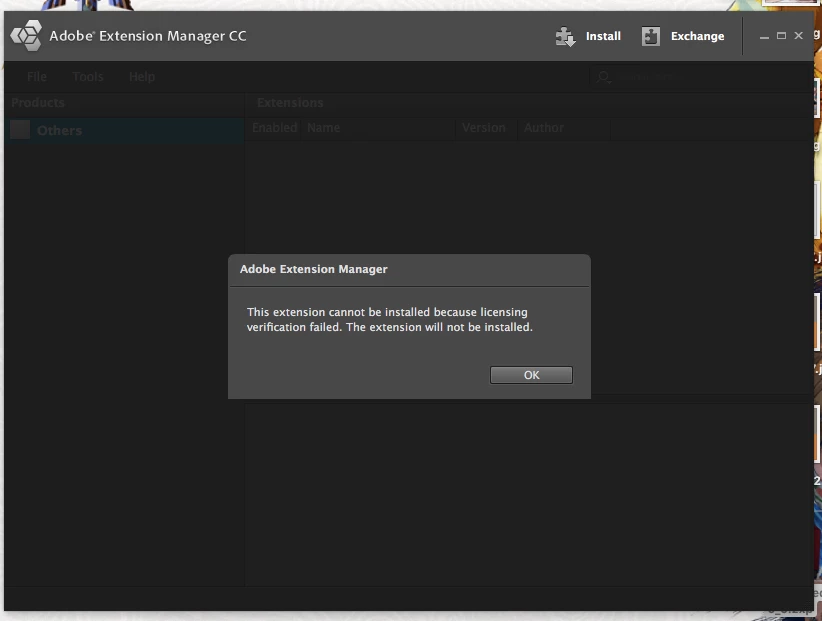
This is my first time trying to use Adobe Add-Ons, and I'm at a loss. I paid $5.99 for this add-on through the Adobe site, but it isn't downloading like it's supposed to. However, I thought that was no problem and manually downloaded per the online instructions. However, when I go to install the app with Adobe Extension Manager CC, it says "This extension cannot be installed because licensing verification failed. The extension will not be installed."

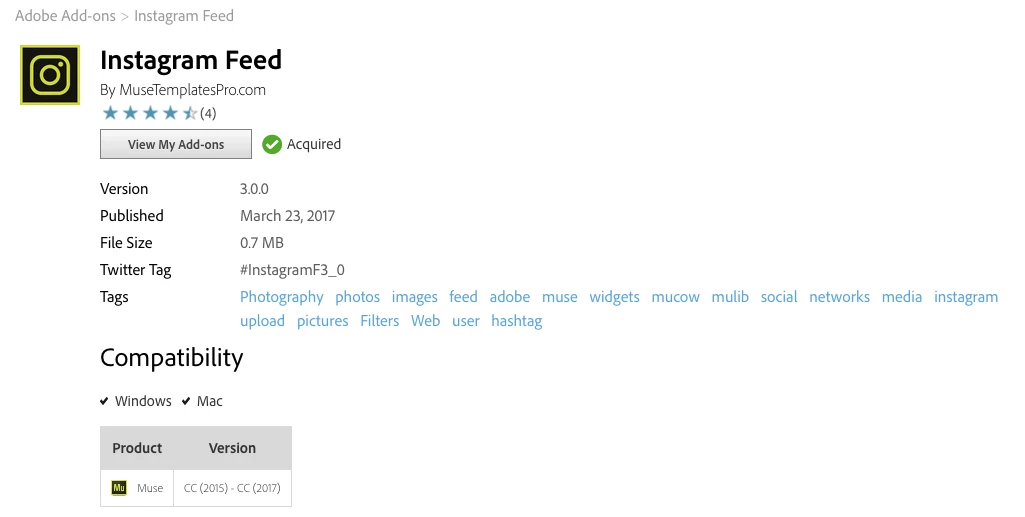
For reference, this is the add-on I purchased: https://exchange.adobe.com/addons/patches/34361#.WYk-gdPyvBI

I have uninstalled & reinstalled Extension Manager 3 times and removed/downloaded the add-on numerous times. At a loss as to why it can't be verified since the money has been taken from my account and it was all done through an adobe site.

Any help is appreciated!!

Screenshots...
This topic has been closed for replies.

1 reply

rfatima
Participating Frequently
August 8, 2017

Hi There,

Firstly Don't use Extension Manager, it's no longer used or supported and may create issues, so please uninstall it. Secondly, the addon should automatically install via Creative Cloud Desktop app once you acquire the addon.

Request you to kindly try following steps:-

1. Please reopen the CC Desktop App, then please can you log into https://exchange.adobe.com/addons/my_addons

2. Then click on ‘Remove’, then ‘Install’. Please wait a few moments, then check the ‘Activity Stream' in the CC Desktop App, and confirm if it states that installation was successful.

3. Then read ‘Where to Find it’ tab on the add-on homepage which will tell you where you can find the product after it has been installed.

4. Restart the Muse.

5. Also please make sure that file sync is on in CC app and you have logged in with the same adobe id (from which the add-on was purchased) in CC desktop app and https://creative.adobe.com/addons/my_addons .

If you still face issue, contact us at asupport@adobe.com.

-Rabab

Adobe Addon Vetting/Support